
Understand
Share monthly expense reports with others
A monthly expense report, shared as a password-protected link. Anyone with the link and the password can read it and comment, without a longbook account.
longbook for iPhone and Mac
What it does
A link and a password
Share report makes a link at longbook.app/r/ and a password of three words and two digits. The moment the link is made, Report shared shows the link and the password side by side, each with a copy button, to be sent separately. The password is shown only then; longbook's server keeps only a hash of it.
Comments on each section
The report opens in a browser once the password is typed, and every section has its own comment box; a name is optional. Pull comments writes the comments into the report in your folder, under the section each one is about.
Three days, or sooner
A link expires 3 days after it is made. Stop sharing ends it sooner and deletes the shared copy and its comments from longbook's server. Shared with keeps a note of who has the link.
Why it exists
Household money is often looked at by more than one person: a partner, a parent, an accountant. A link shows one month without handing over the whole longbook, and the questions come back beside the numbers they are about.
Questions
What does the person I share with see?+
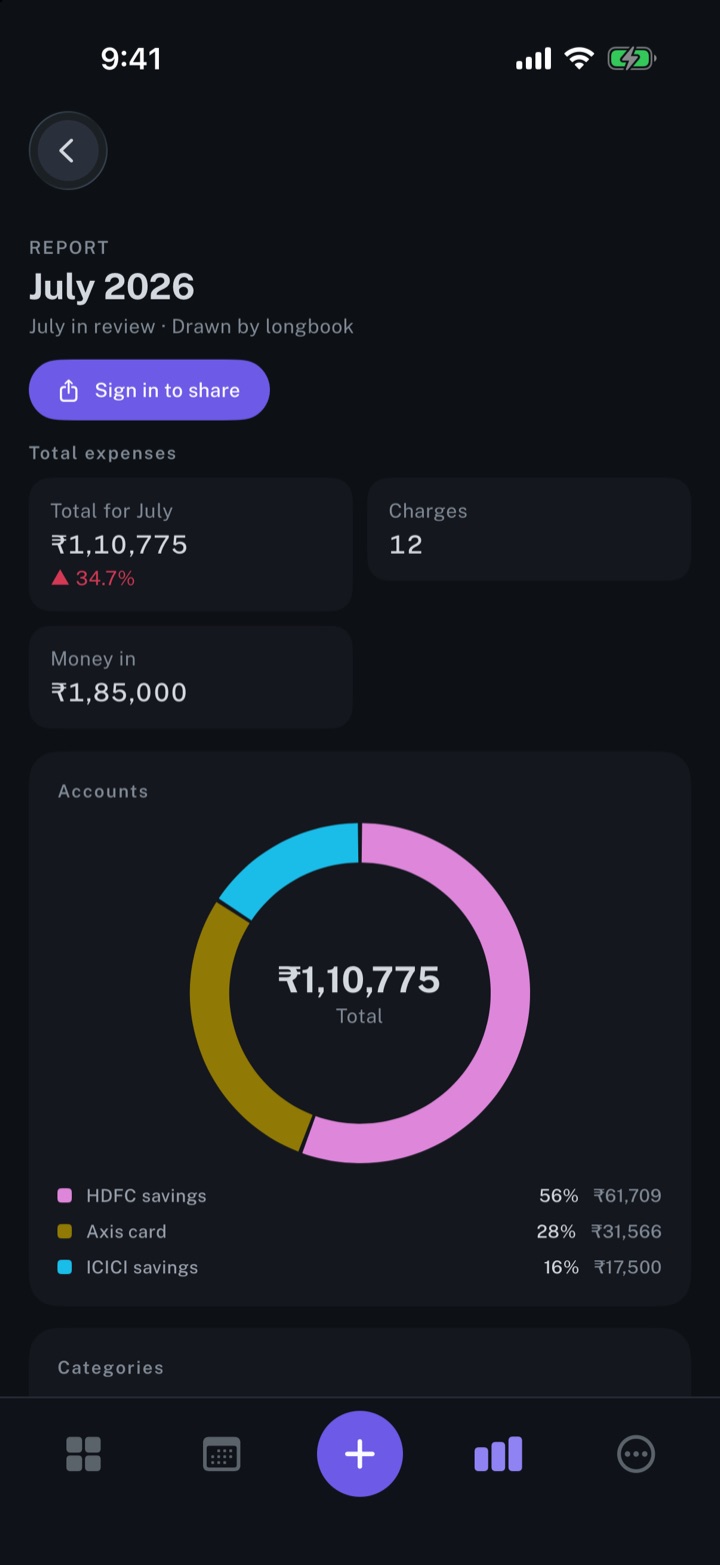
The one report, drawn as the app draws it. For a month longbook drew, that is Total expenses, Accounts, Categories and All charges. No other part of your longbook is sent.
Do they need longbook?+
No. The link opens in a browser and the password unlocks it; reading and commenting need no account. Only the person sharing signs in to longbook.
What if the password is lost?+
longbook cannot show it again. Stop sharing, then Share report once more for a fresh link and password.
Related features
Create monthly expense reports
A report for every month with a confirmed charge: the total, accounts, categories and every charge.
iPhone and Mac
Add your accounts and members
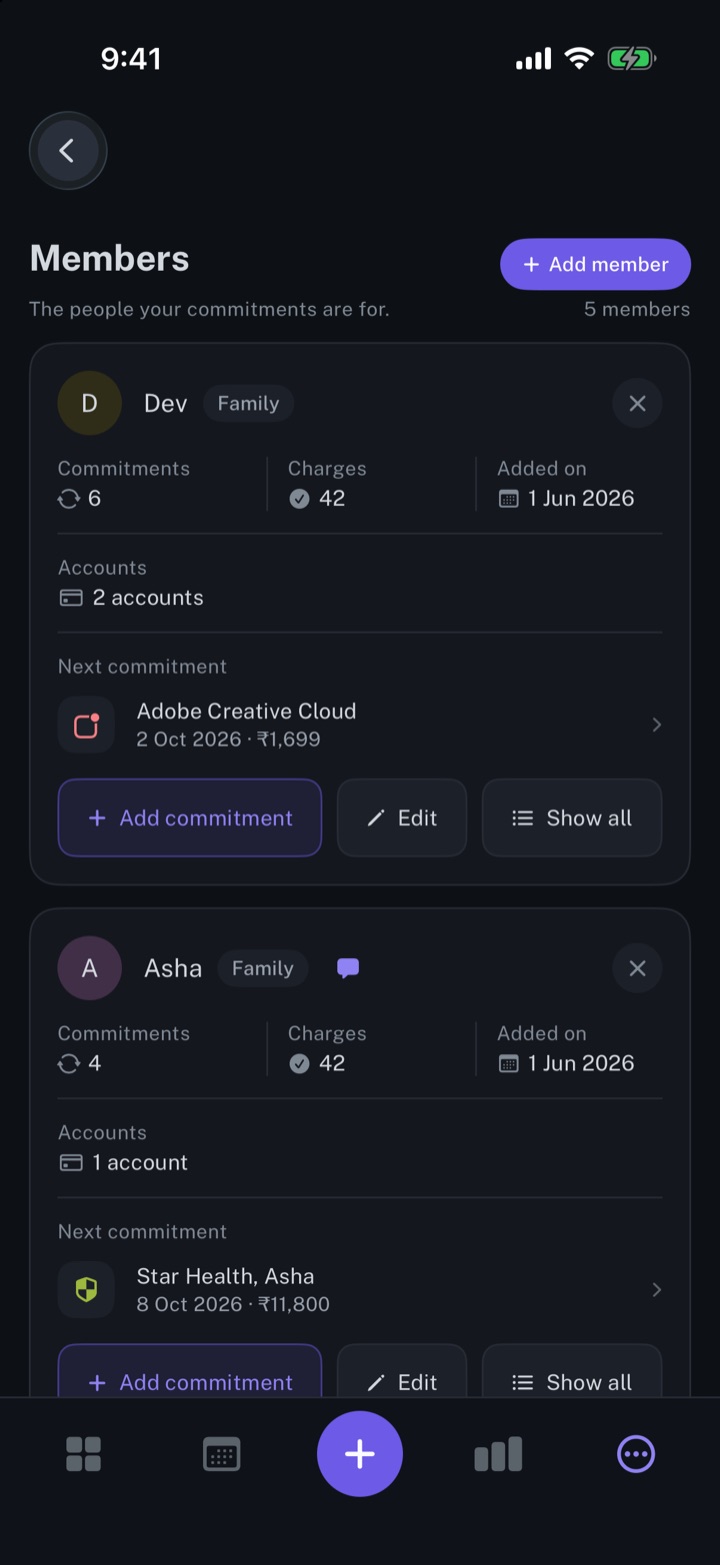
The people your commitments are for, and the accounts that pay them.
iPhone and Mac
Review every change your AI makes
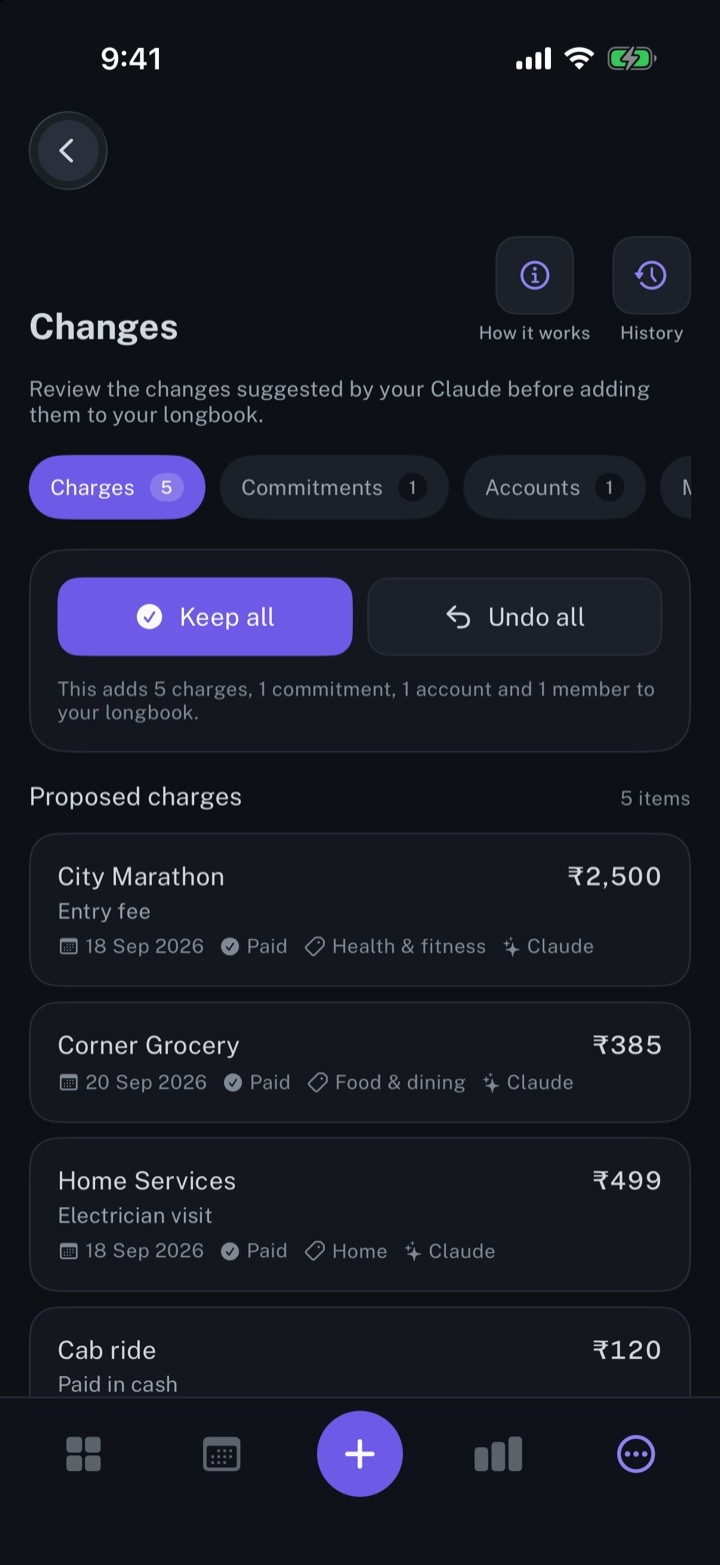
Every row your AI, Siri or an import writes shows in Changes, to keep, edit or undo.
iPhone and Mac
About longbook
longbook is a memory for your financial commitments: subscriptions, insurance, rent, loans and every other payment that comes back. It runs on iPhone and Mac and keeps its records as plain files in your own iCloud.
The next payment stays in view on the iPhone widget and in the Mac menu bar. Your AI can read your longbook and update it through longbook's MCP server, and every change it makes shows in Changes, to keep or undo.