
About longbook
The same description at three lengths, written to be pasted as it is.
longbook remembers your financial commitments, reminds you before each one is due, and answers all of it to your AI.
longbook remembers and reminds you of your financial commitments: subscriptions, insurance, loans, rent, school fees, anything that costs money and comes back. It is a native app for Mac and iPhone, keeps everything in your own iCloud, and answers all of it to your AI.
longbook is a memory for your financial commitments. It keeps every subscription, insurance premium, loan, rent payment and renewal (the amount, how often it repeats and when it is due next) and reminds you before each one comes round, on iPhone and Mac. Your AI can fill it in: through longbook’s MCP server, Claude or ChatGPT reads the receipts in your email and writes them in, and every change waits in the app for you to keep or undo. Everything lives in a plain file in your own iCloud. longbook costs $38 once for both apps, with a 3-day free trial.
The name is one word, all lowercase, even at the start of a sentence.
longbook Not Longbook Not LongBook Not Long BookFacts
- Namelongbook
- What it isA memory for your financial commitments: subscriptions, insurance, loans, rent, school fees and anything else that costs money and comes back.
- PlatformsMac (macOS 14 or later, Apple silicon) and iPhone (iOS 17 or later). Native apps on both.
- AvailabilityBeta through TestFlight on Mac and iPhone. The App Store release is coming soon.
- Current version1.3.3
- Price$38 once: a lifetime license that covers both apps. Every feature is free for 3 days first.
- Where the data livesIn a plain JSON file in the person’s own iCloud Drive. It is copied to longbook’s server only if they switch that on.
- Works withClaude, ChatGPT, Cursor, VS Code, Codex CLI and Gemini CLI, through longbook’s MCP server at longbook.app/mcp.
- FounderRohit Kundliwal
- Websitelongbook.app
- Press contactcontact@longbook.app
What it does
Remembers every commitment
The amount, how often it repeats and when it is due next, for every subscription, premium, loan and renewal.
Lets your AI fill it in
Connected over MCP, Claude or ChatGPT reads the receipts and renewal notices in your email and writes them into longbook.
Keeps every change reviewable
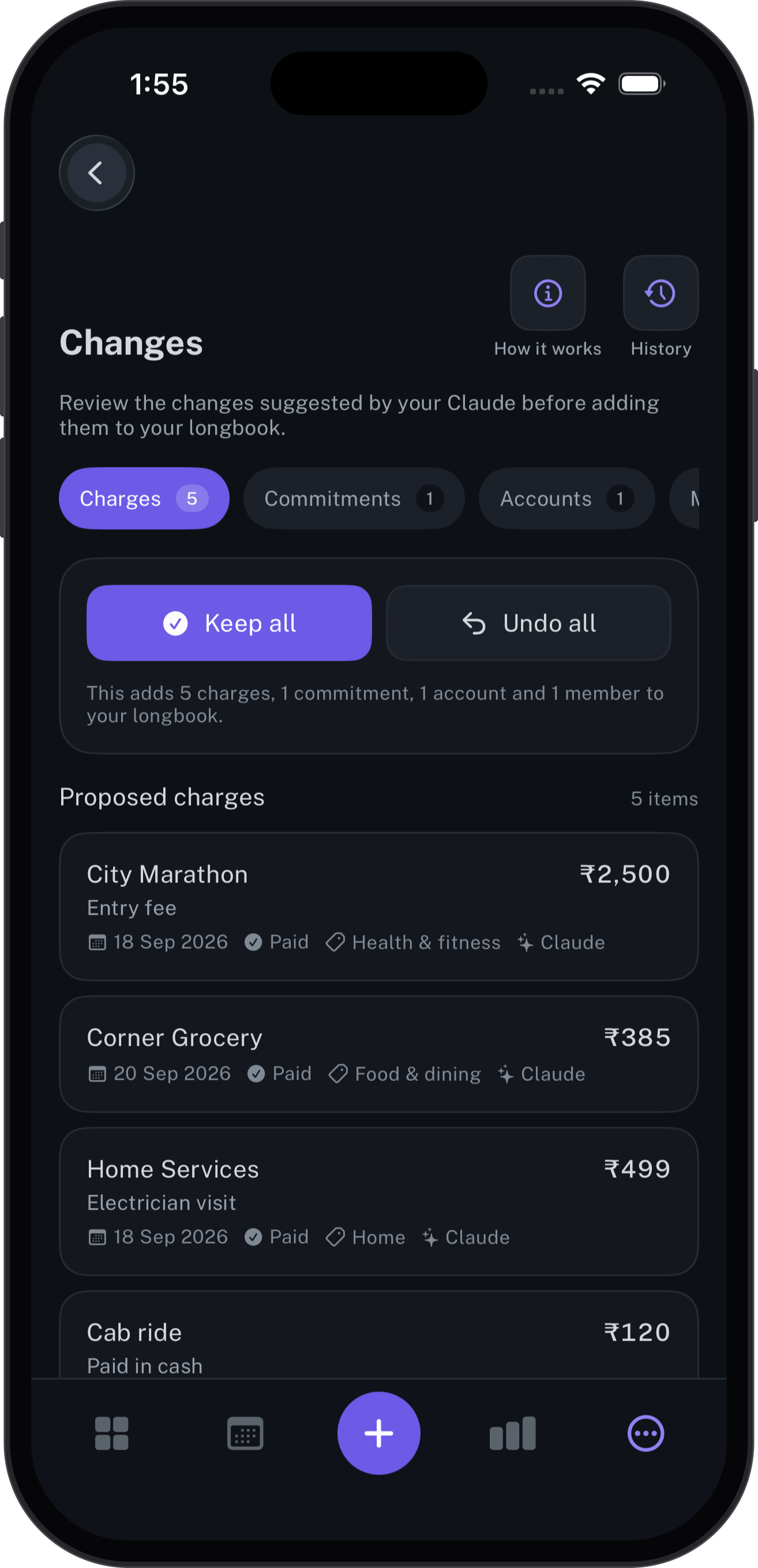
Every edit an AI makes waits in the Changes section with its author recorded, ready to keep or undo. Earlier versions can be restored.
Shows what is next at a glance
An iPhone widget and a Mac menu bar item show the next payment without opening the app.
Turns a month into a report
A month of spending goes to family as a link that expires, and their comments come back into longbook.
Logos
SVG for anything that scales, PNG for everything else. The logo is the book with the wordmark beside it; the app icon and the book also stand on their own.

Logo for dark backgrounds
The one to use first.

Logo for light backgrounds
For pages and print.

App icon
As it appears on the Mac and iPhone.

The mark
The book on its own, transparent.


One-colour mark
For small sizes and one-ink print.
Using the logo
- Leave space around the logo at least as wide as the mark.
- Below 24 px tall, use the one-colour mark.
- Keep the colour logo off busy photos and off violet; the one-colour mark works there.
- Do not recolour, stretch, rotate, outline or add effects to the mark or the wordmark.
Screenshots
From the Mac and iPhone apps, filled with a demo longbook: every name and amount is made up. Each screen comes as the original capture and framed in its device.
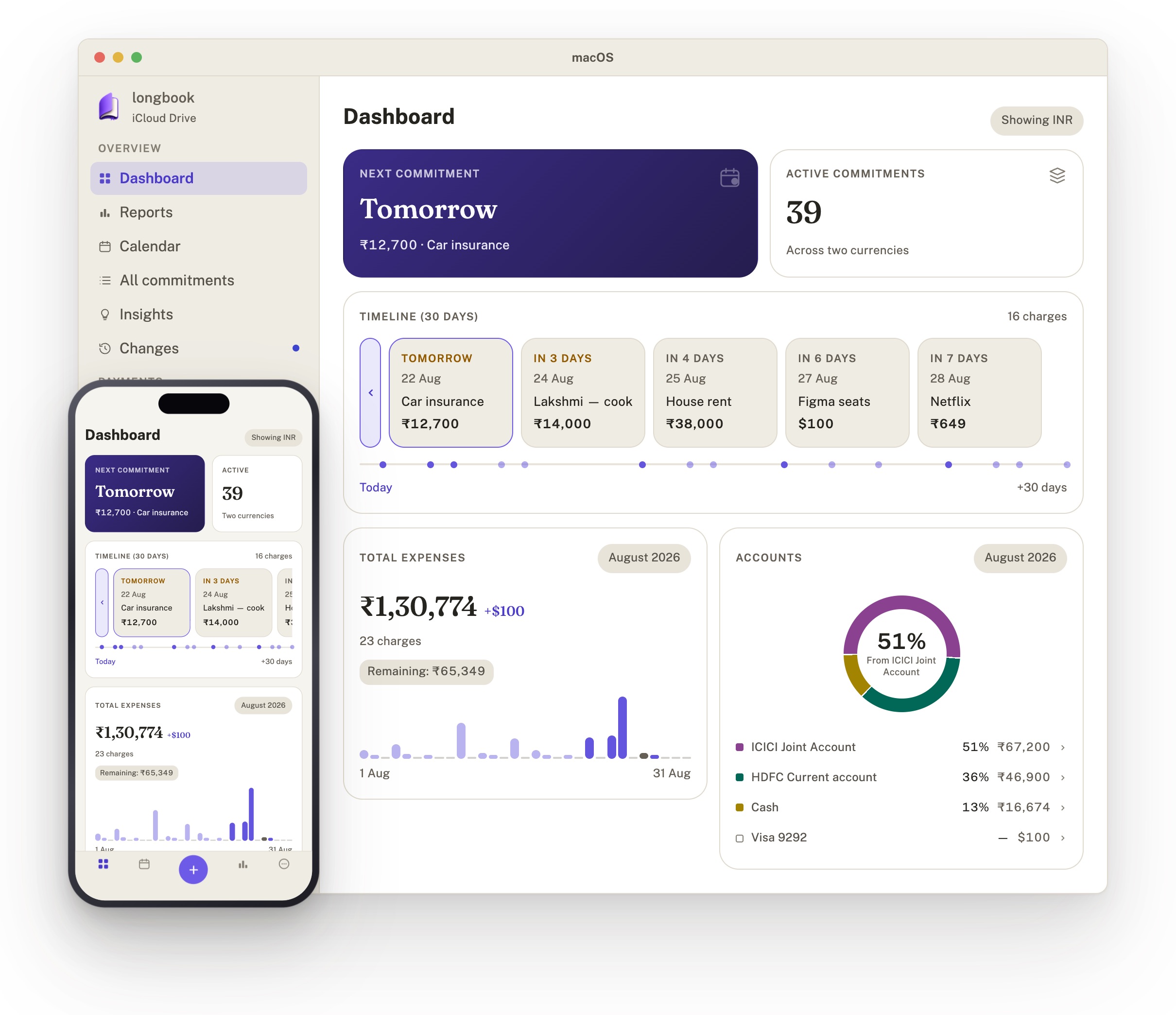
Hero image
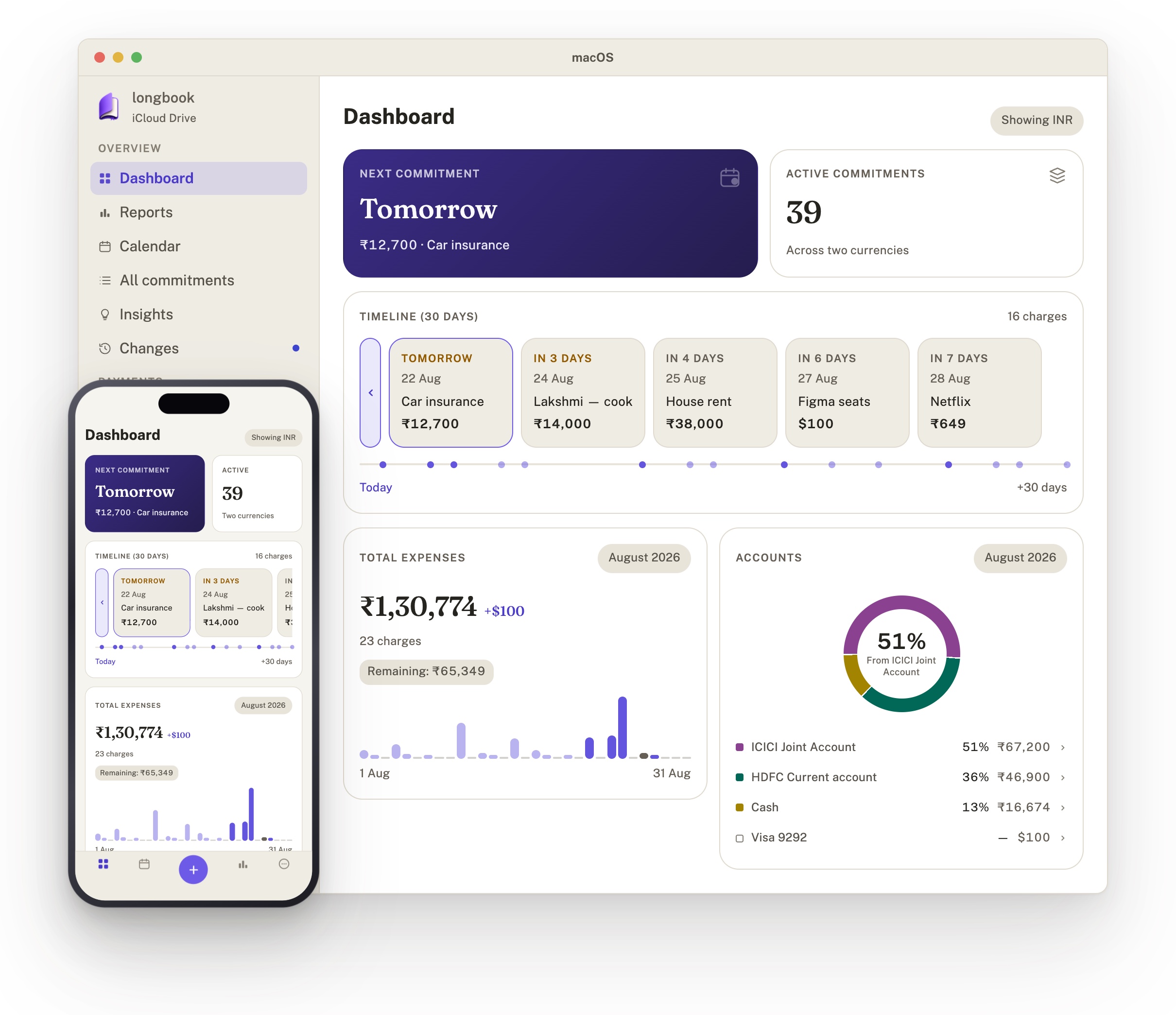
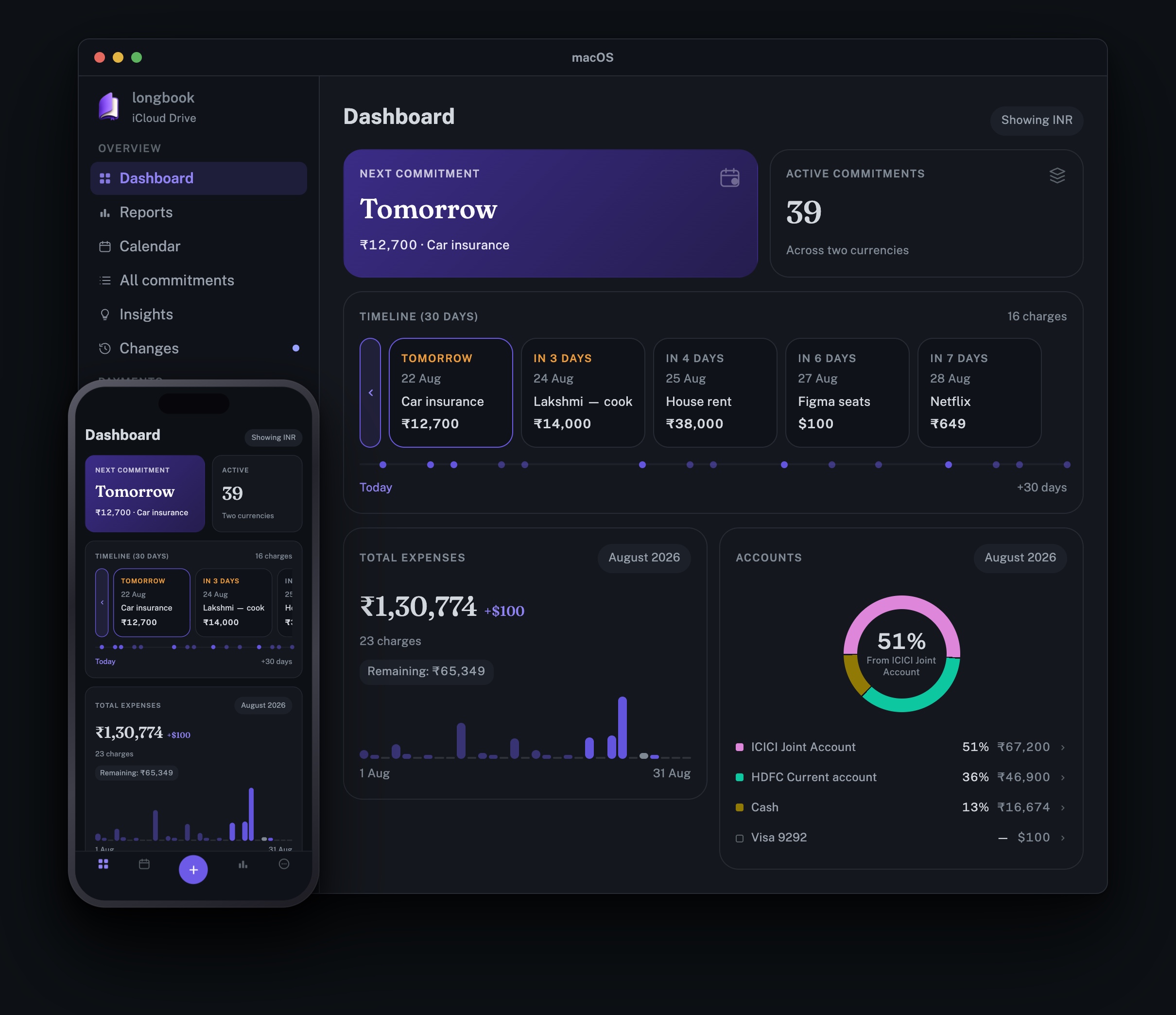
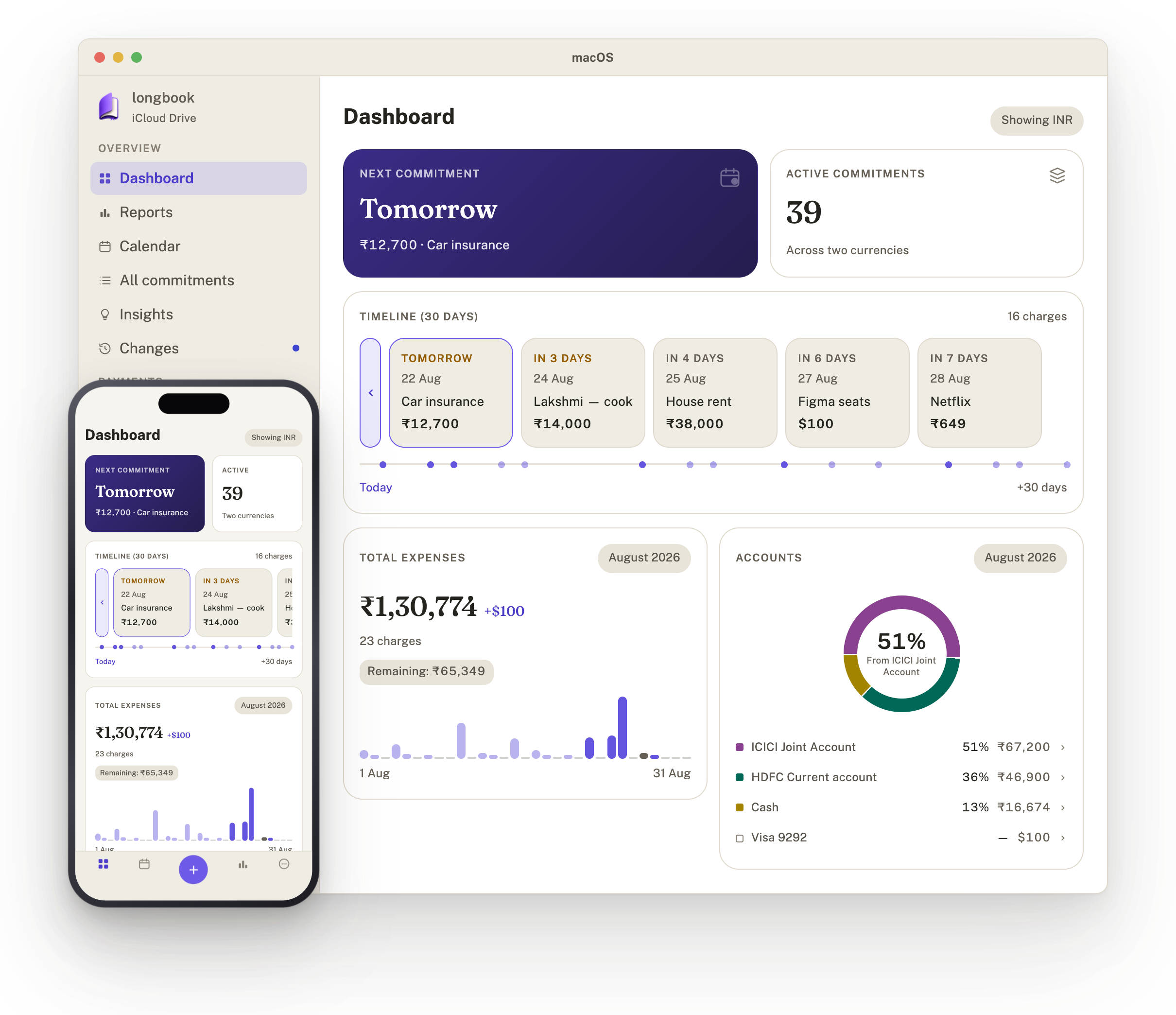
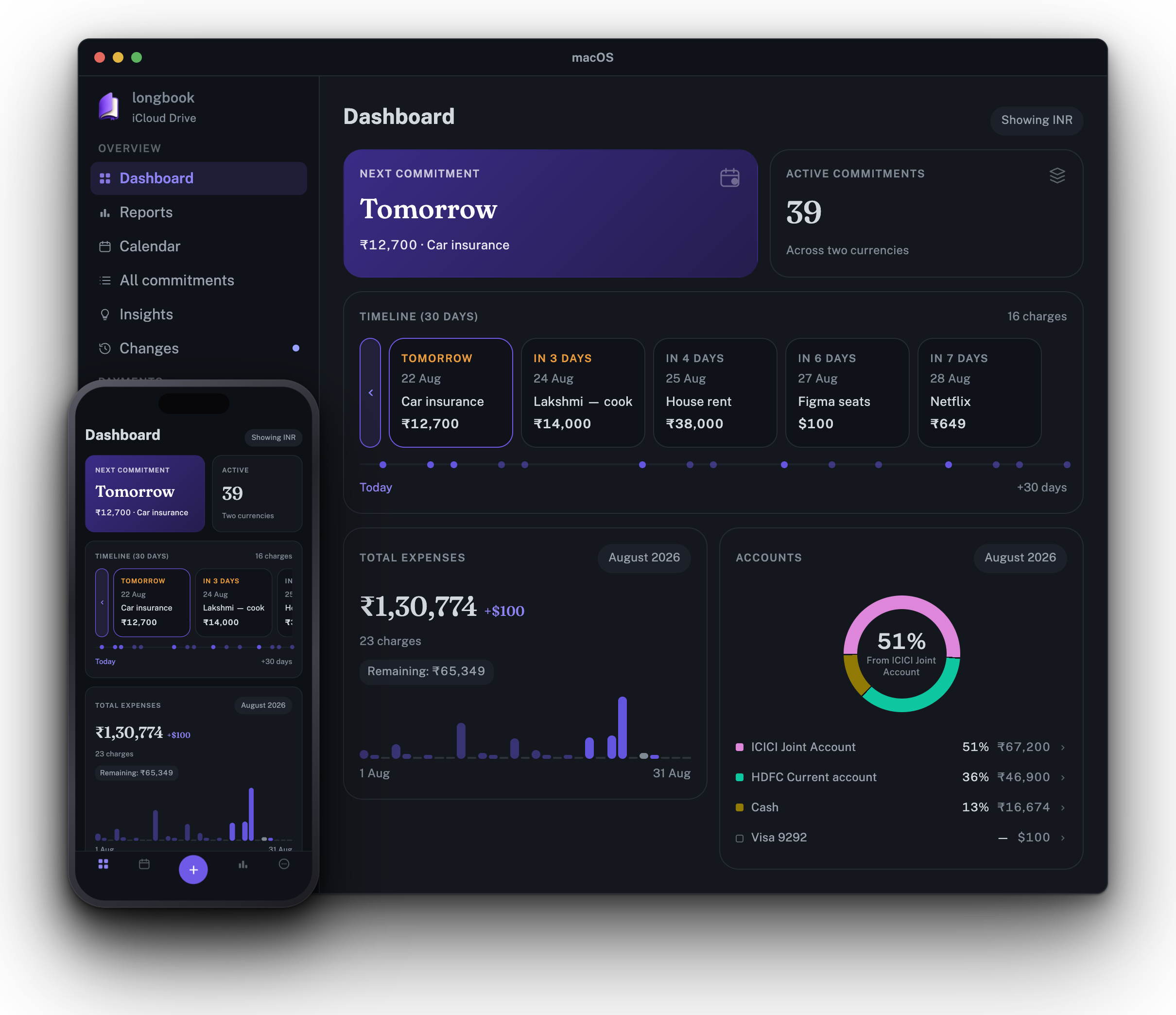
The Mac and iPhone dashboards together, as on longbook.app, in light and dark. 2420 × 2088.
iPhone
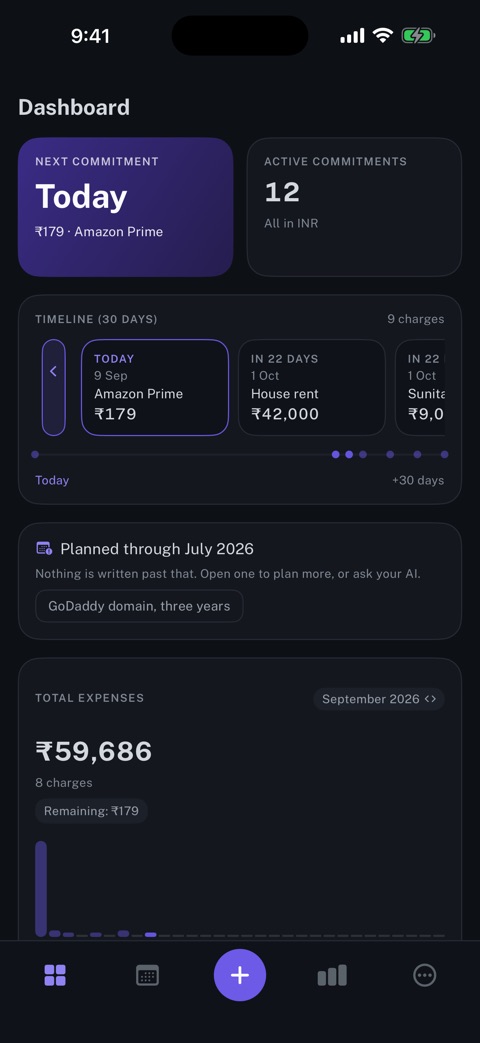
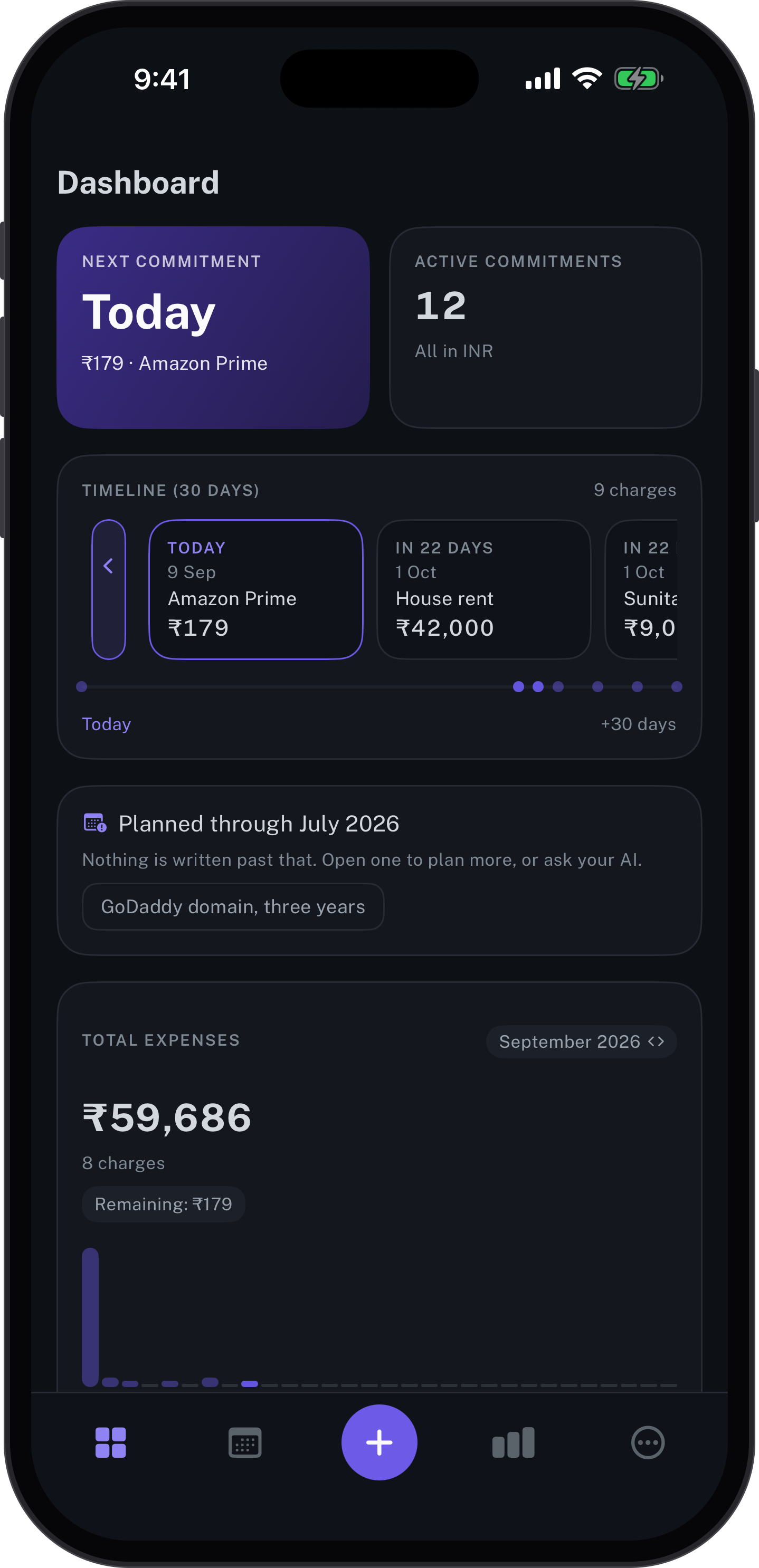
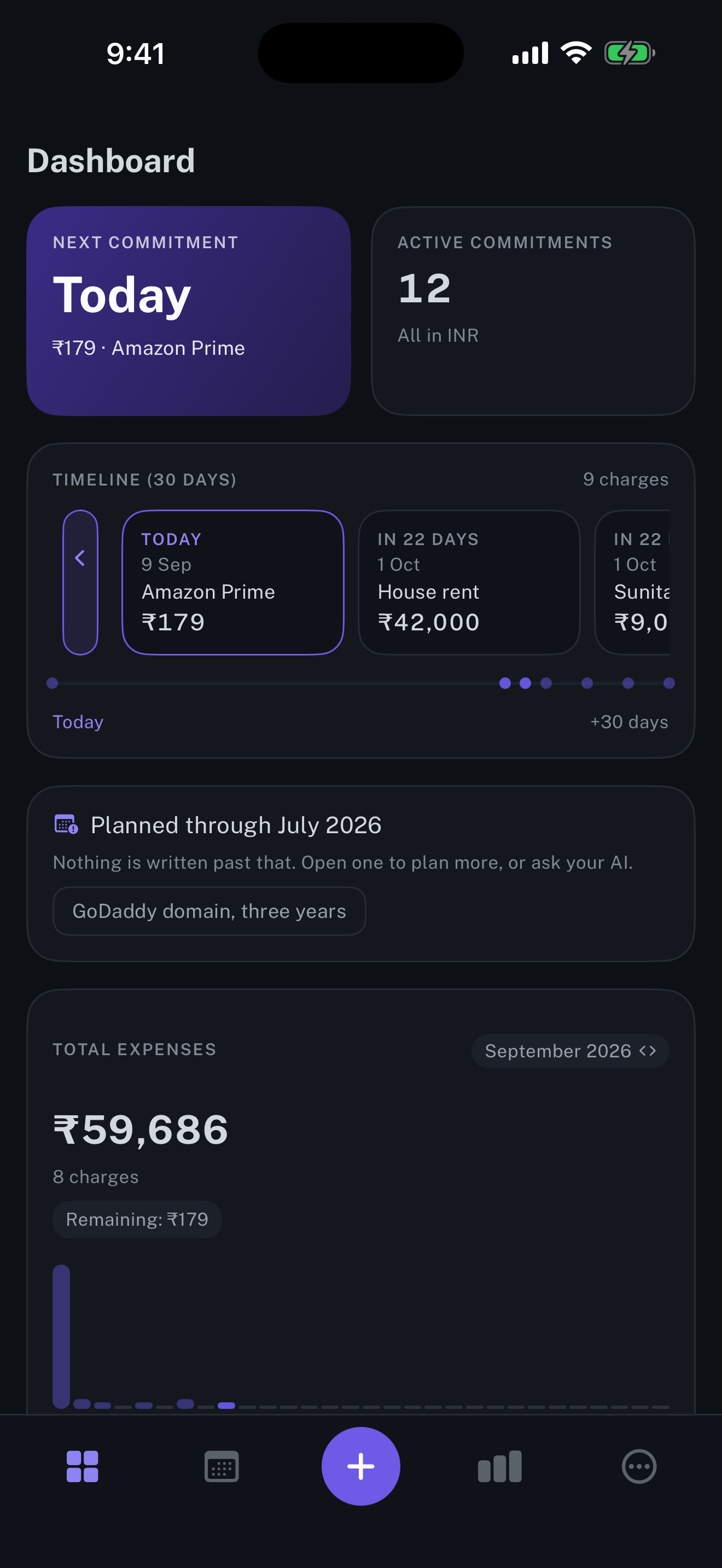
Dashboard
The next commitment, the thirty days ahead, and what the month has cost so far.
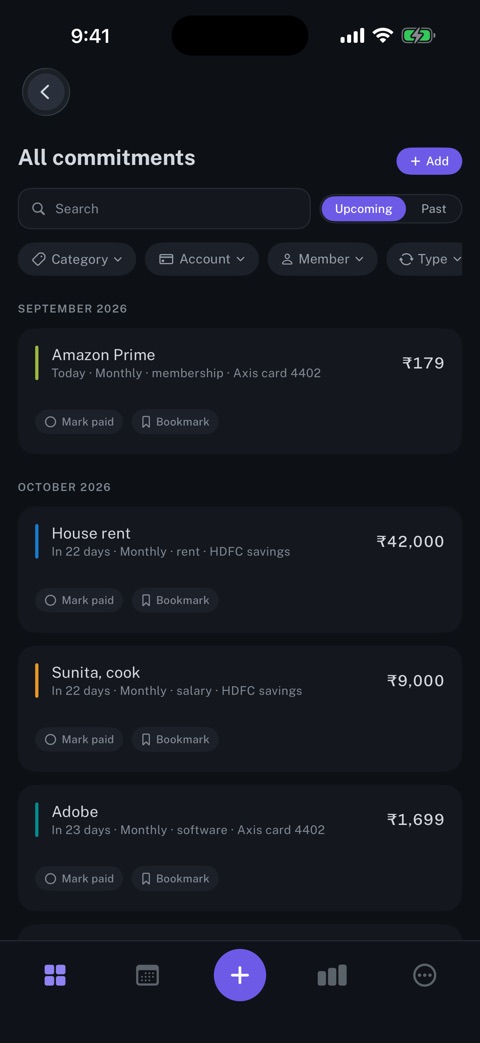
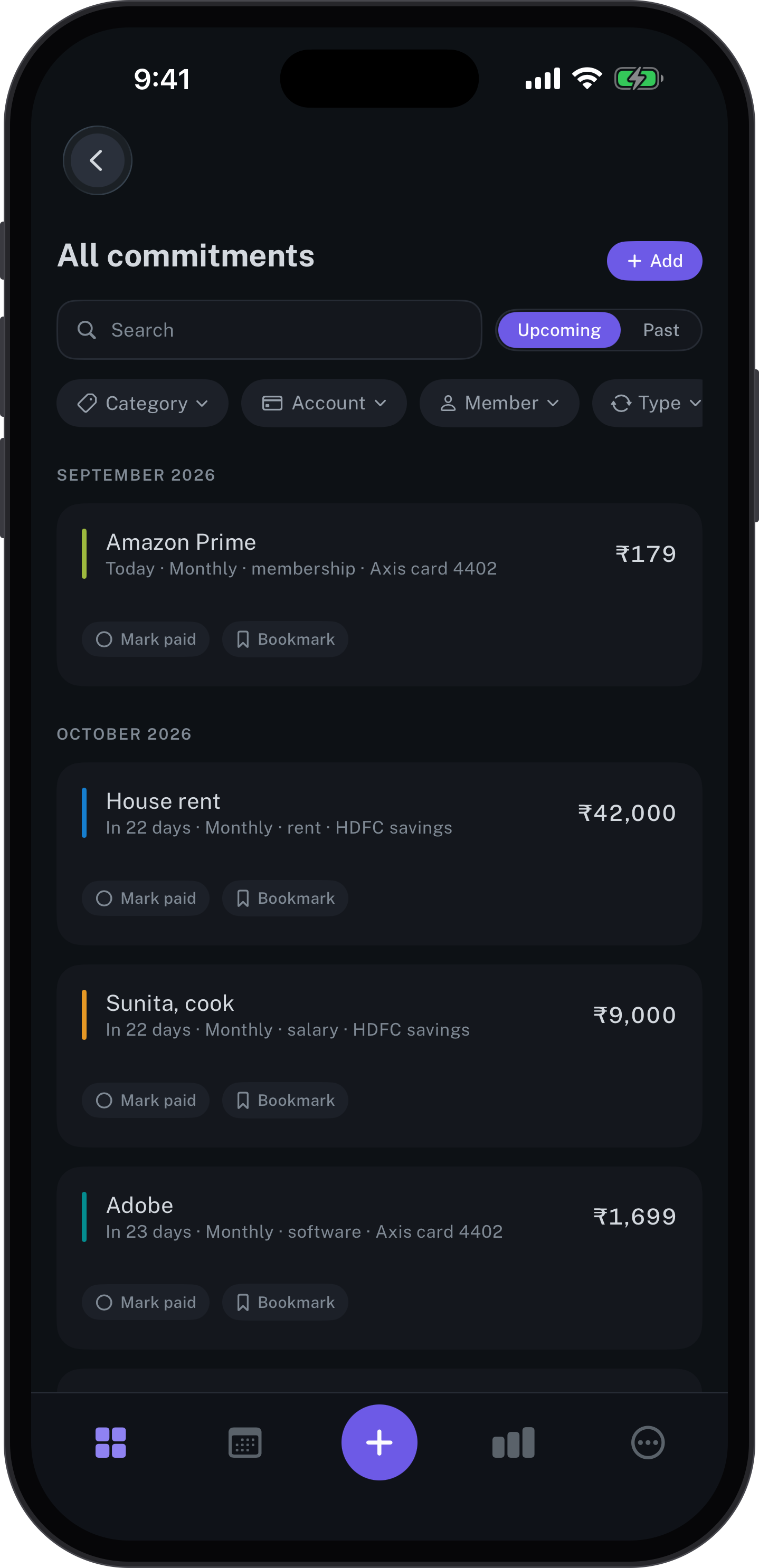
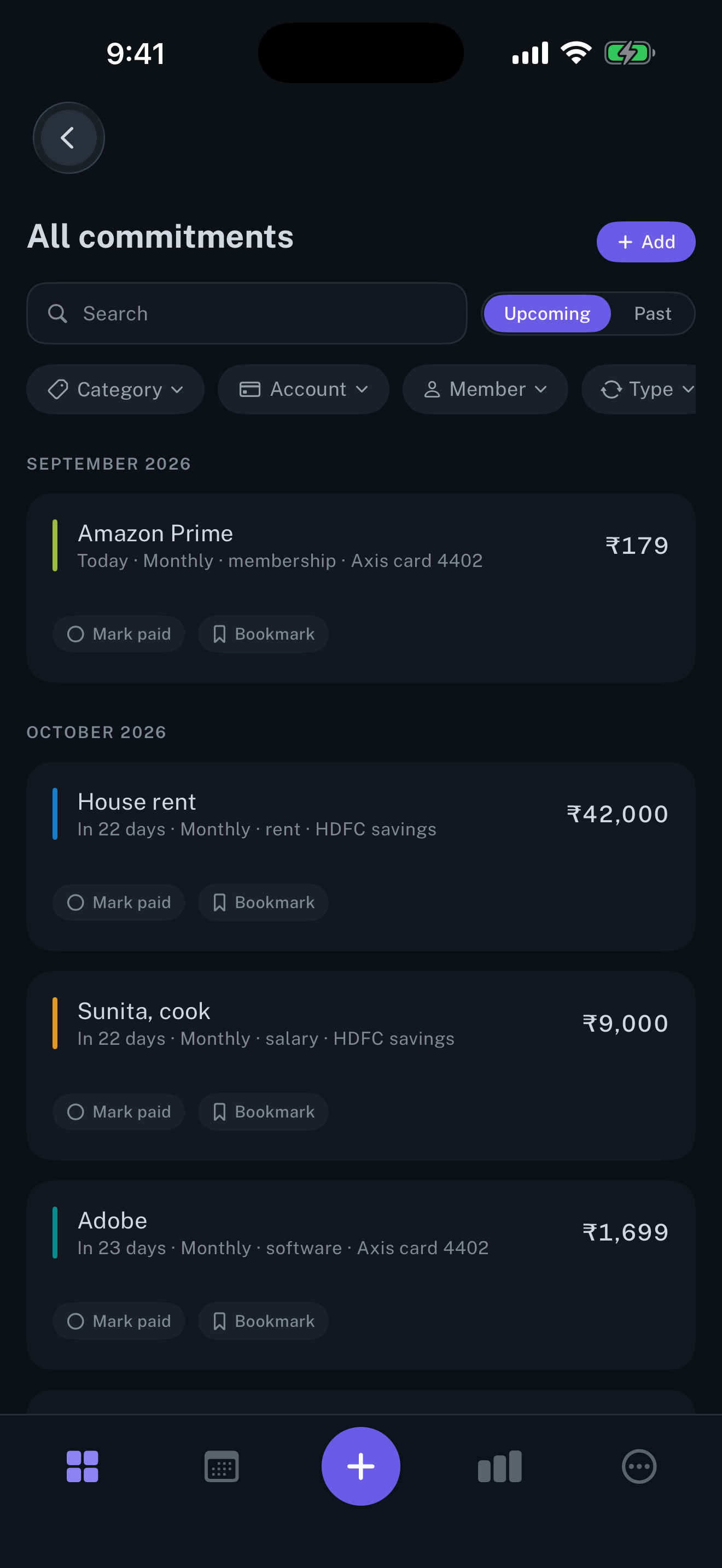
All commitments
Every commitment by month, with how often it repeats and the account that pays it.
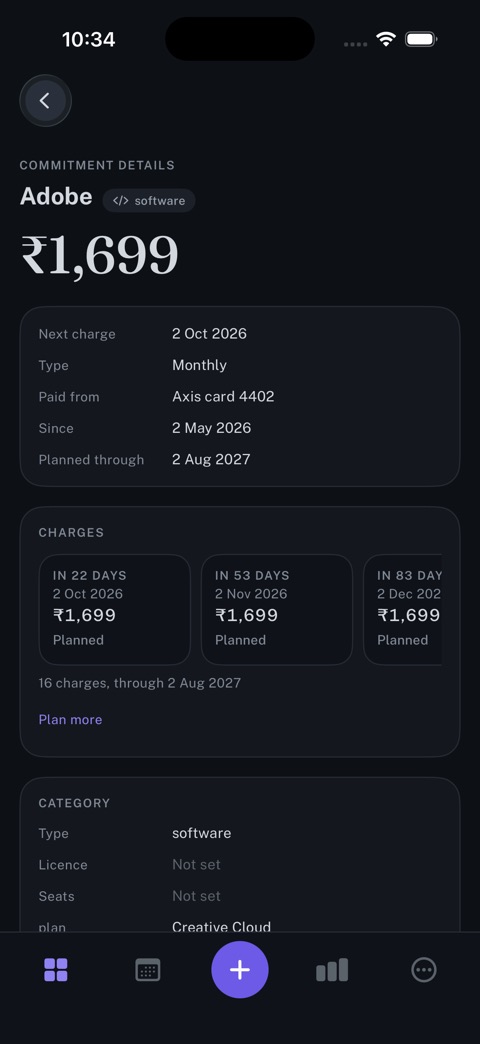
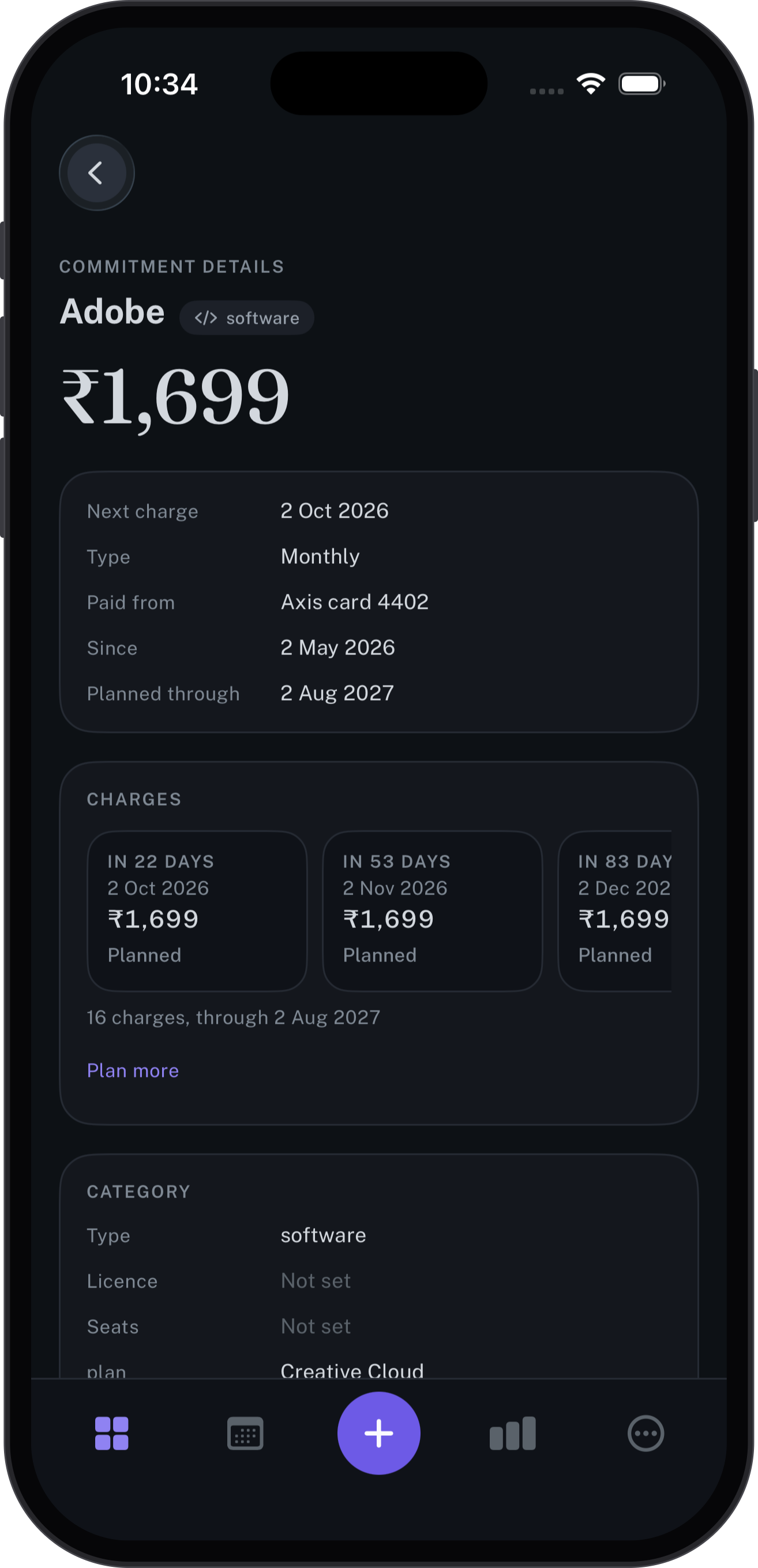
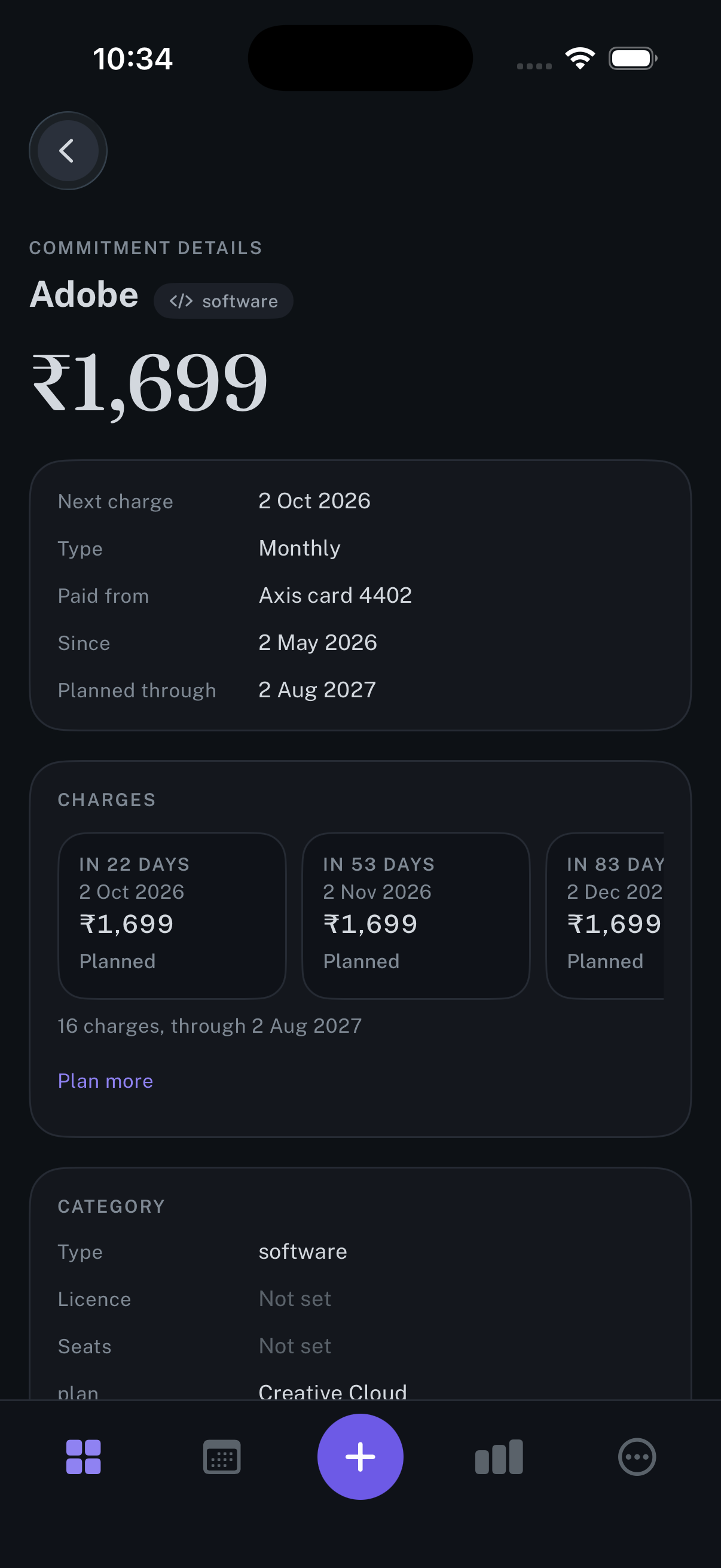
Commitment details
One commitment in full: the amount, the cycle, the account, and each charge planned ahead.
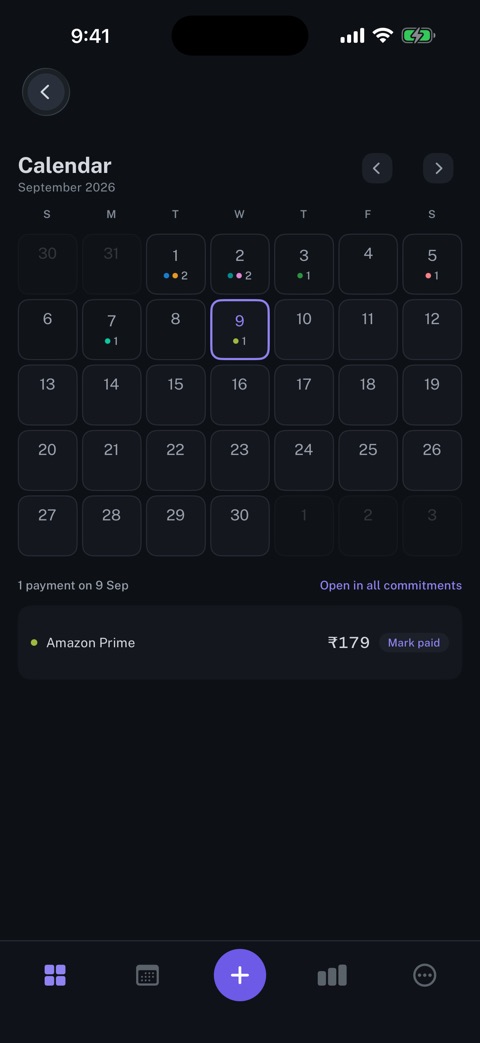
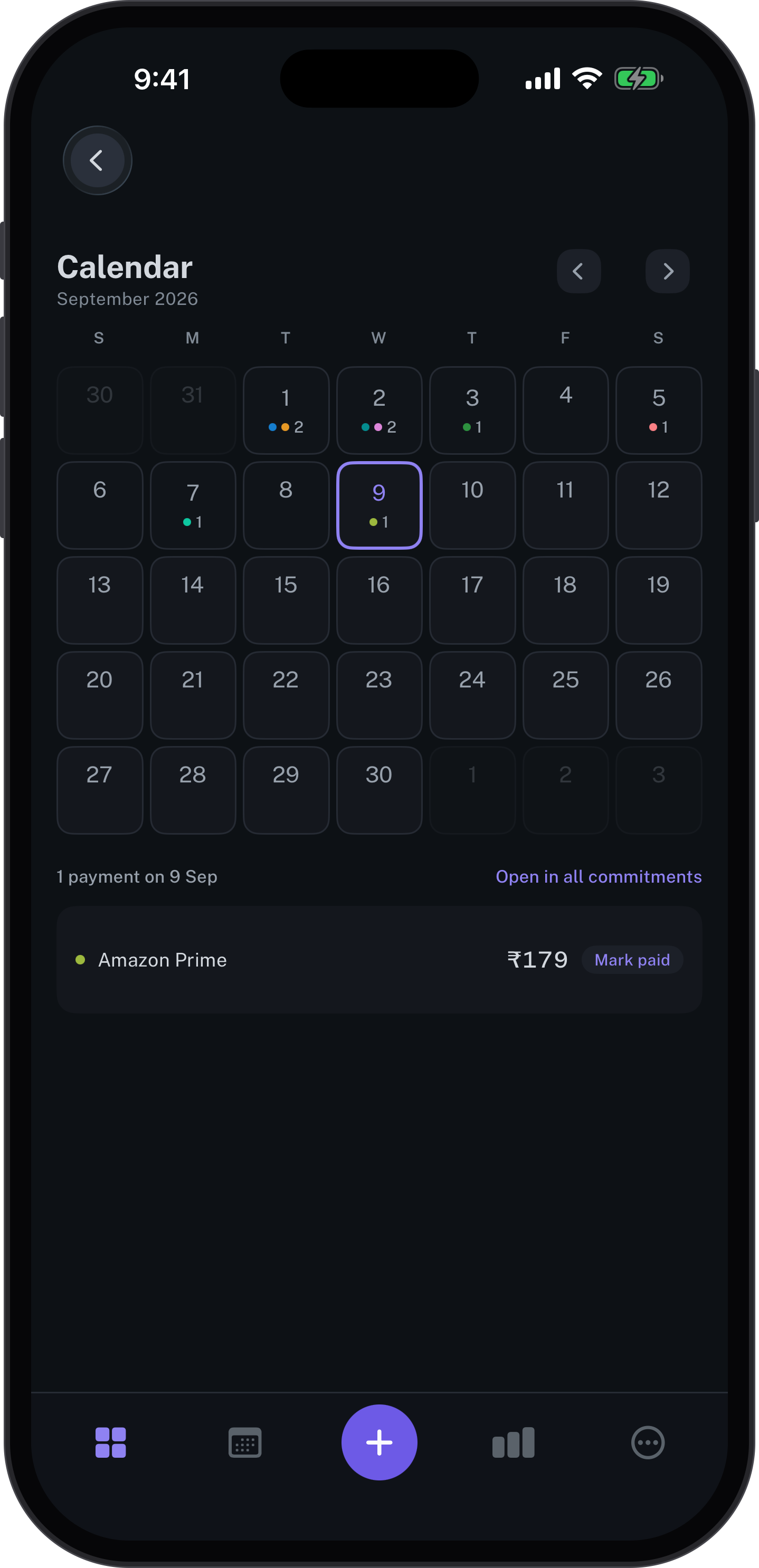
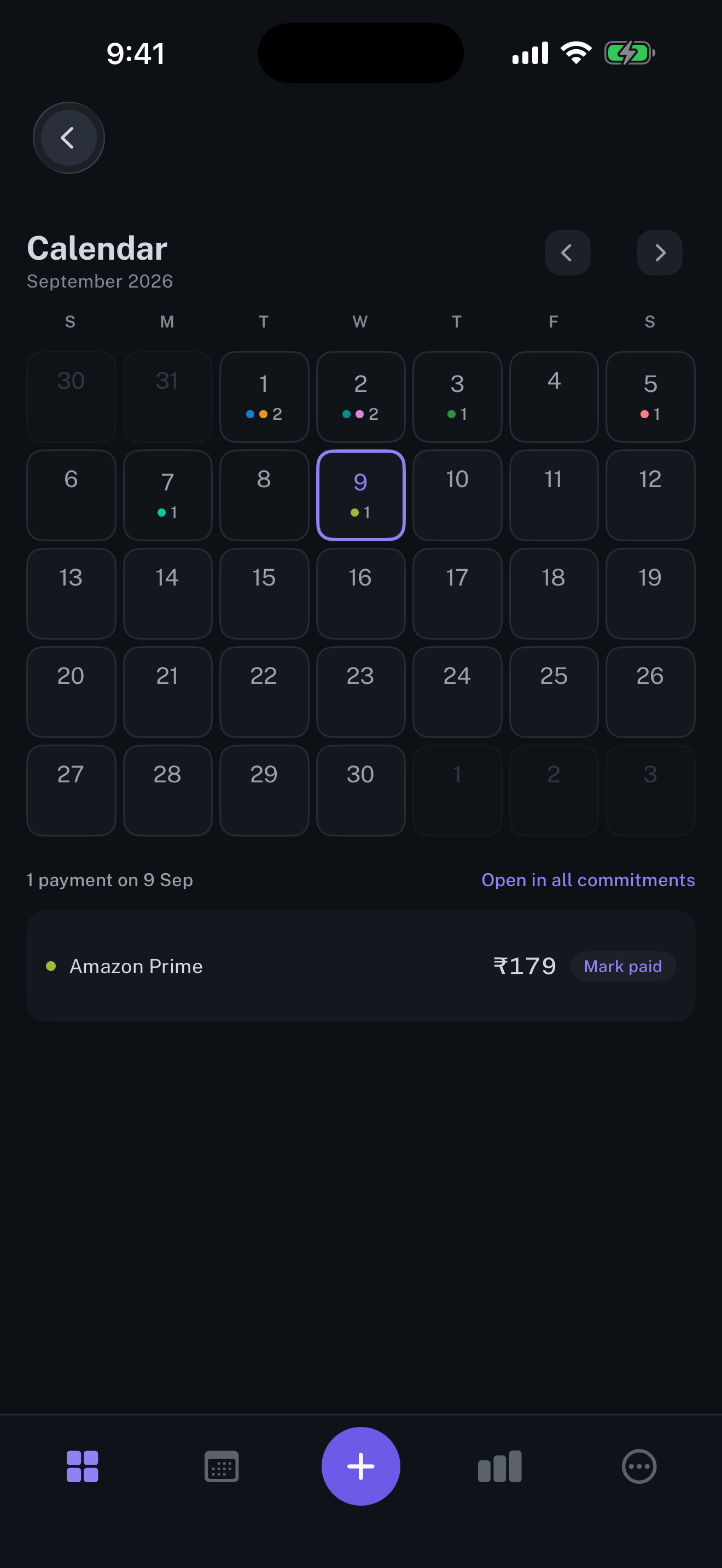
Calendar
The month at a glance, and the payments that fall on the chosen day.
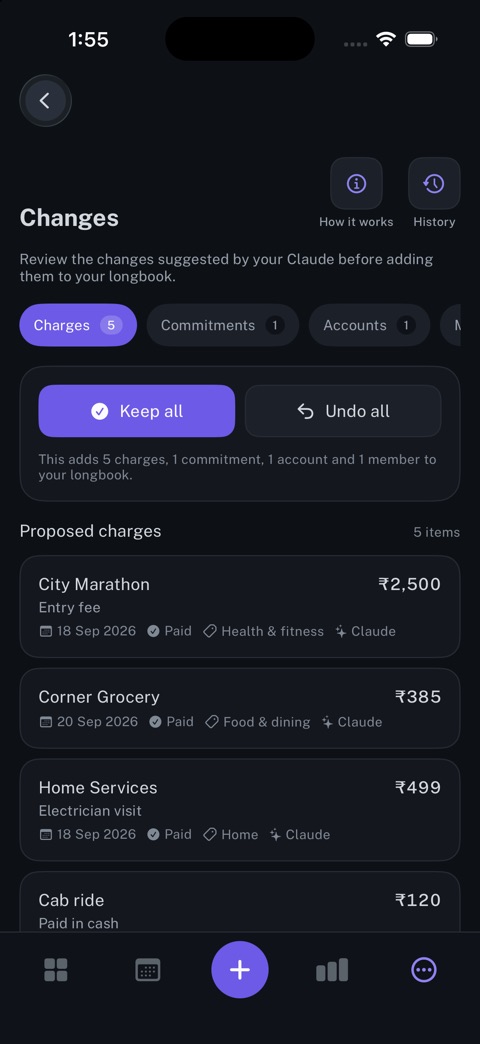
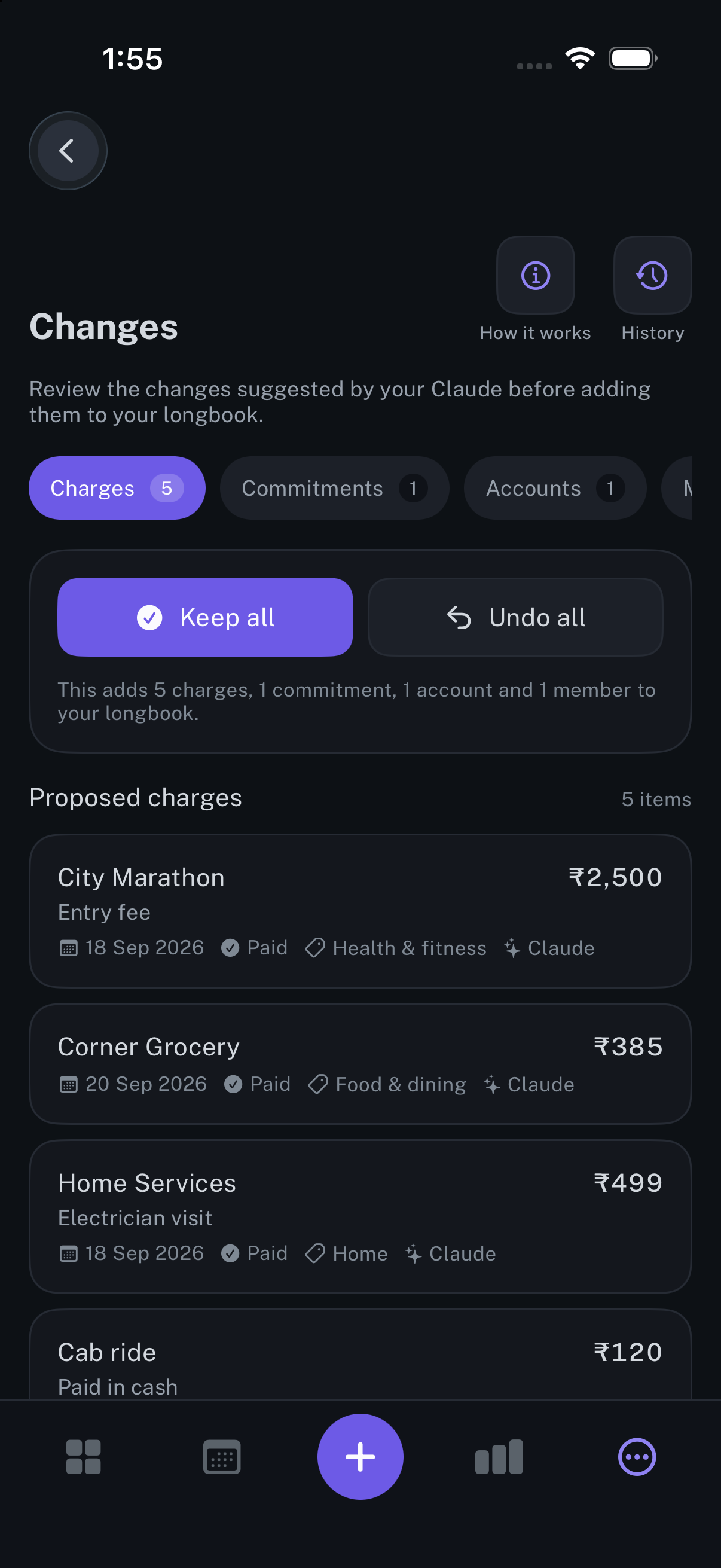
Changes
Every edit an AI makes, with its author recorded, ready to keep or undo.
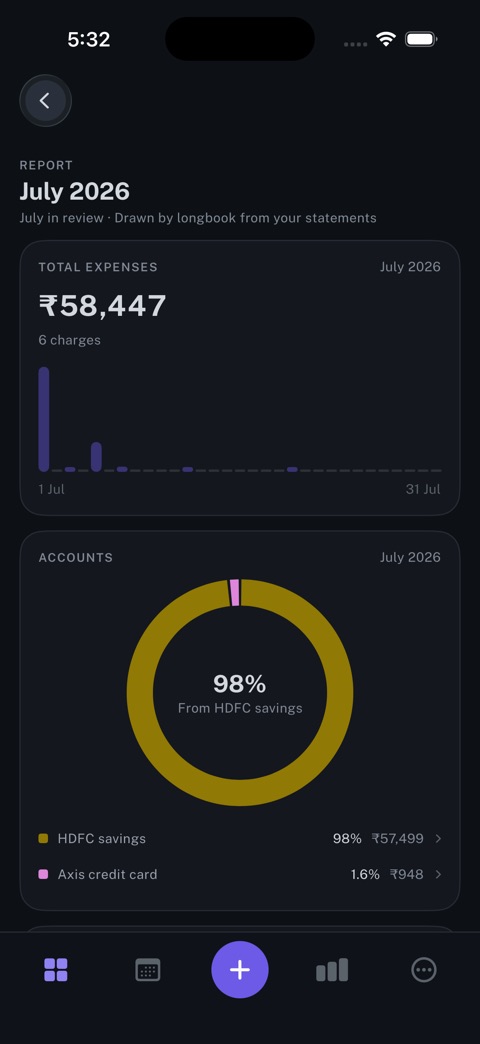
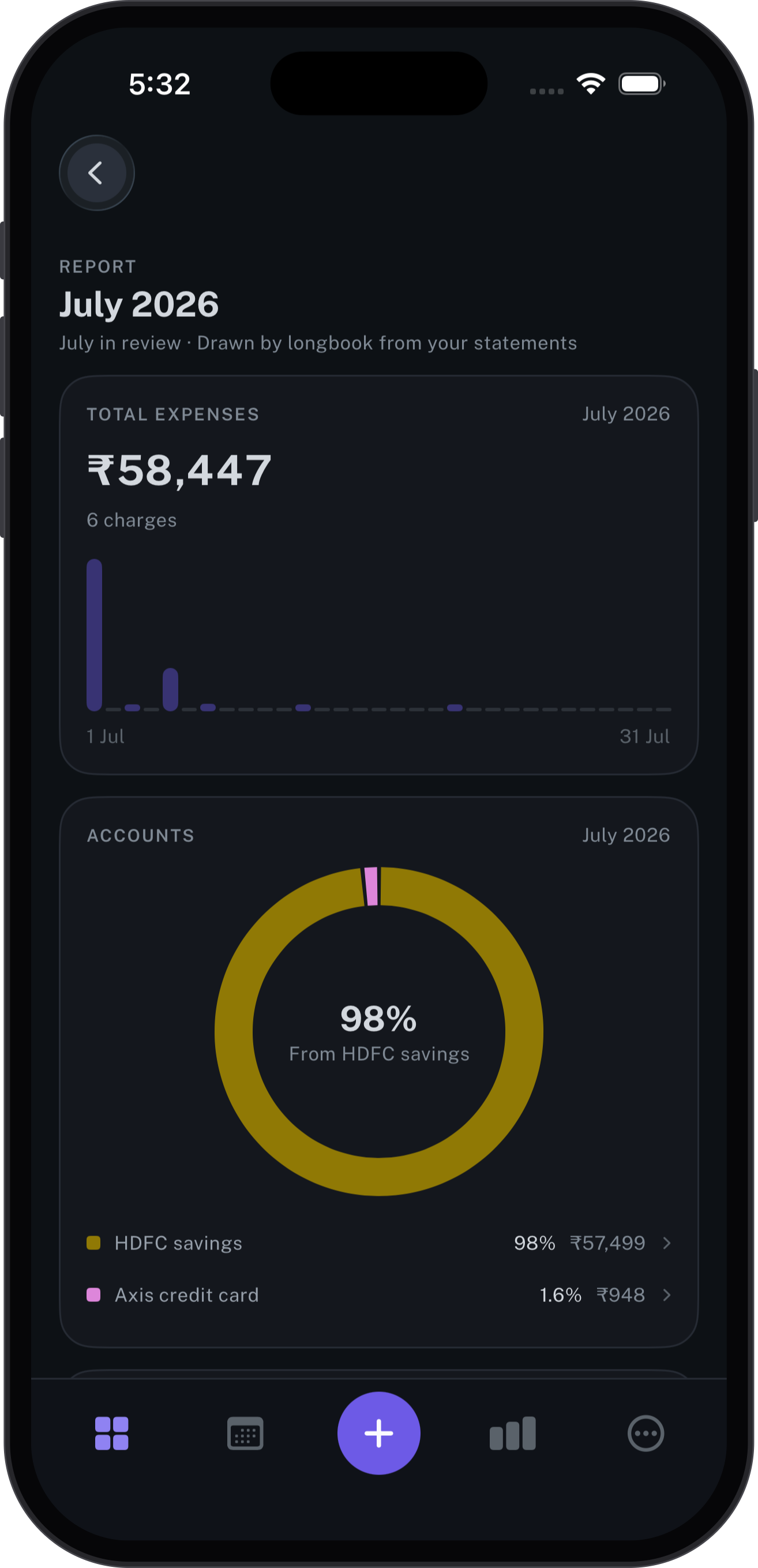
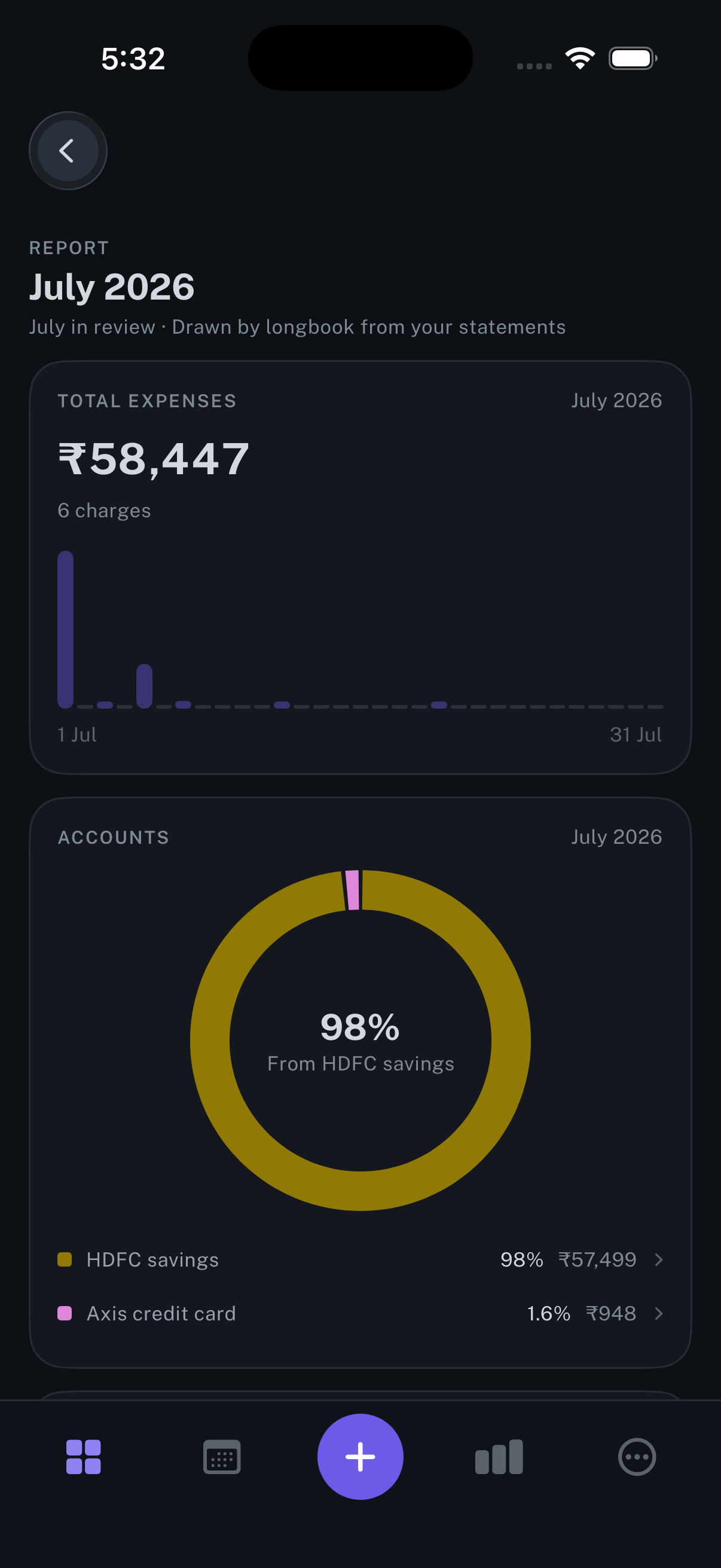
Report
A month drawn by longbook from your bank statements: the total, and the accounts that paid it.
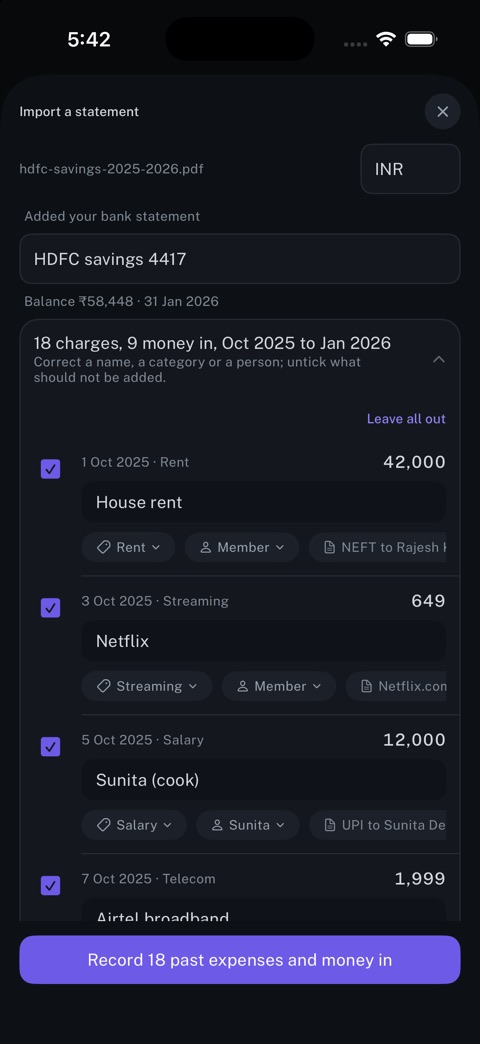
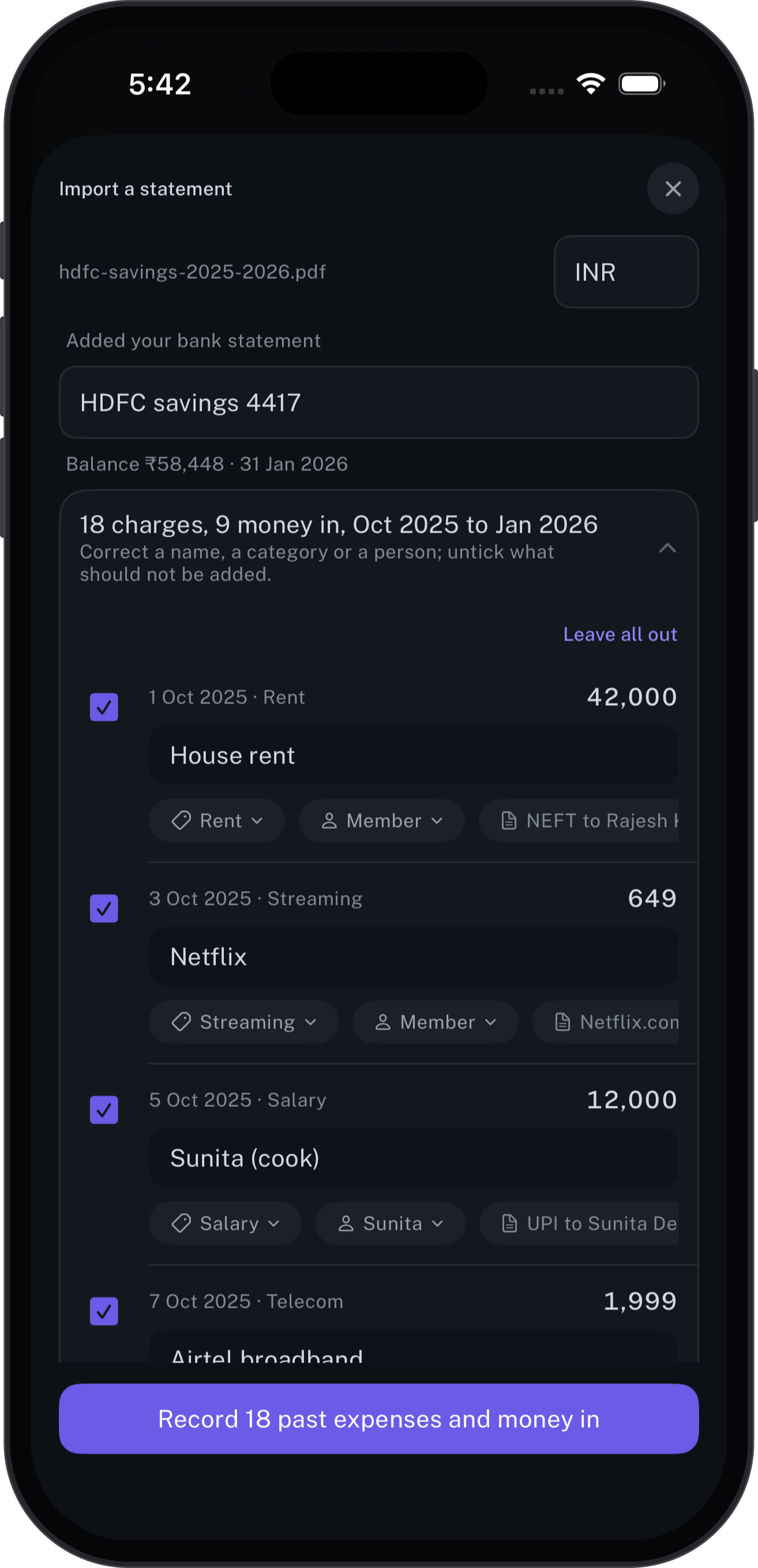
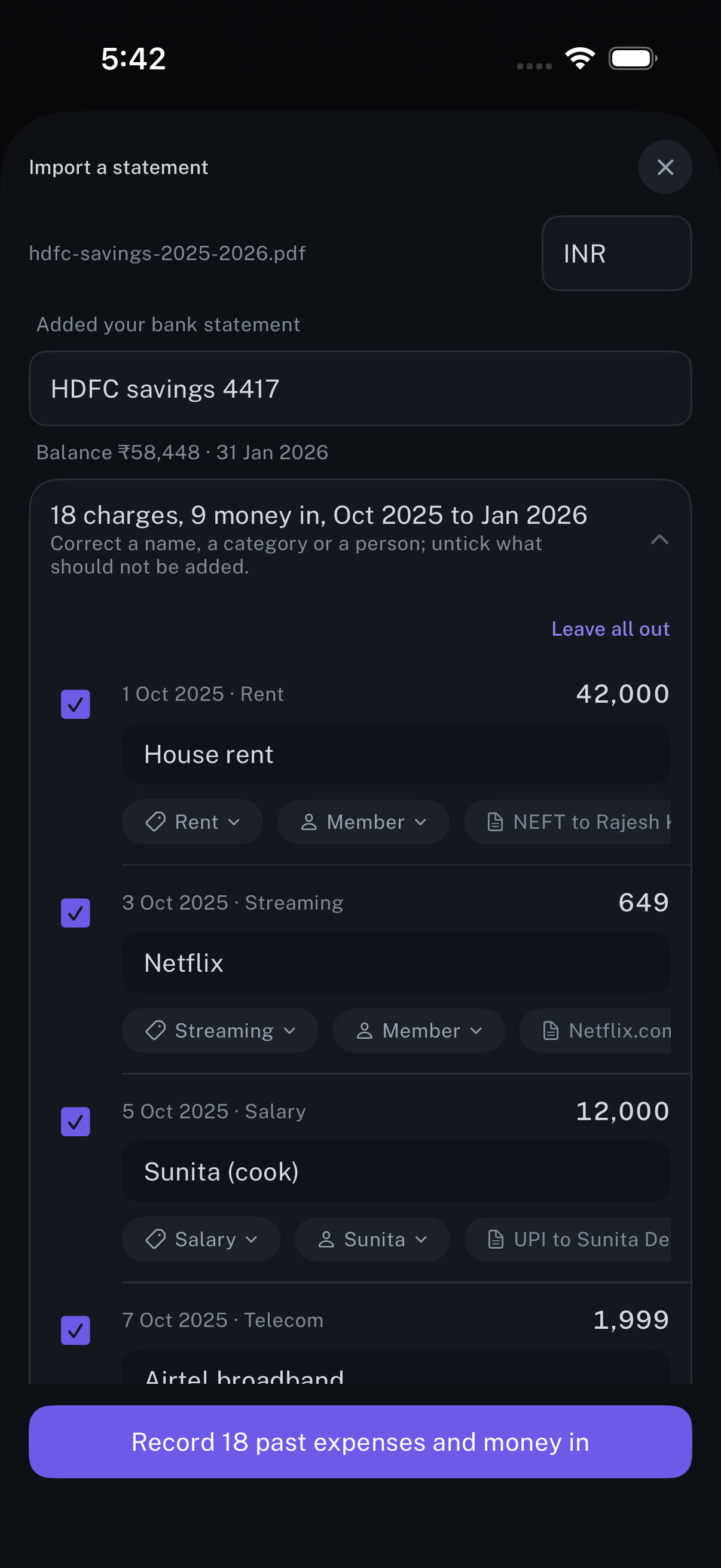
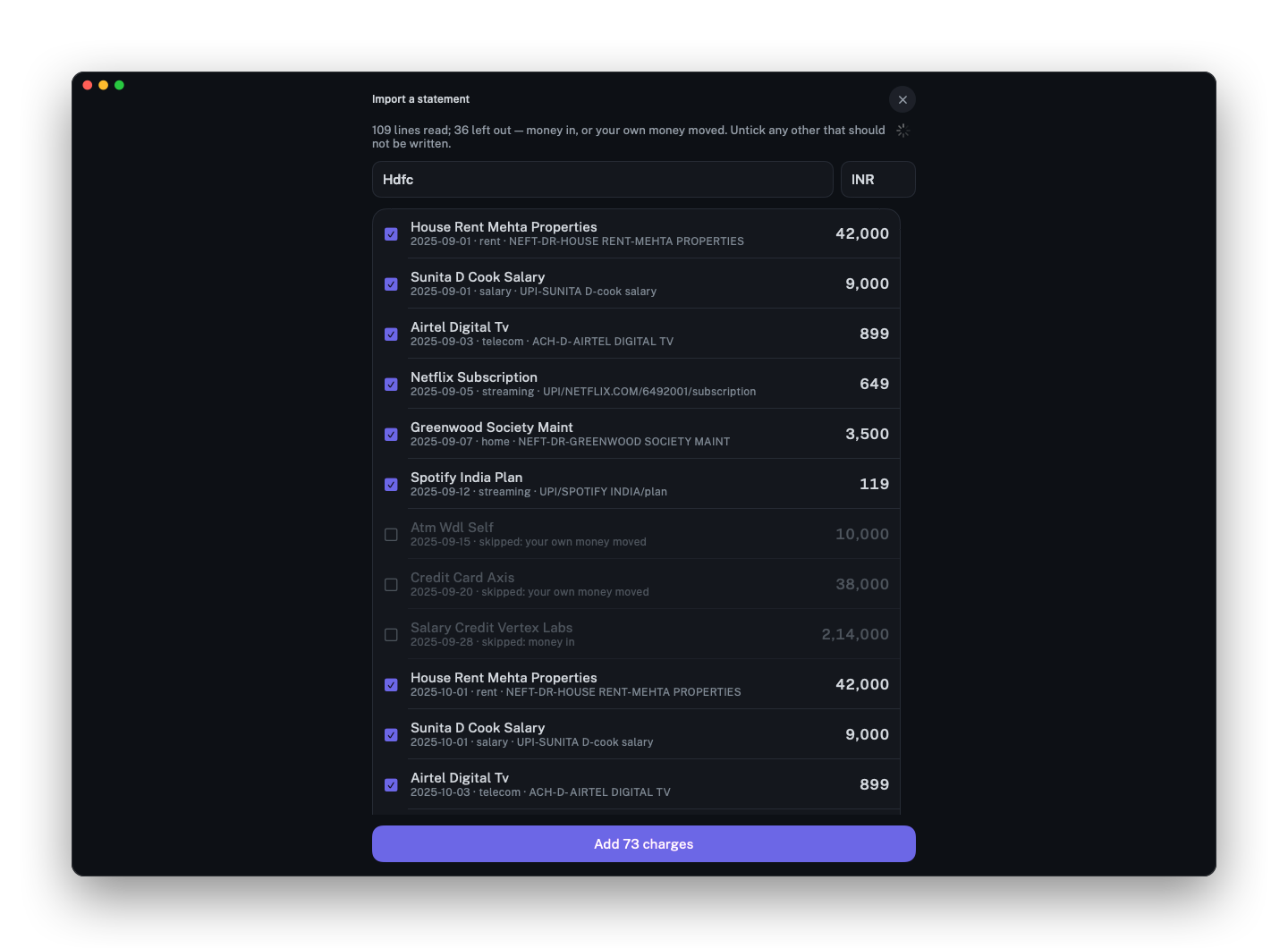
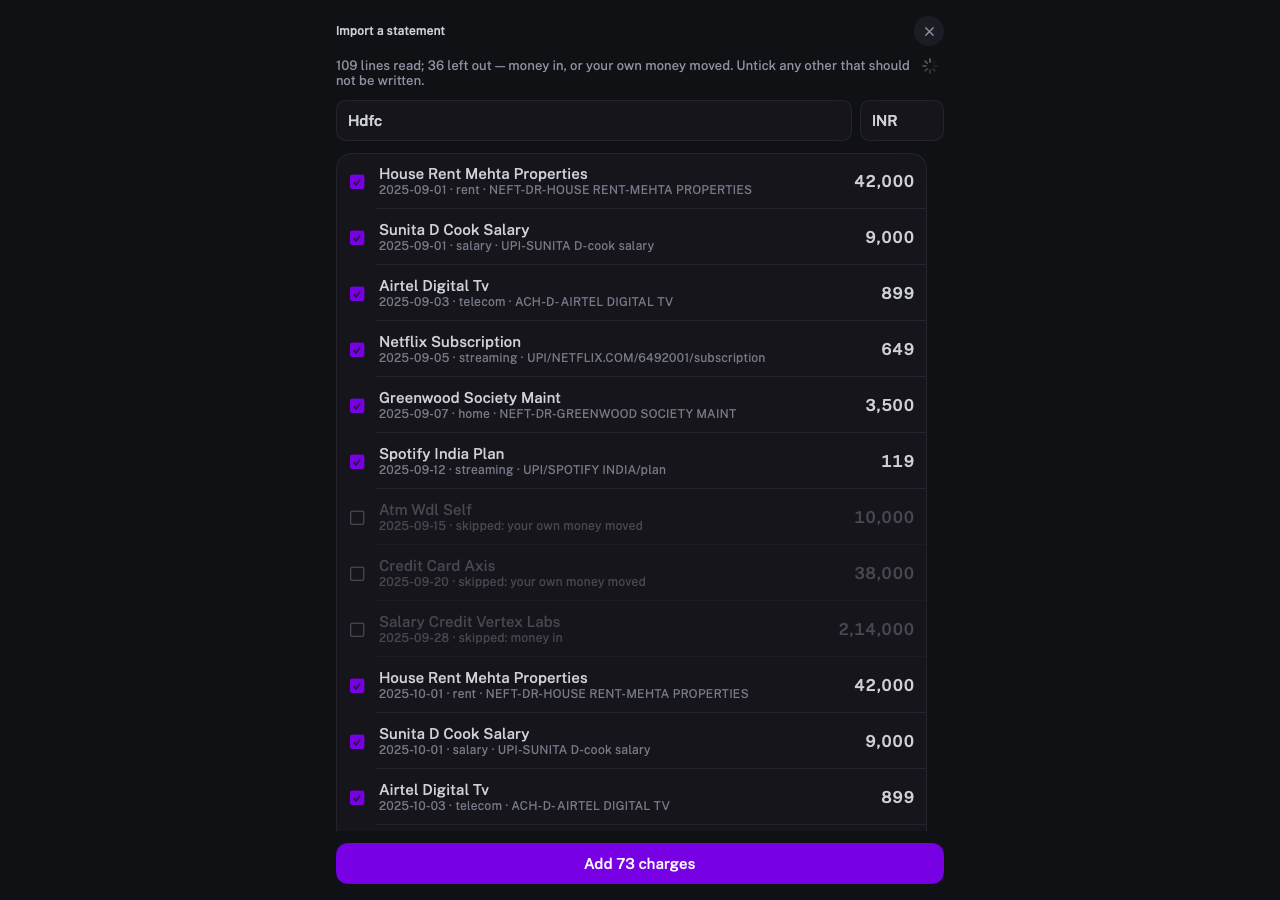
Import a statement
A bank statement read line by line: correct a name or category, and untick what should not be added.
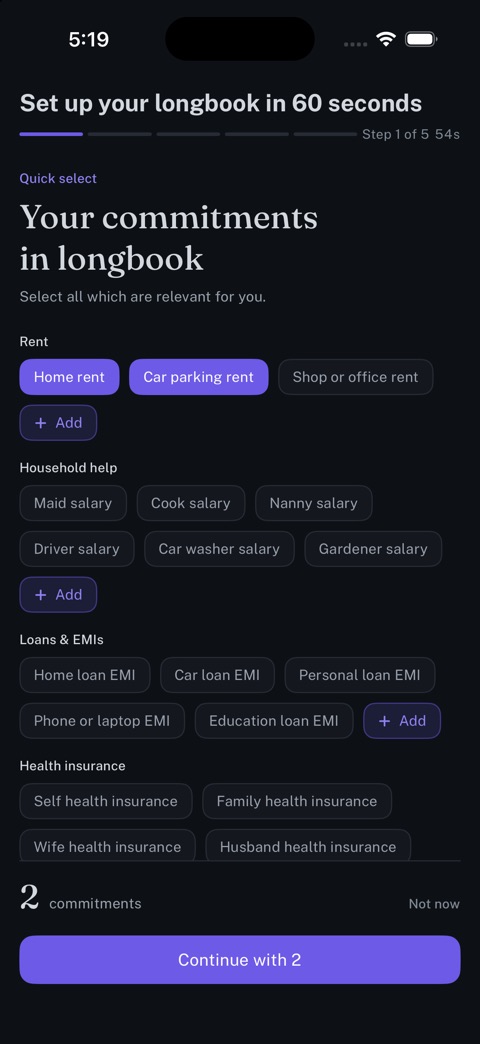
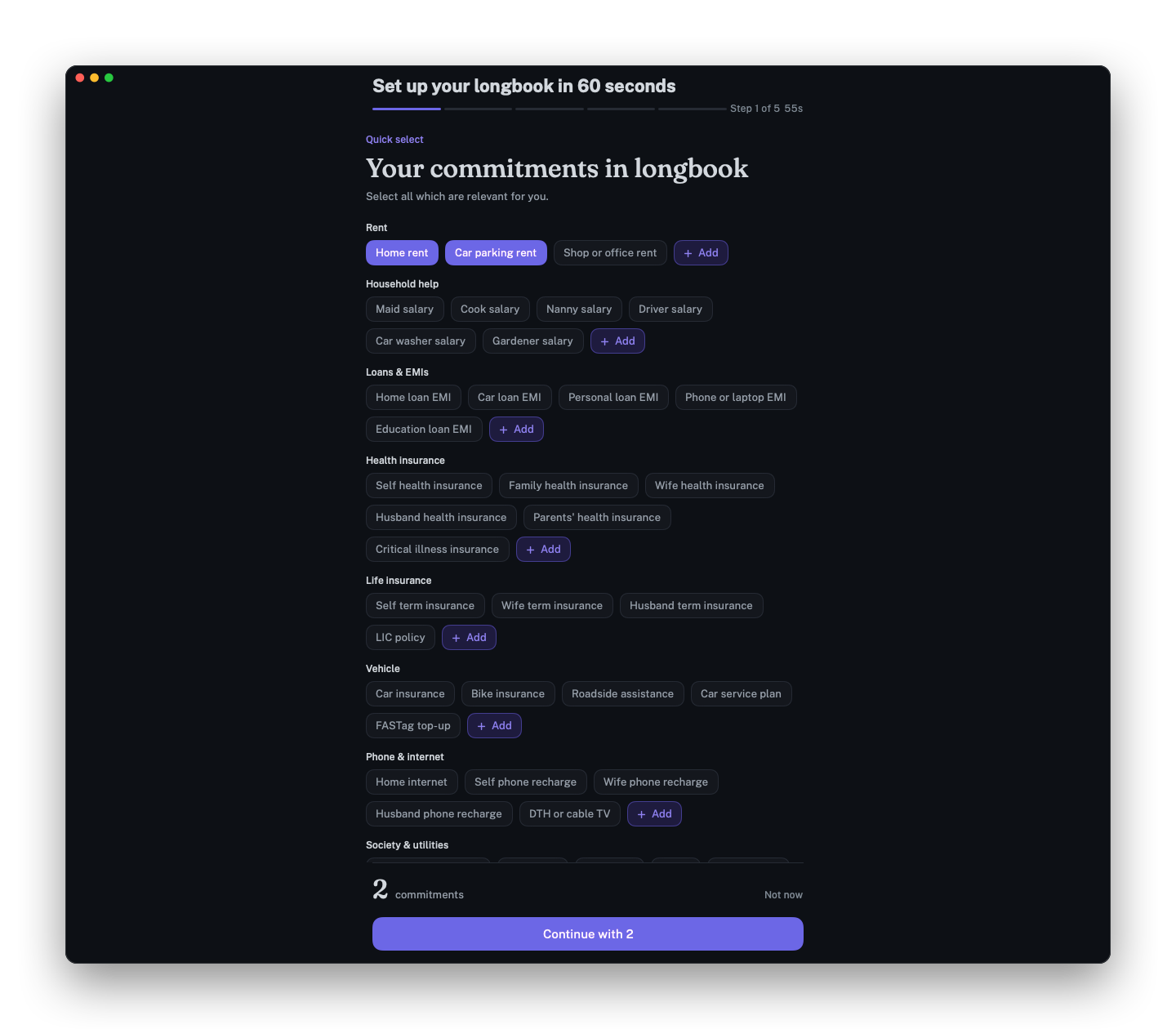
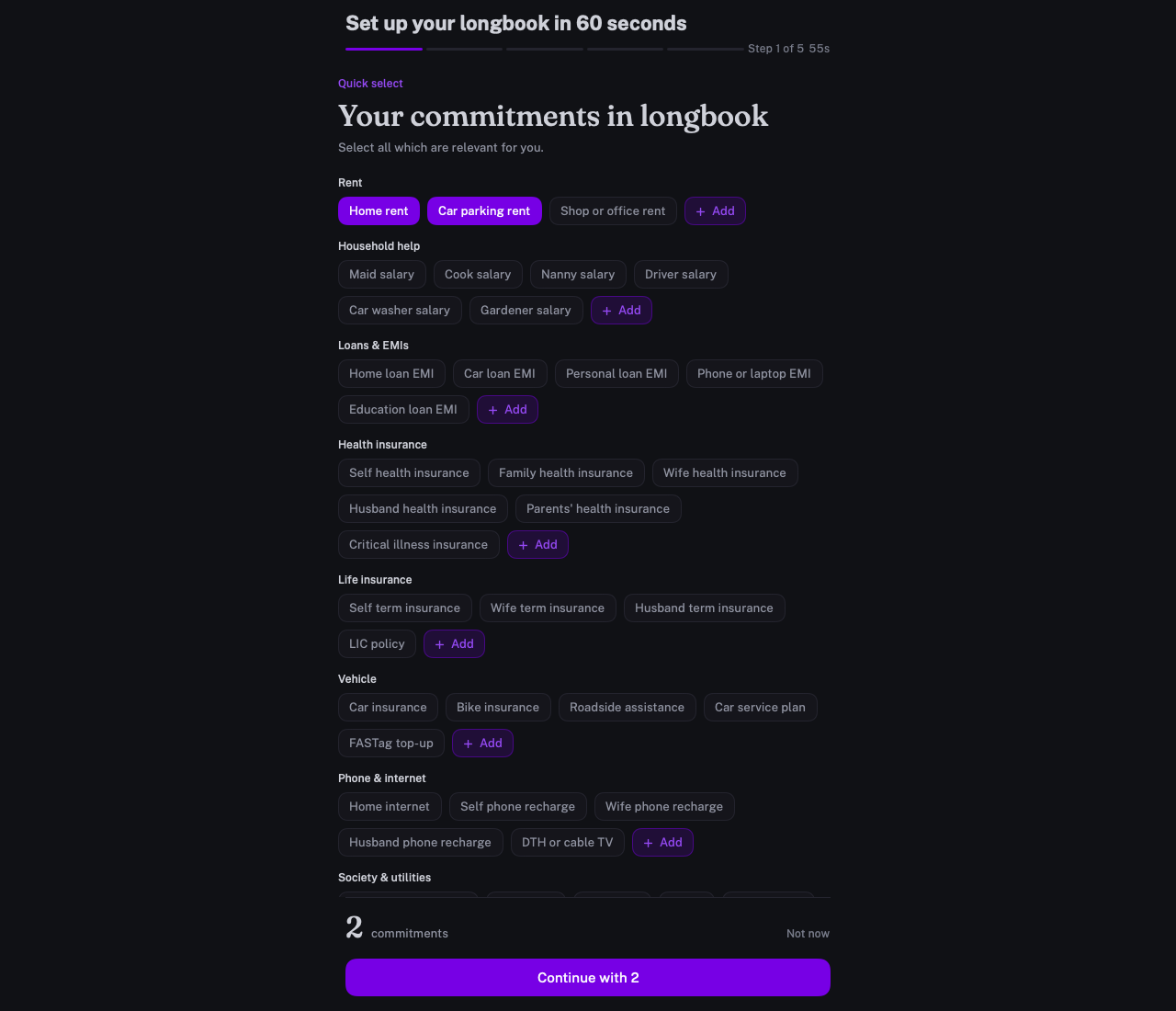
Setup
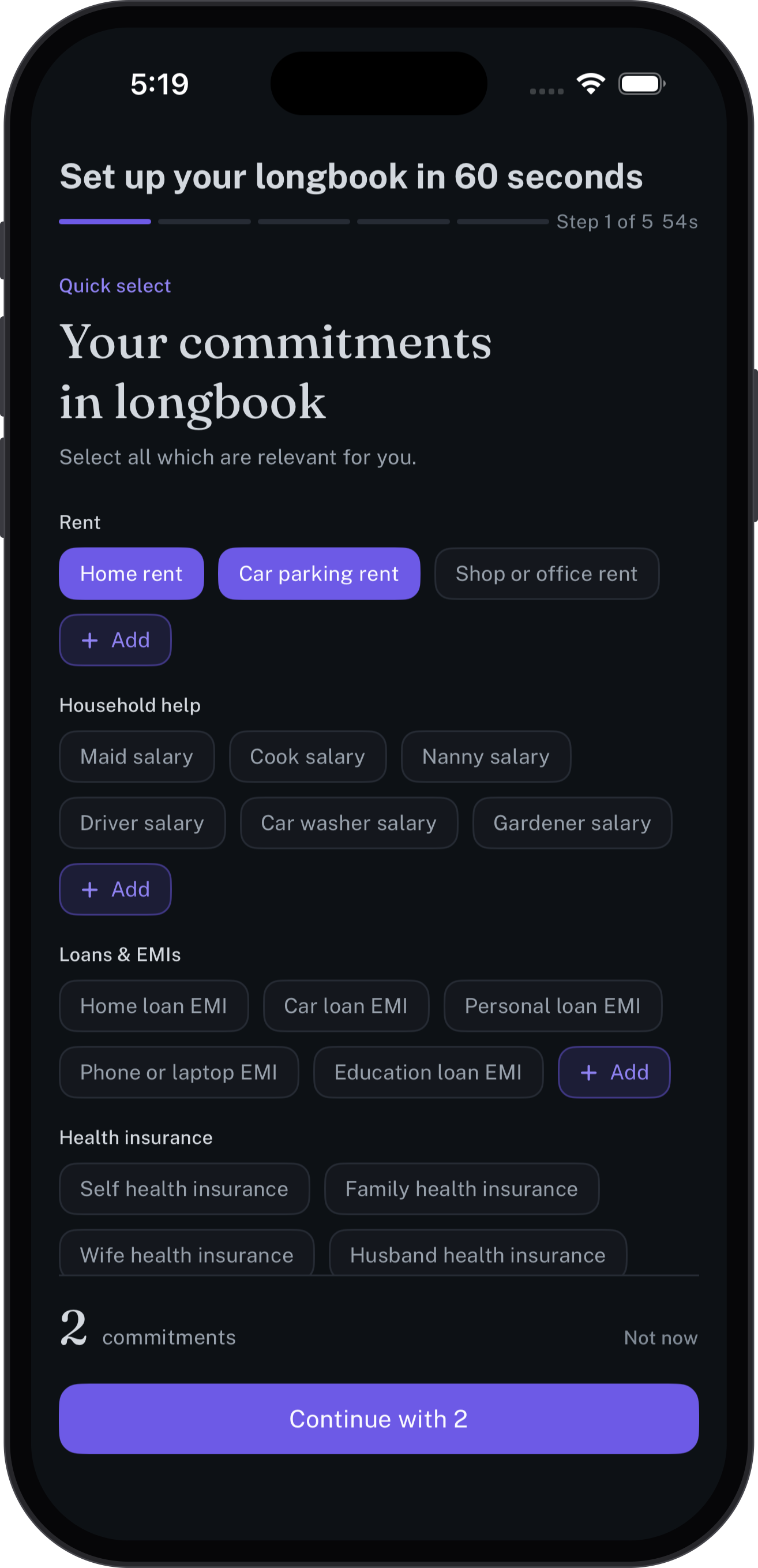
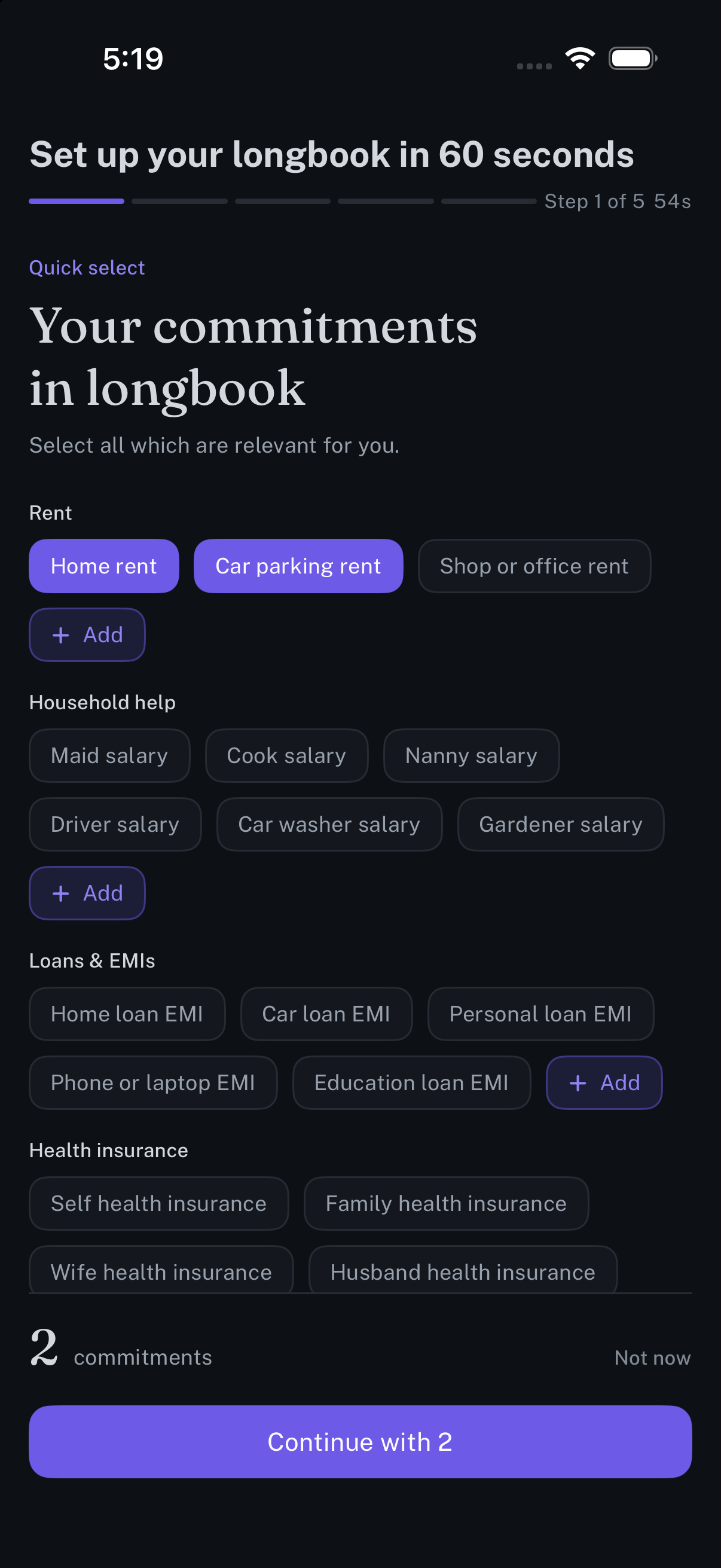
Setup in about a minute: tap the commitments you have, and longbook starts from those.
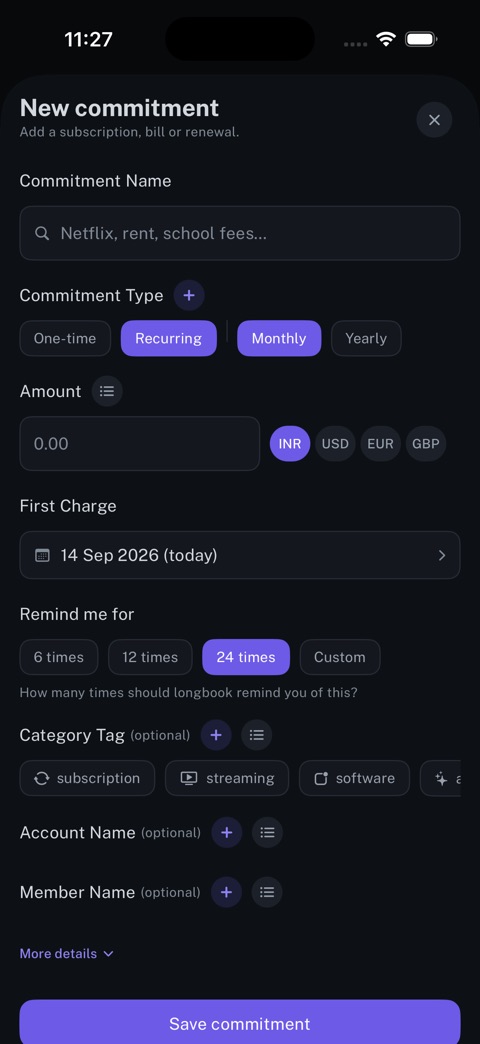
New commitment
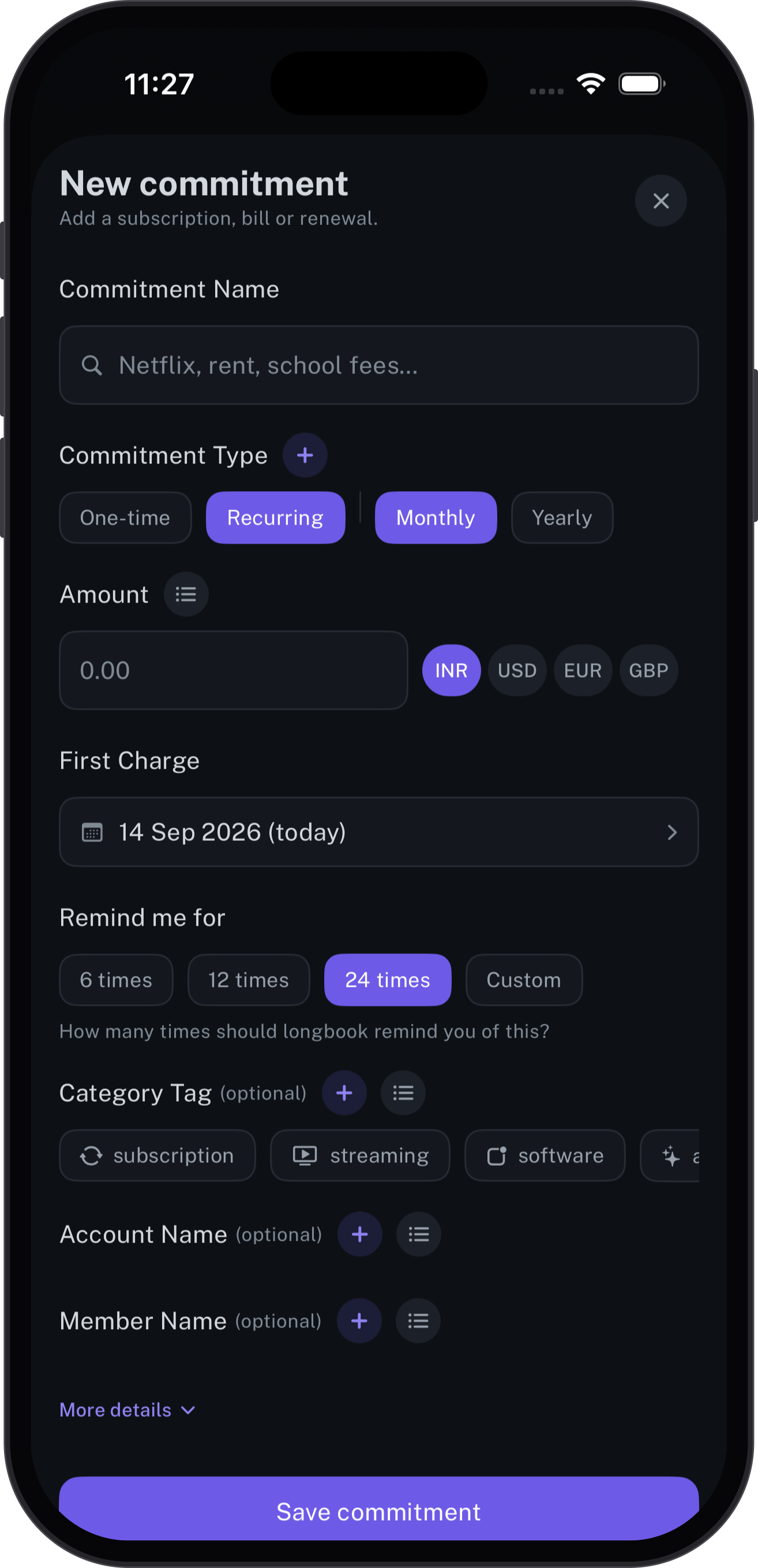
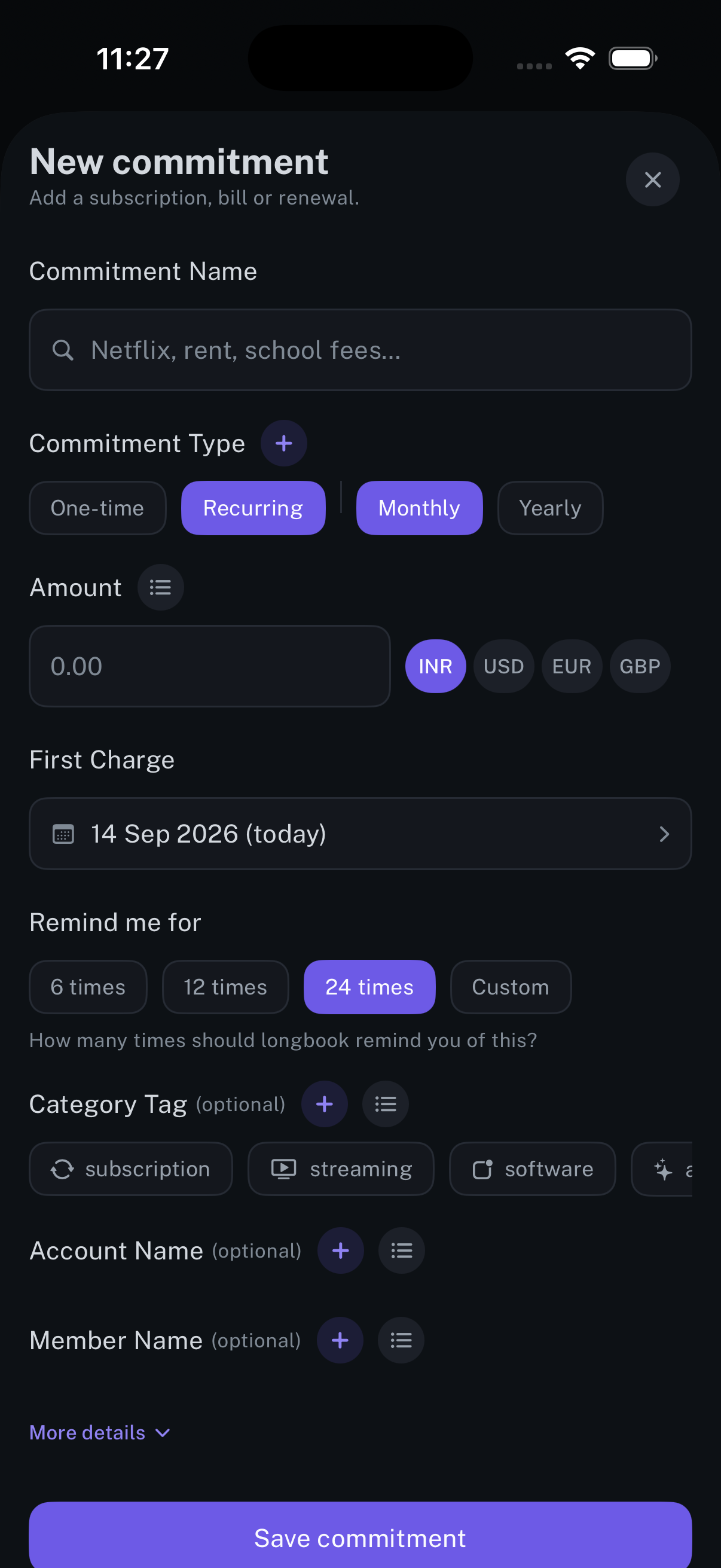
Adding one by hand: the name, the amount, how often it repeats, and when it starts.
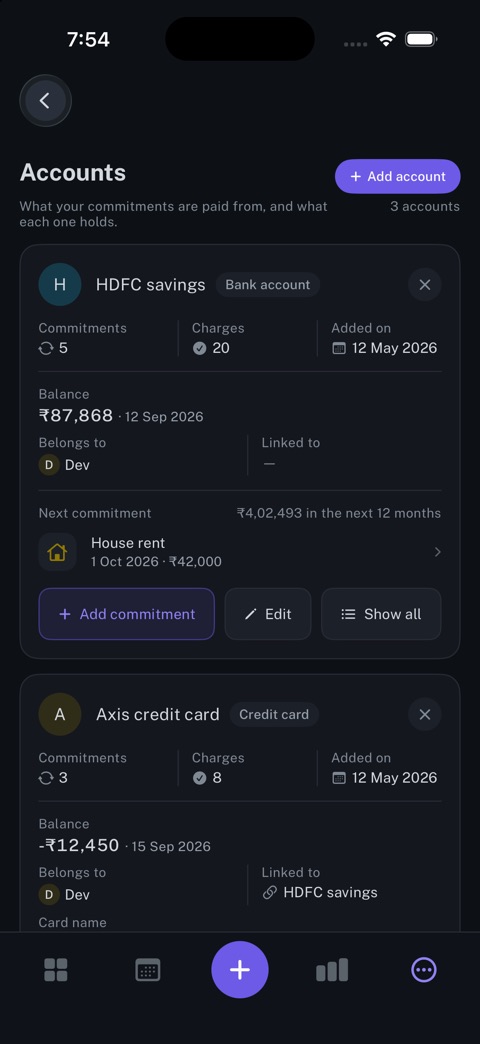
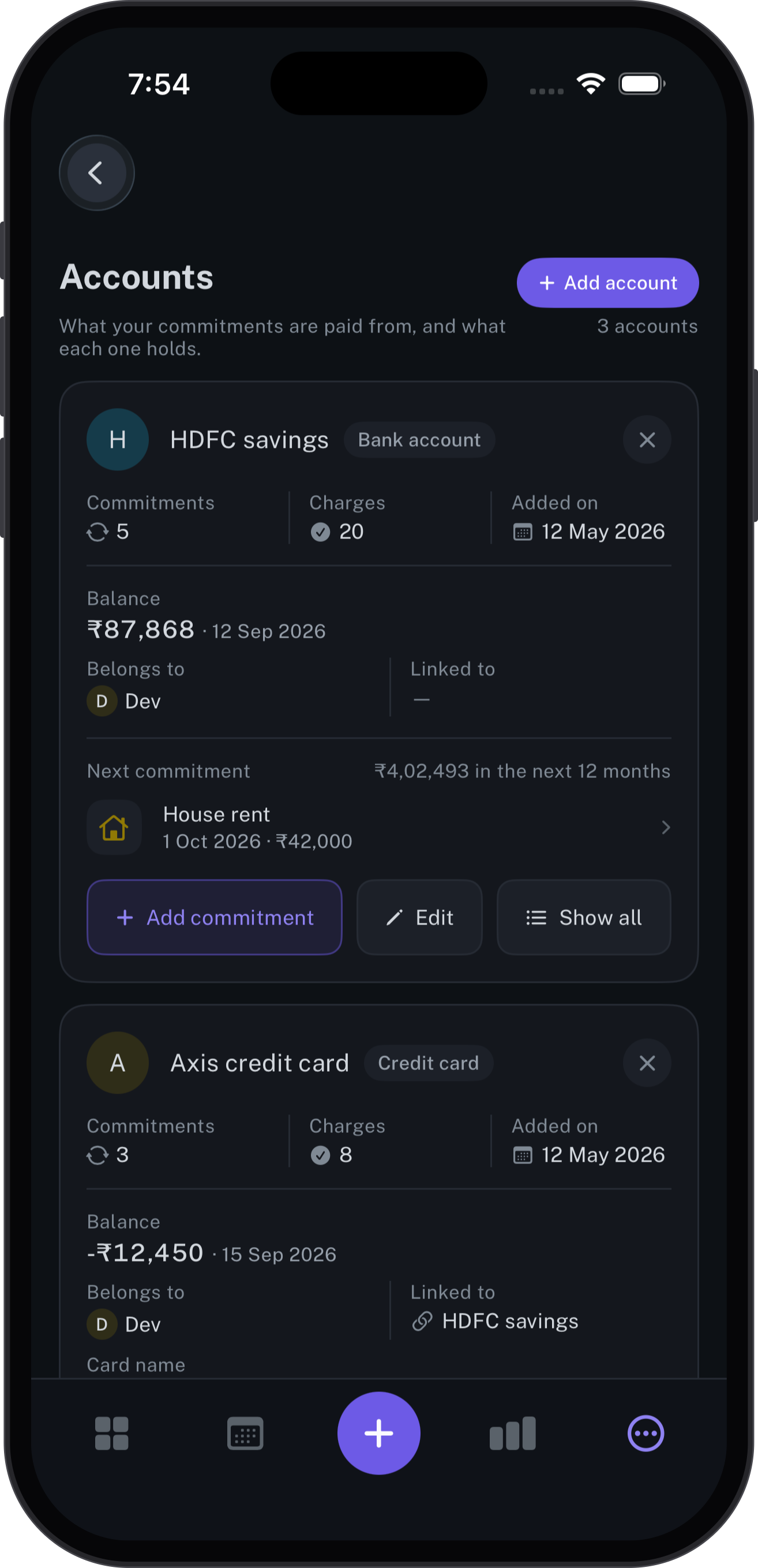
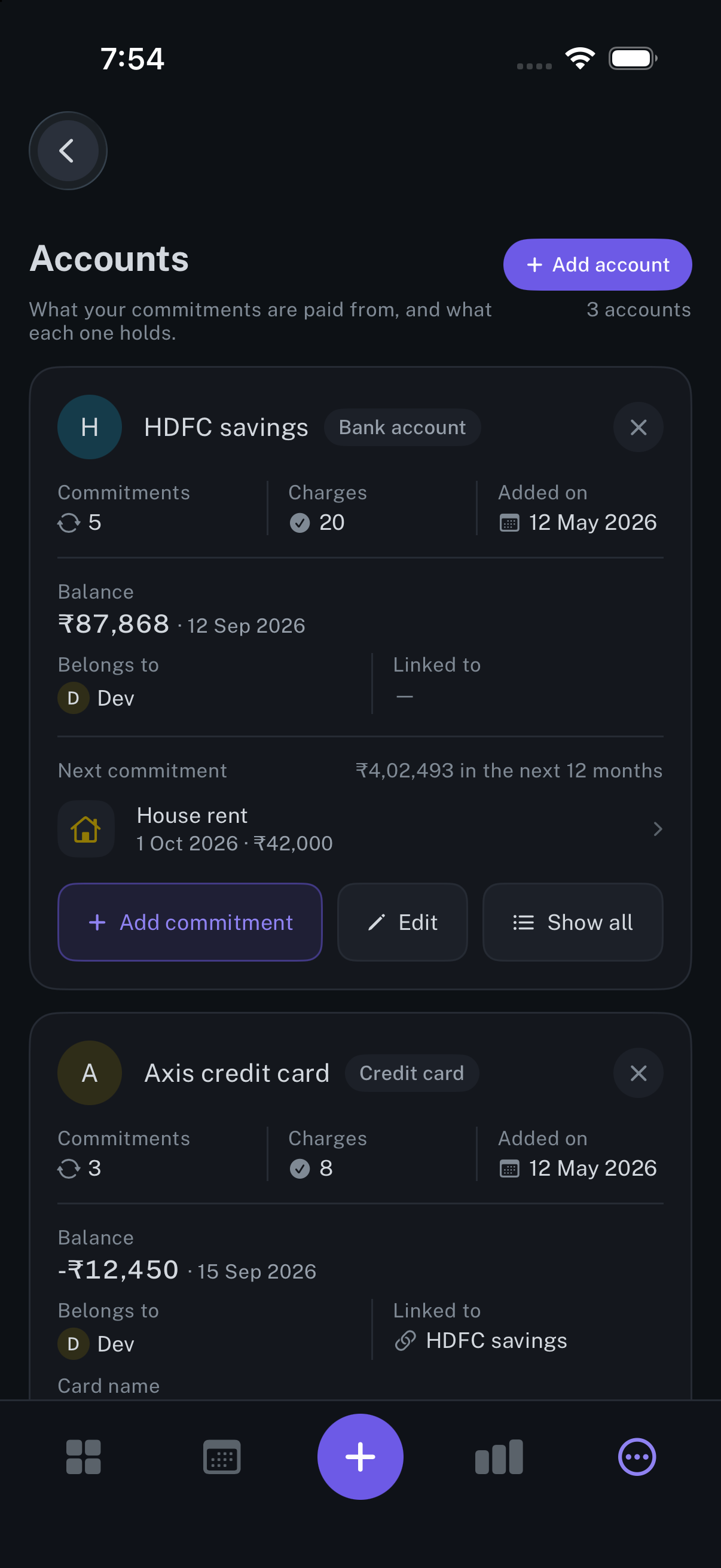
Accounts
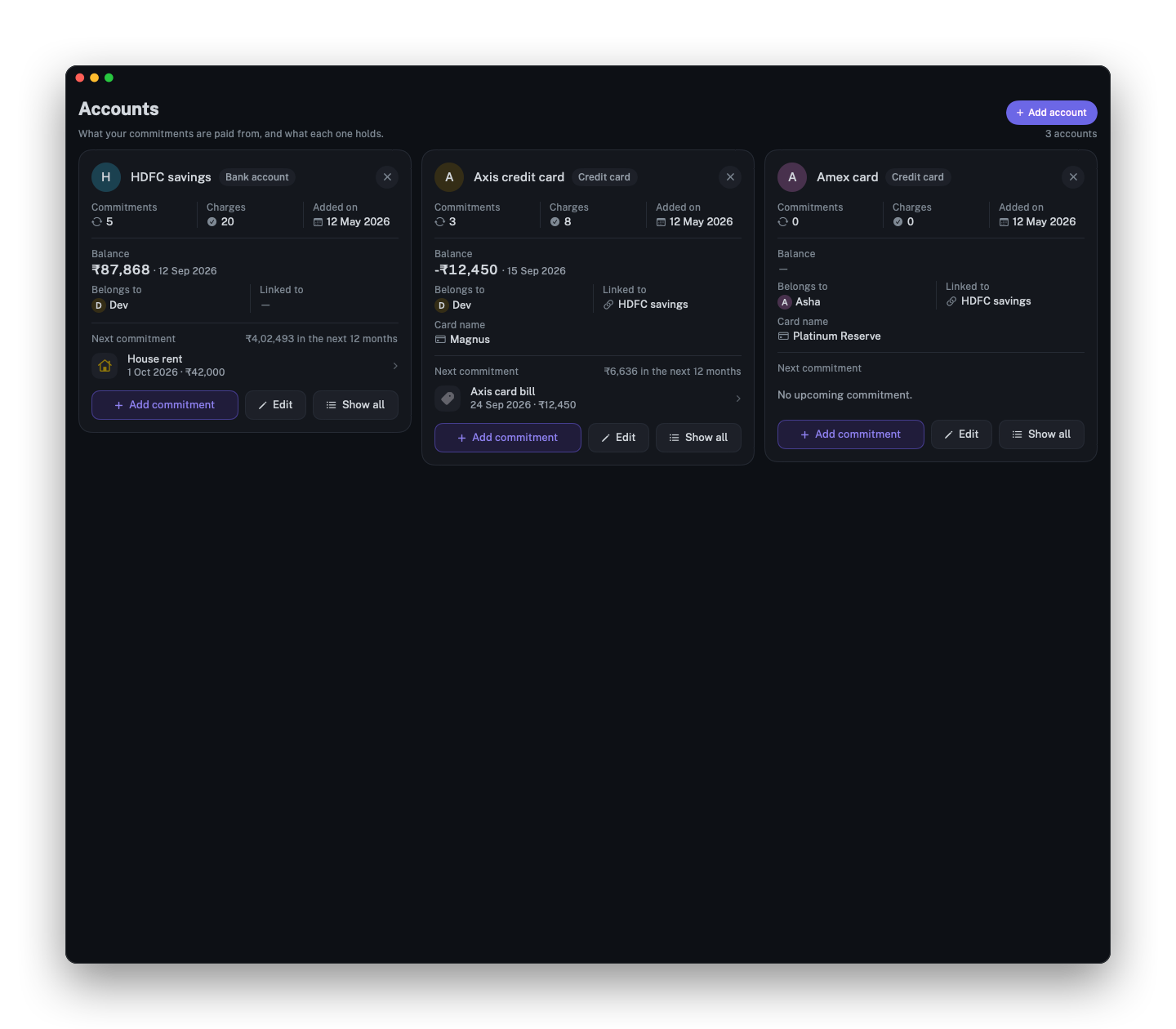
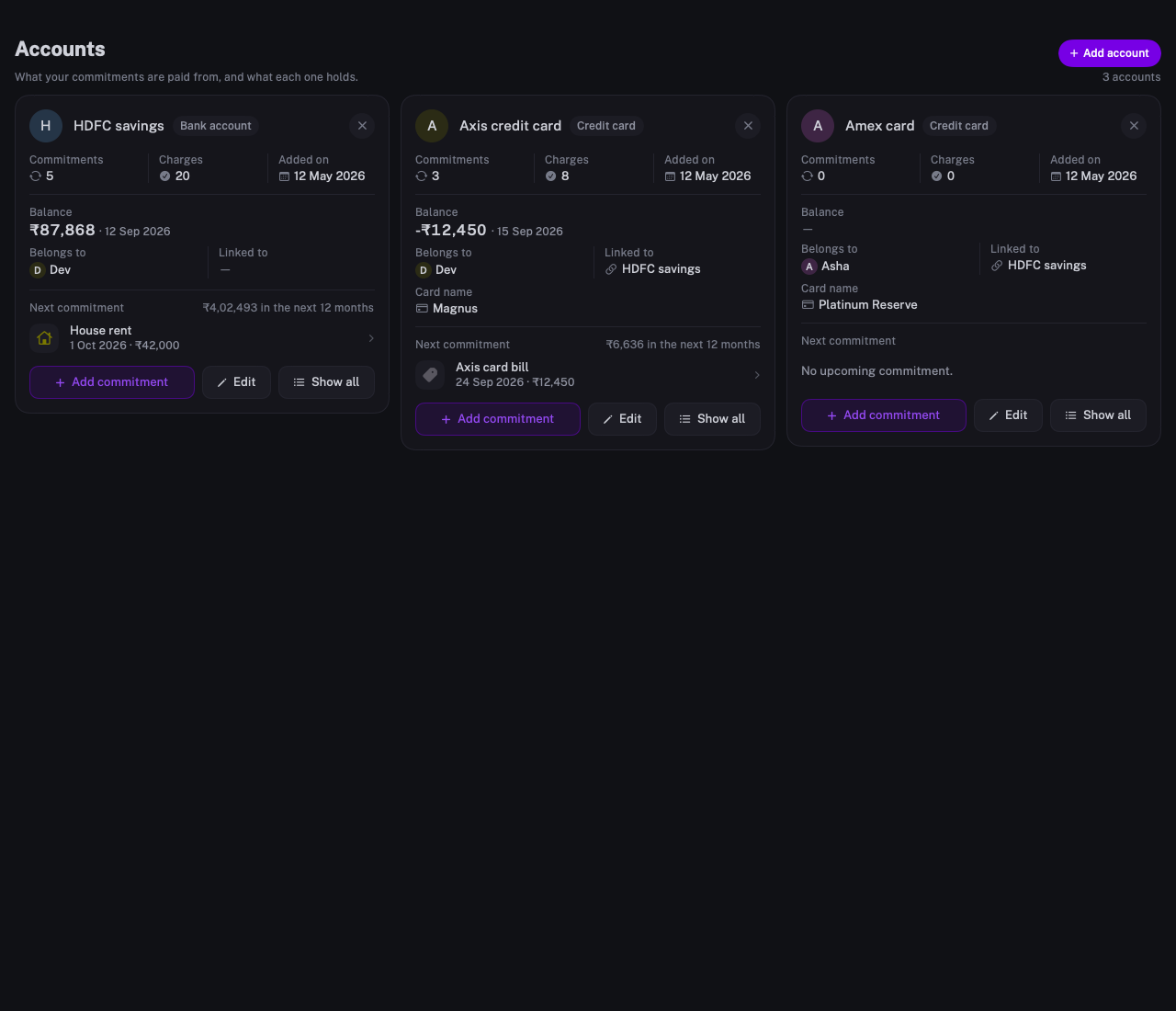
Each bank account and card, with its balance, its owner and the commitments it pays.
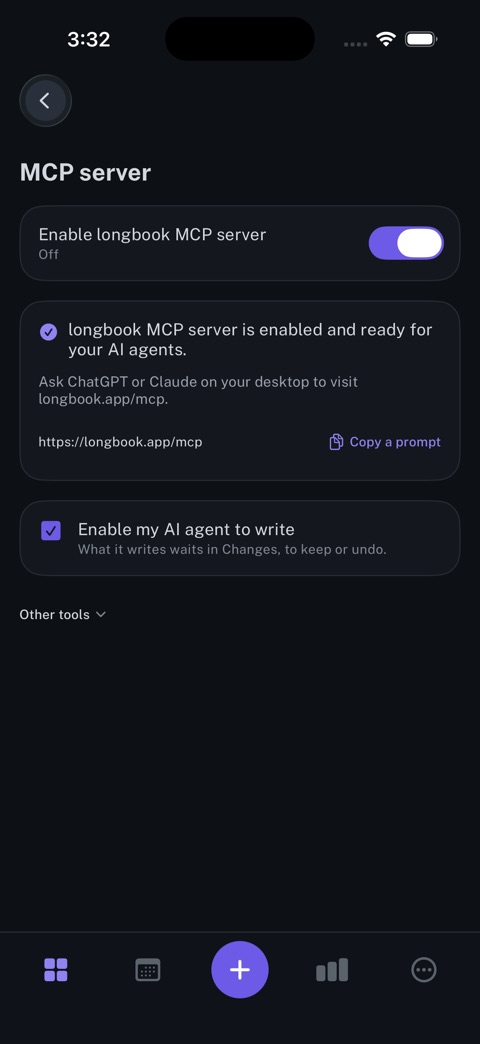
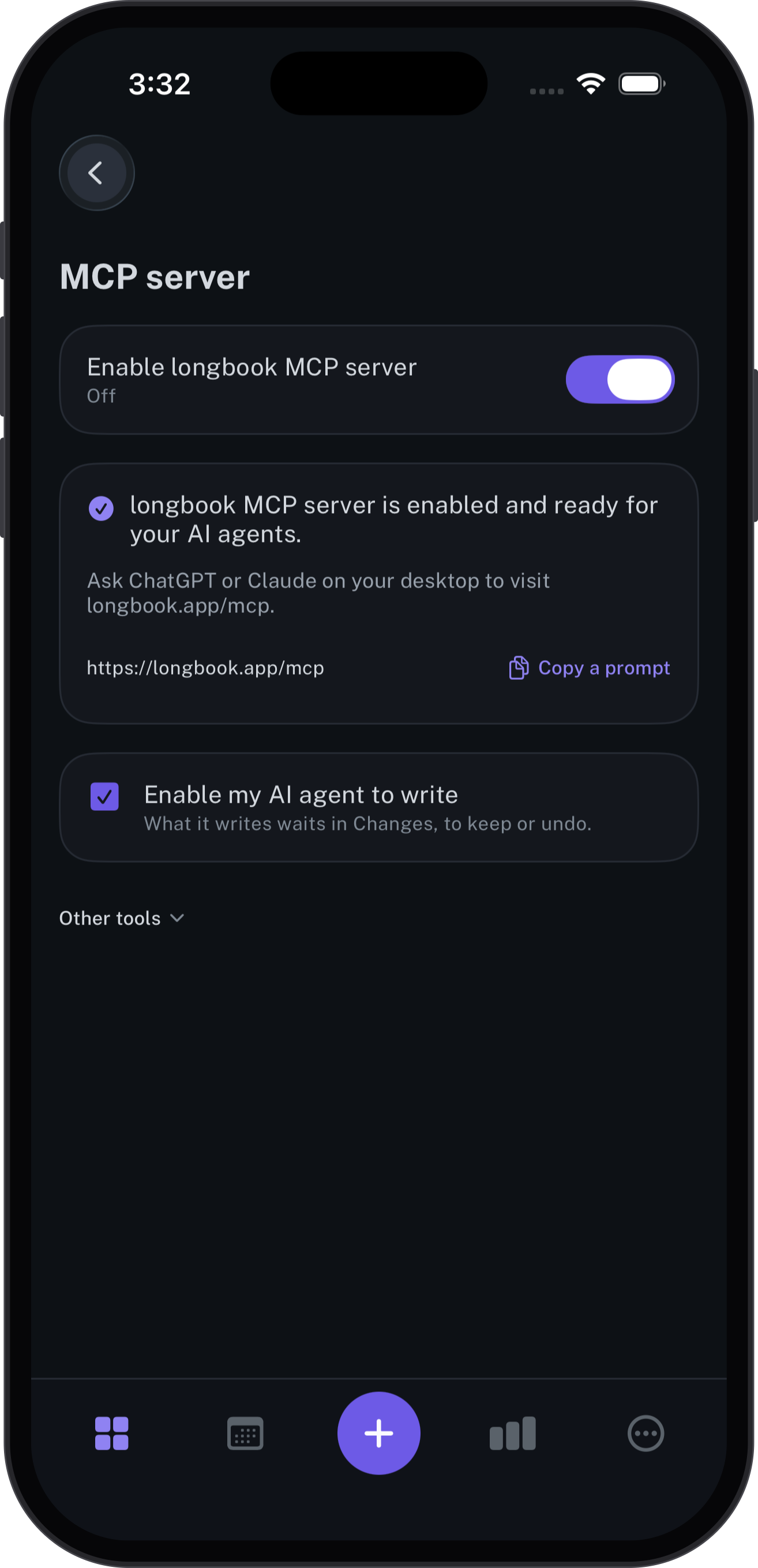
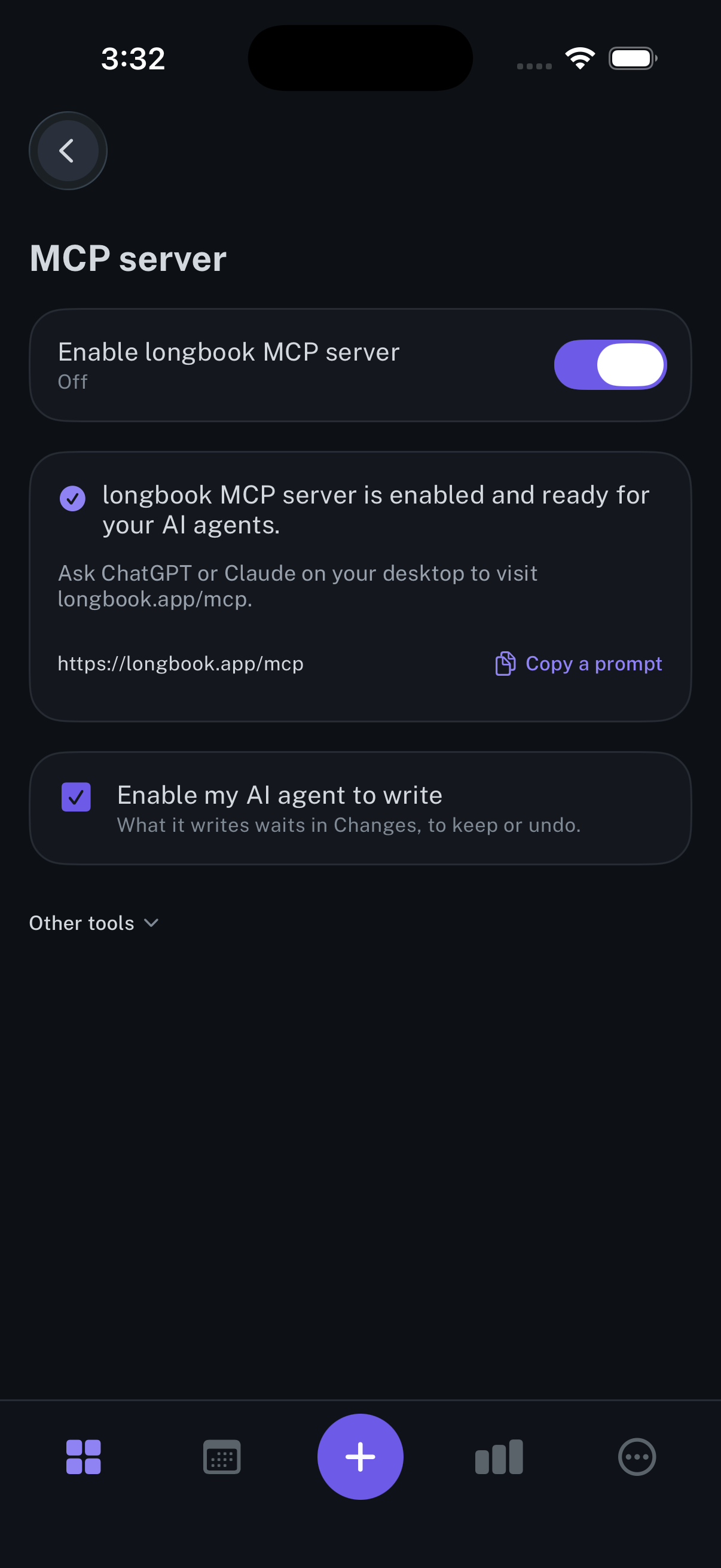
MCP server
The switch that lets Claude or ChatGPT read your longbook, and write to it if you allow.
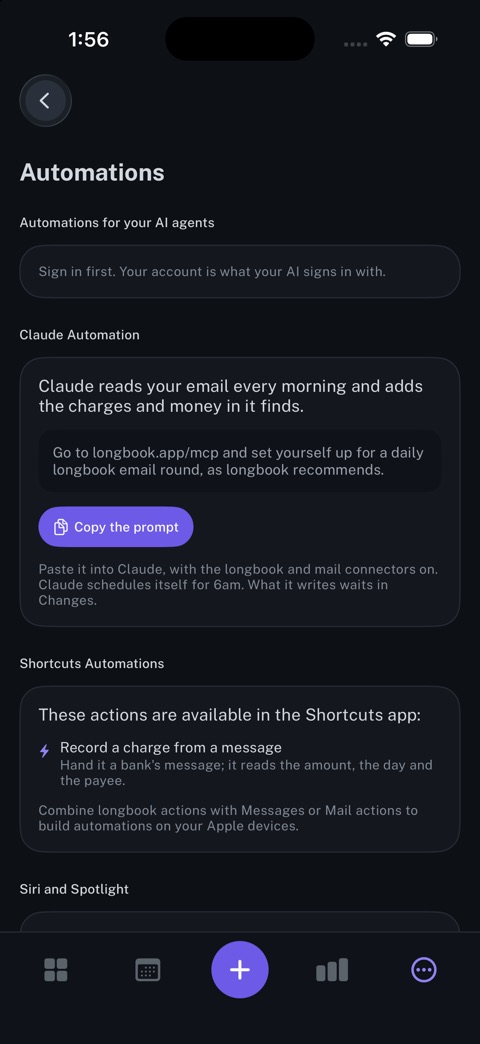
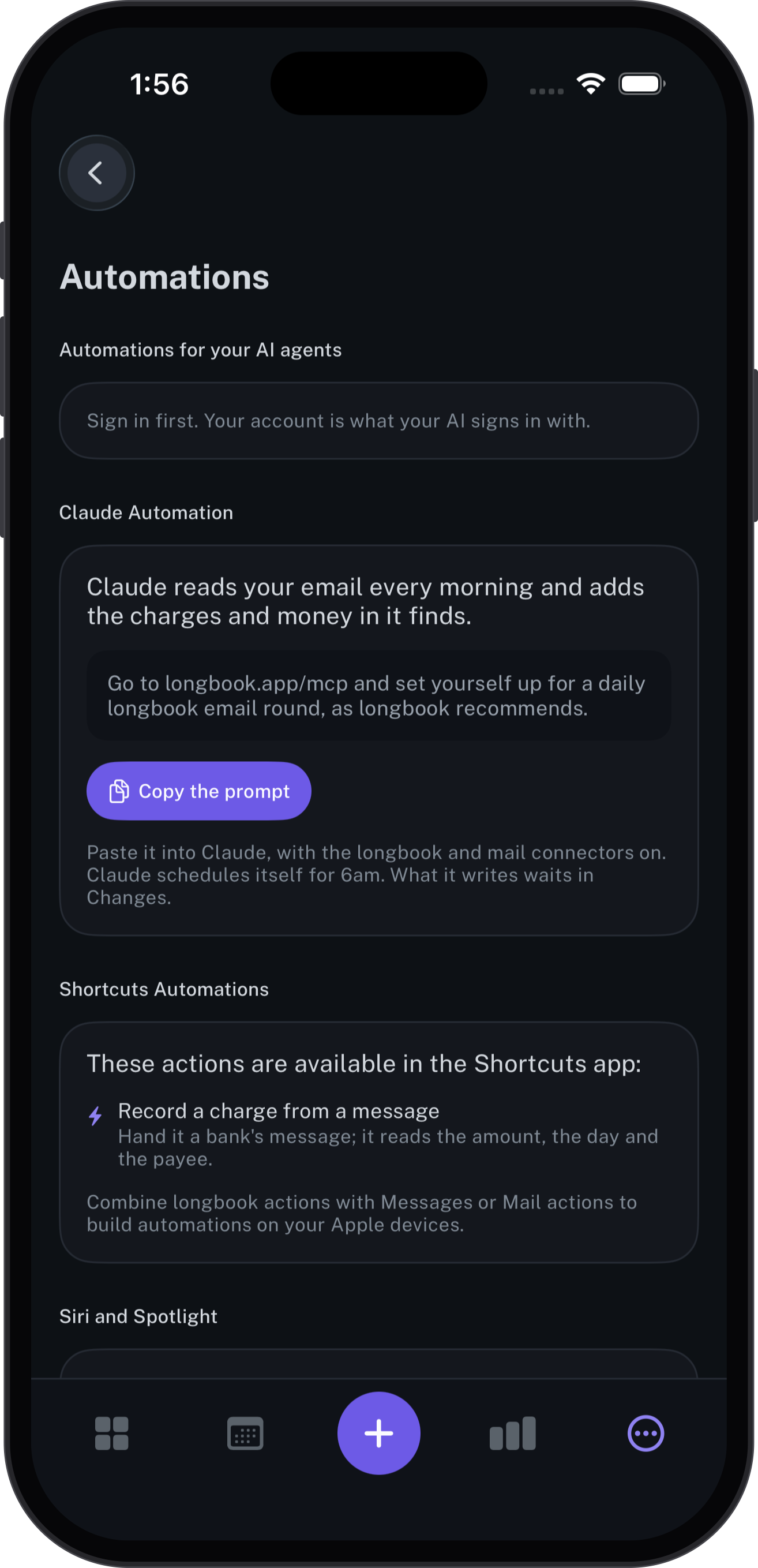
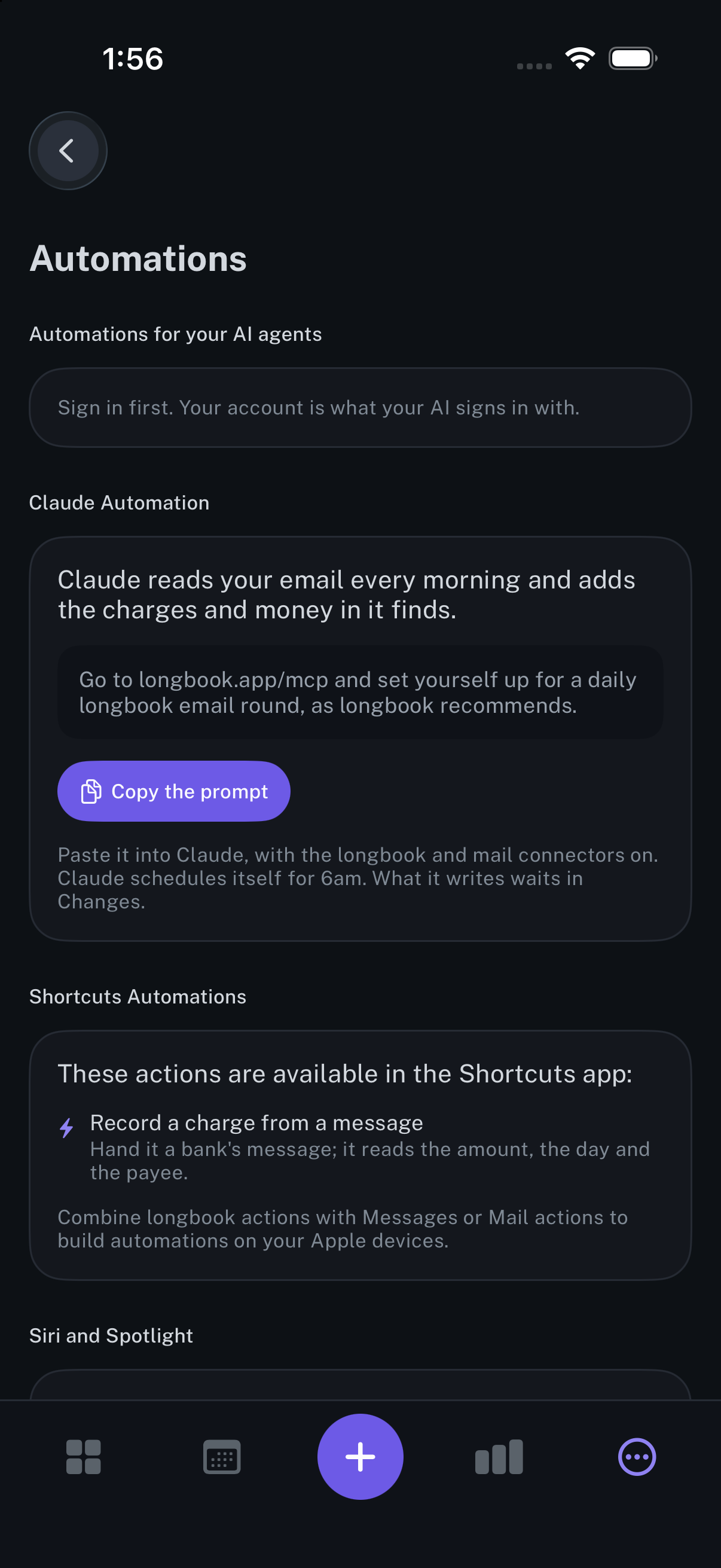
Automations
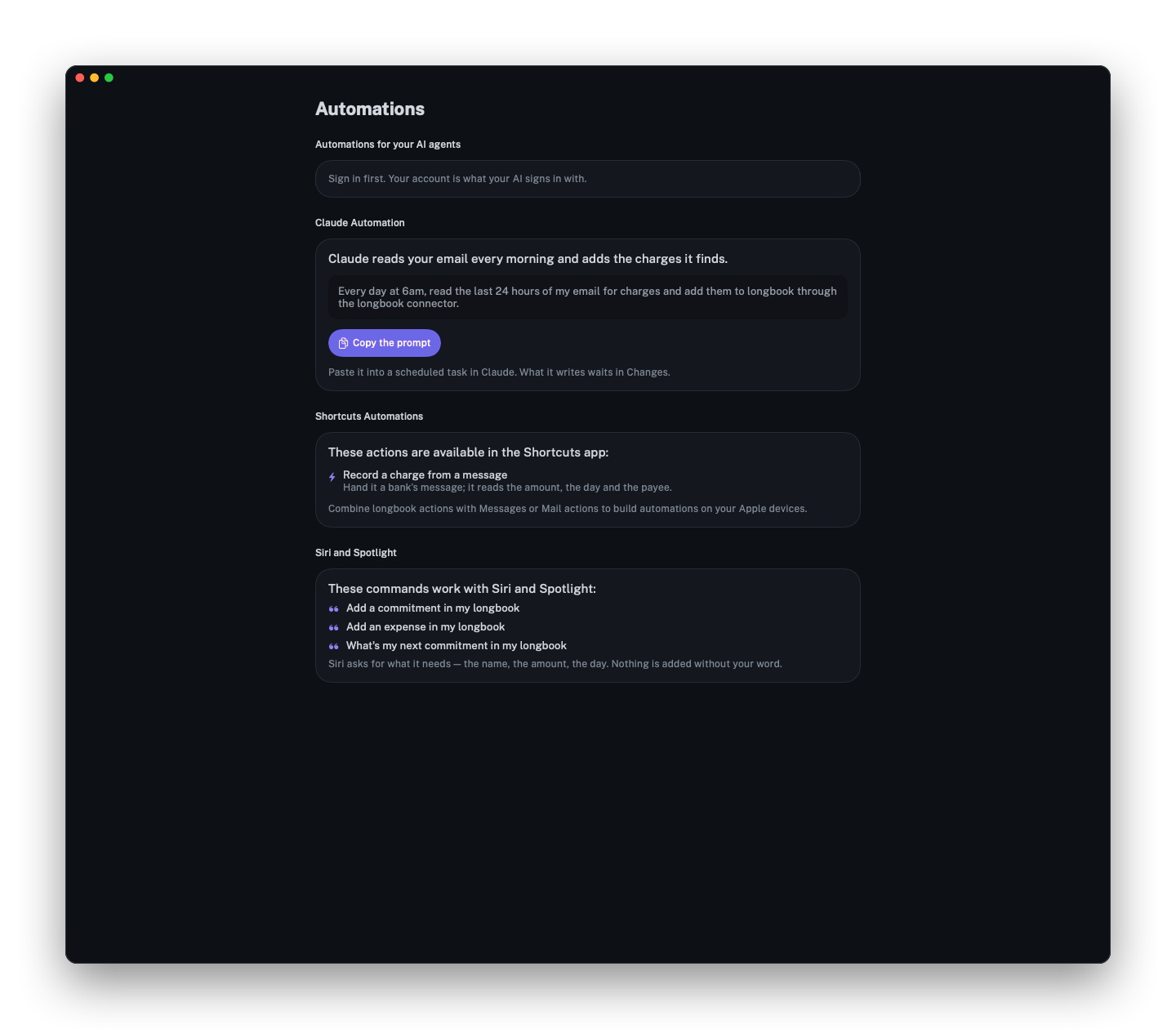
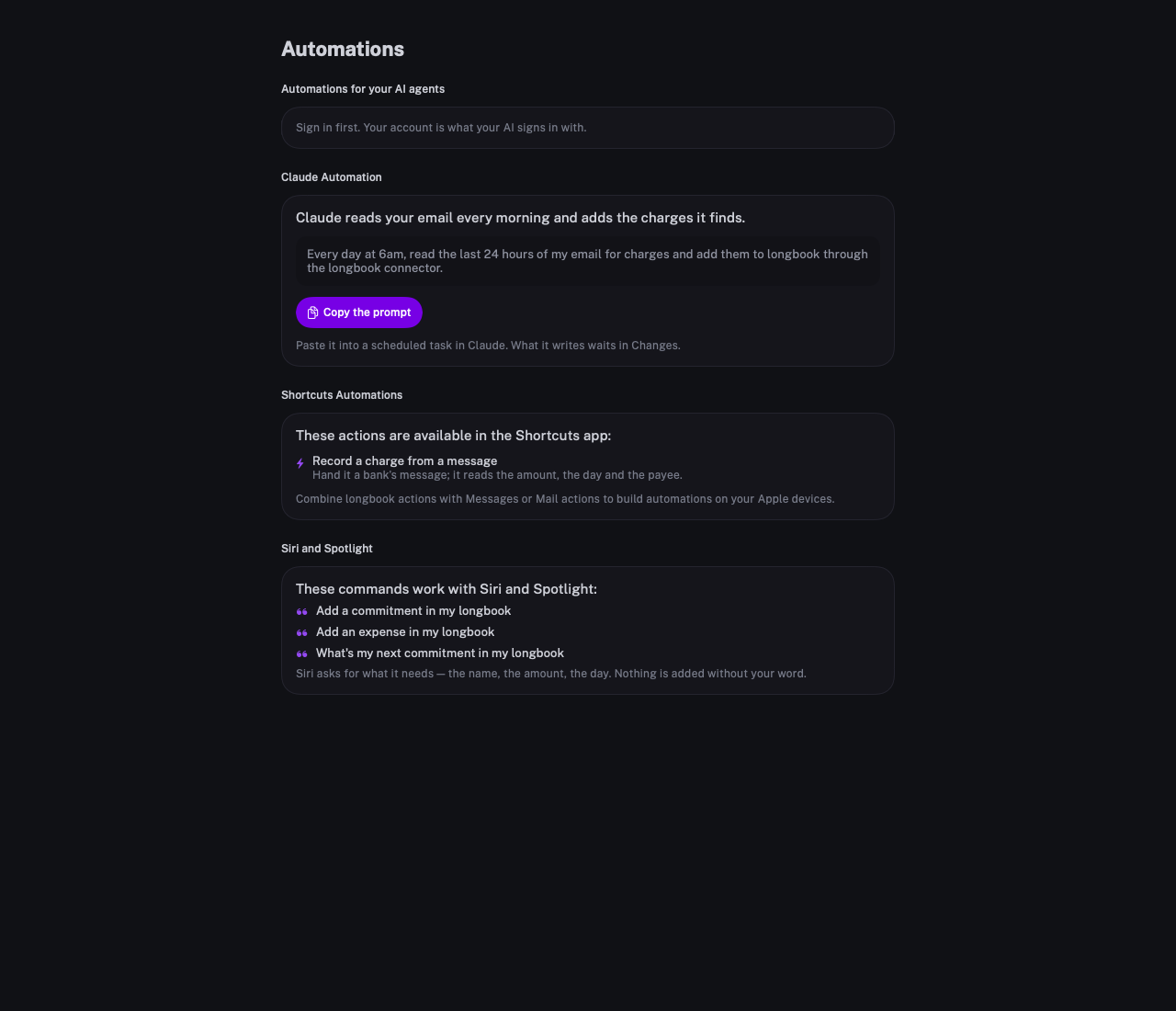
A prompt that has Claude read your email each morning and add the charges it finds.
Mac
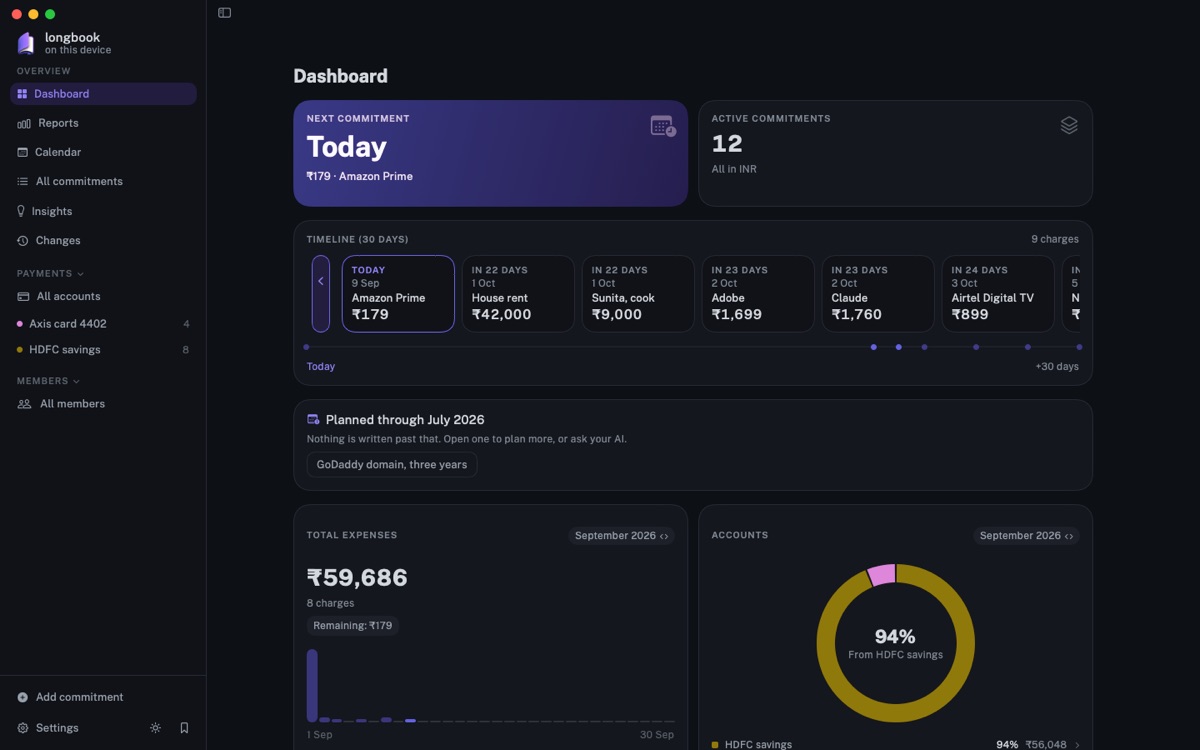
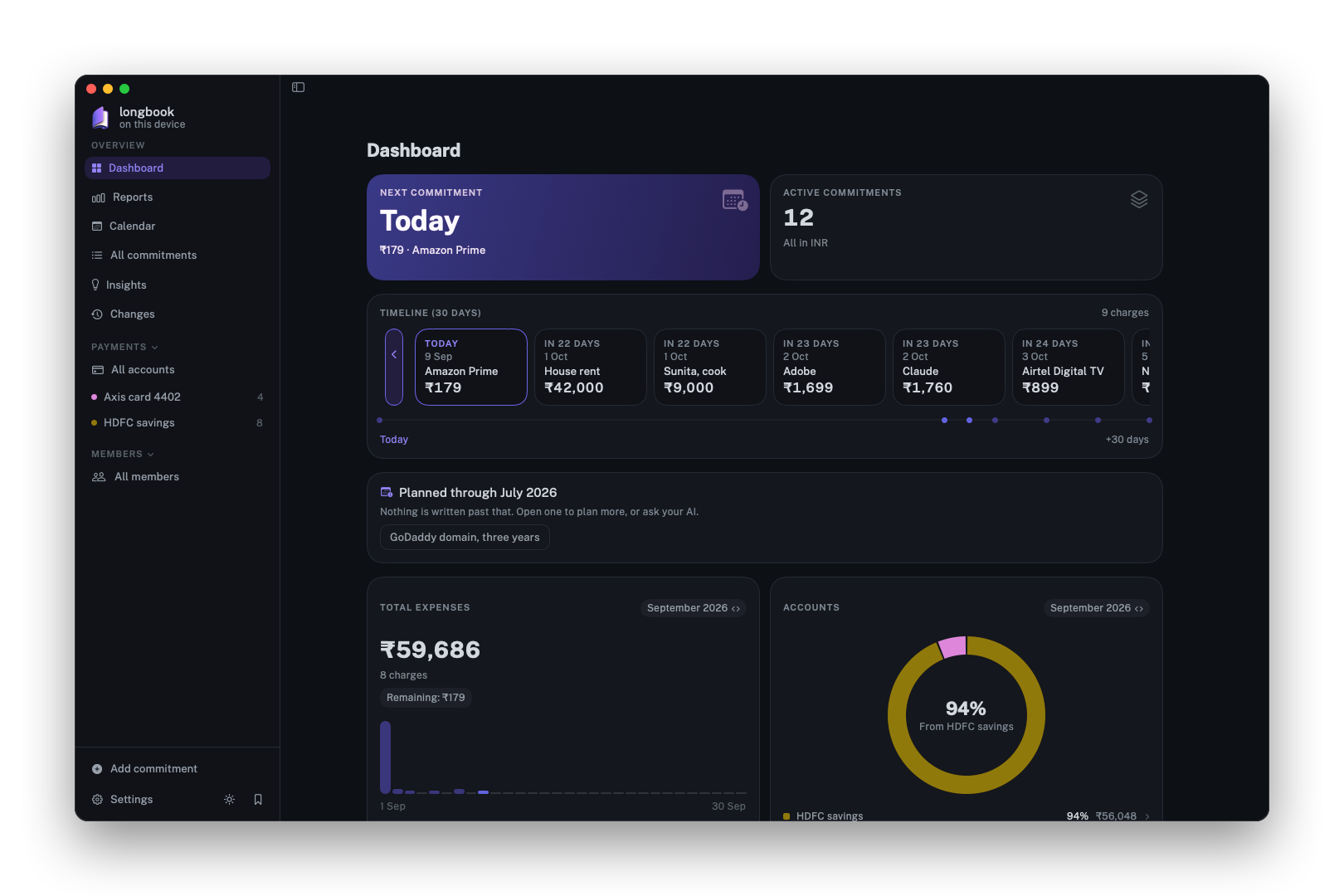
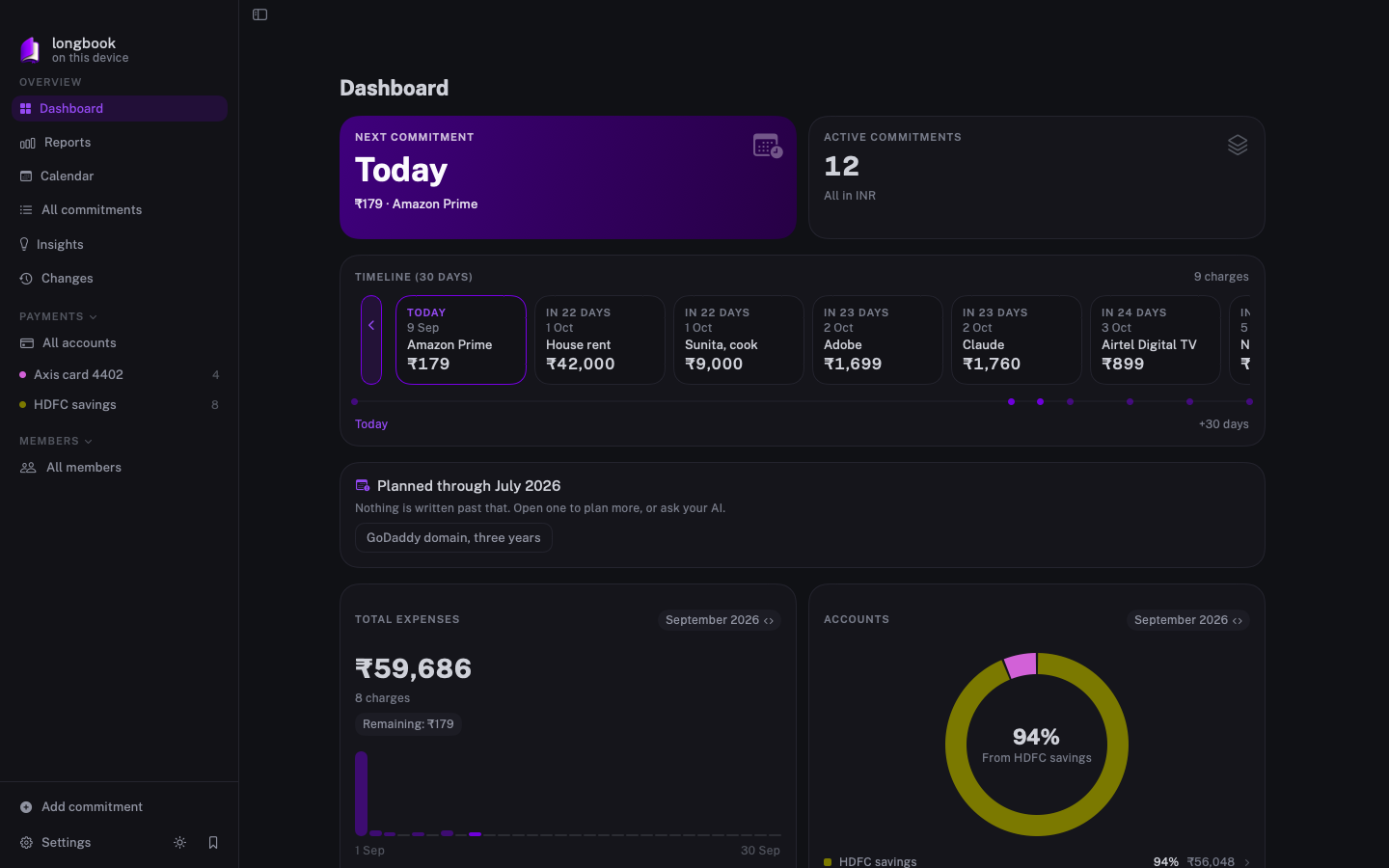
Dashboard
The same dashboard on the Mac, with accounts and members in the sidebar.
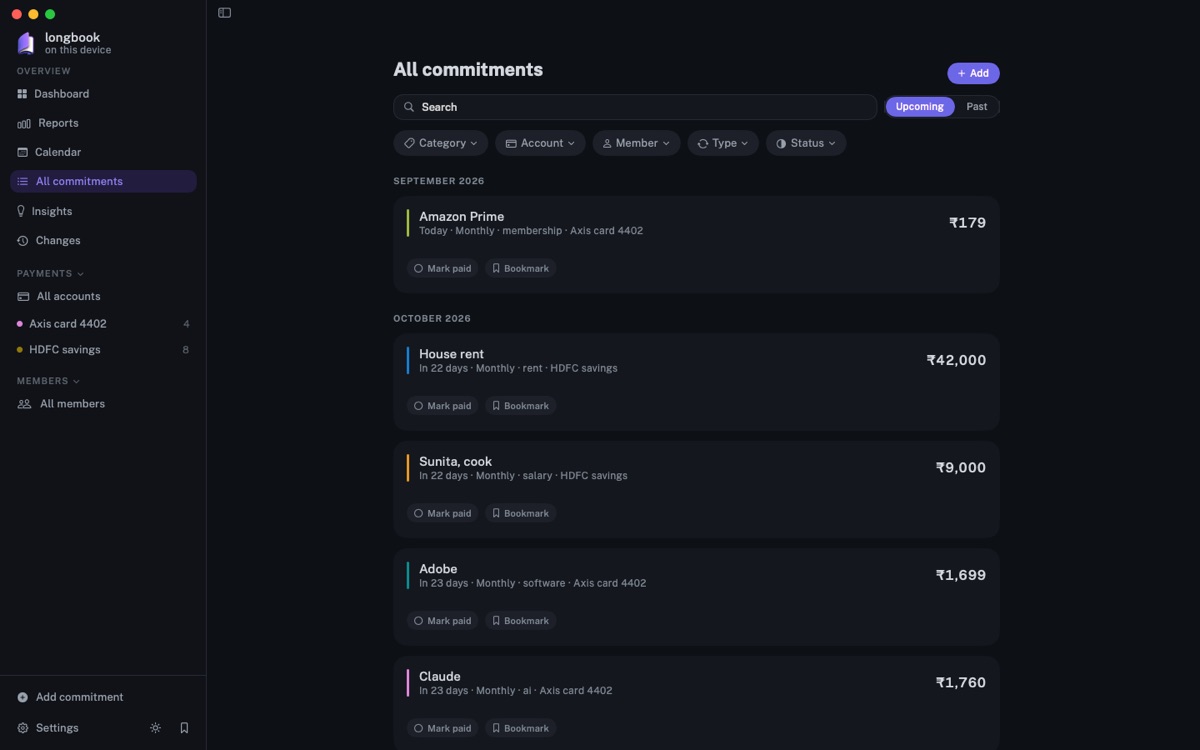
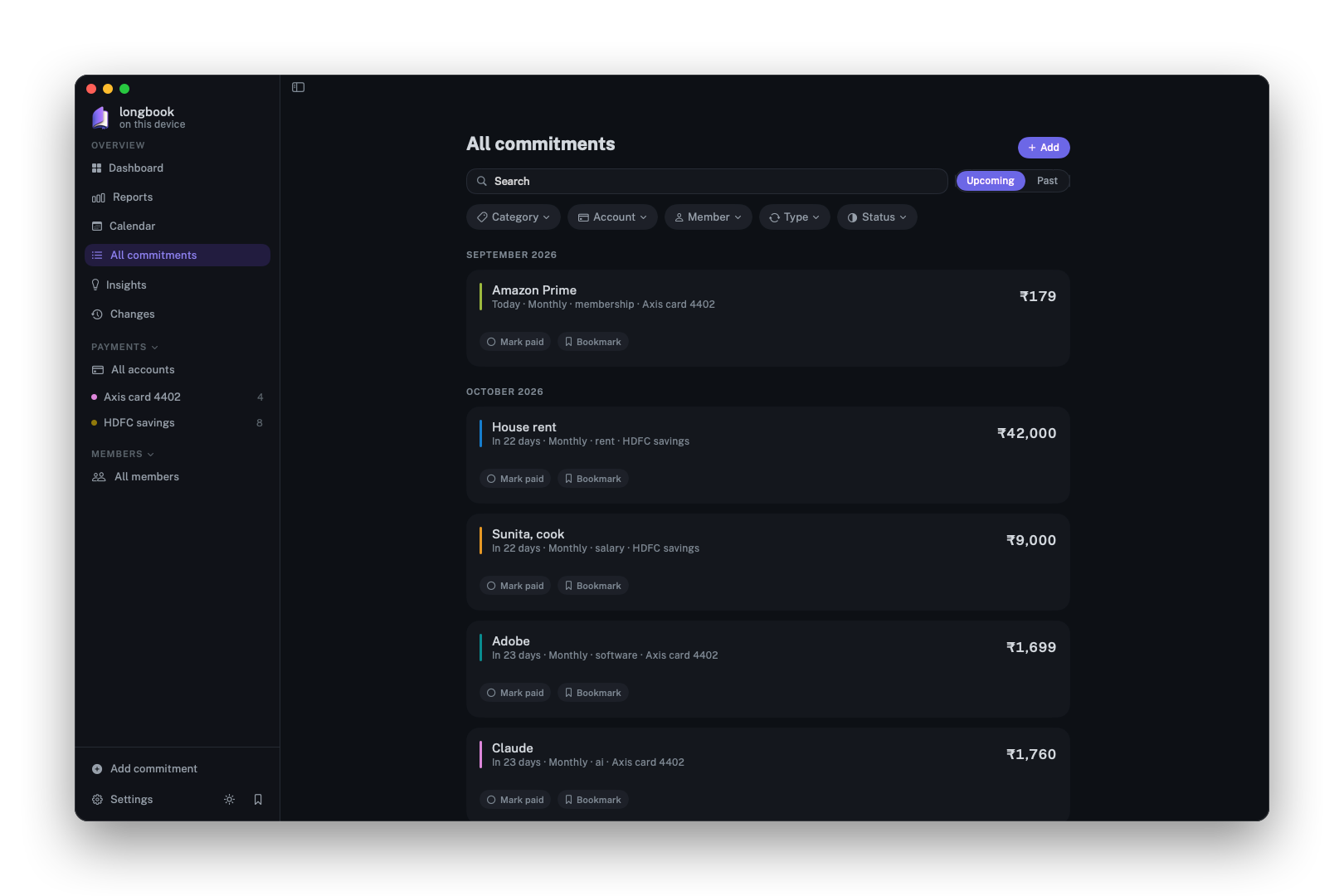
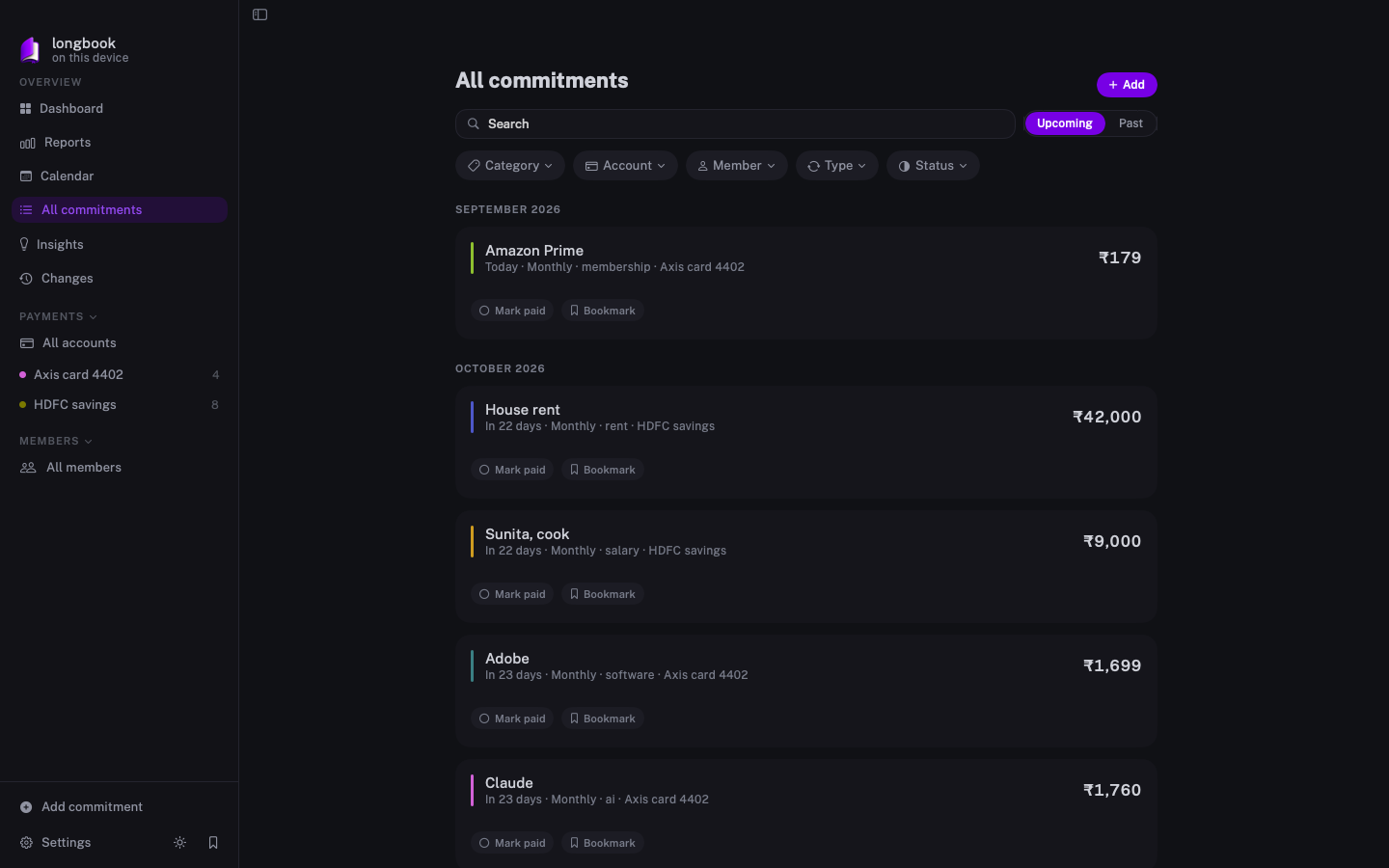
All commitments
Search, and filter by category, account, member, type or status.
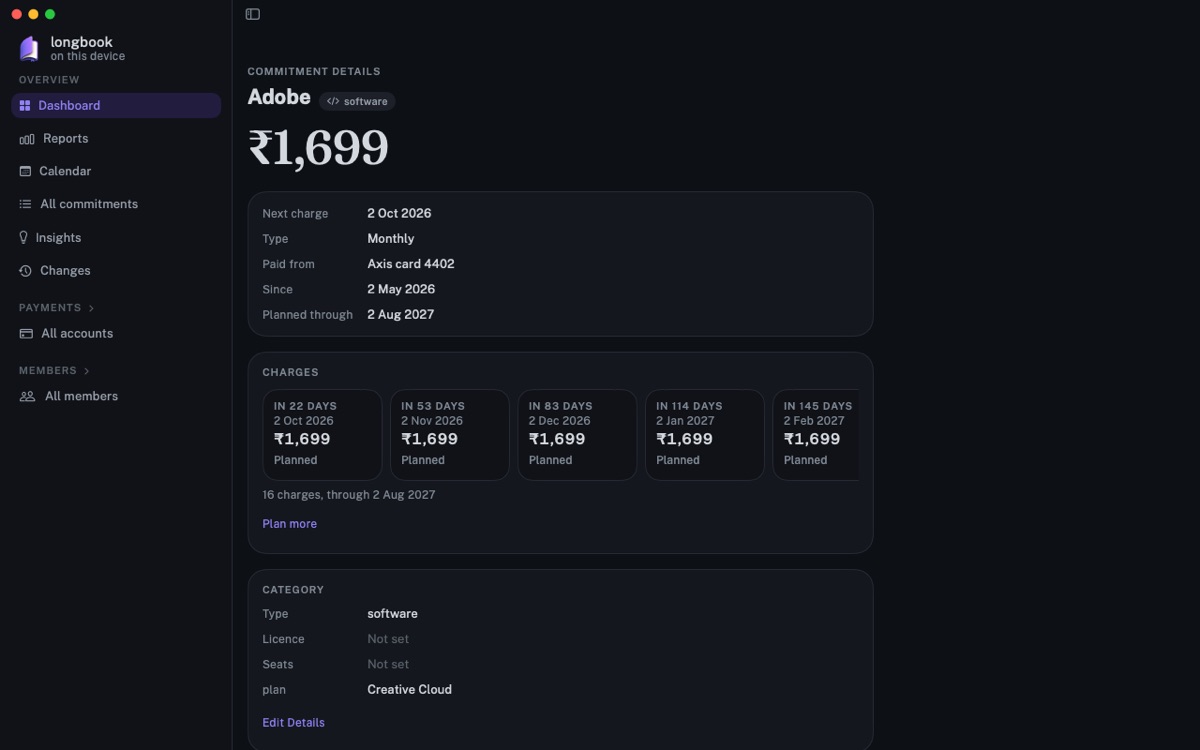
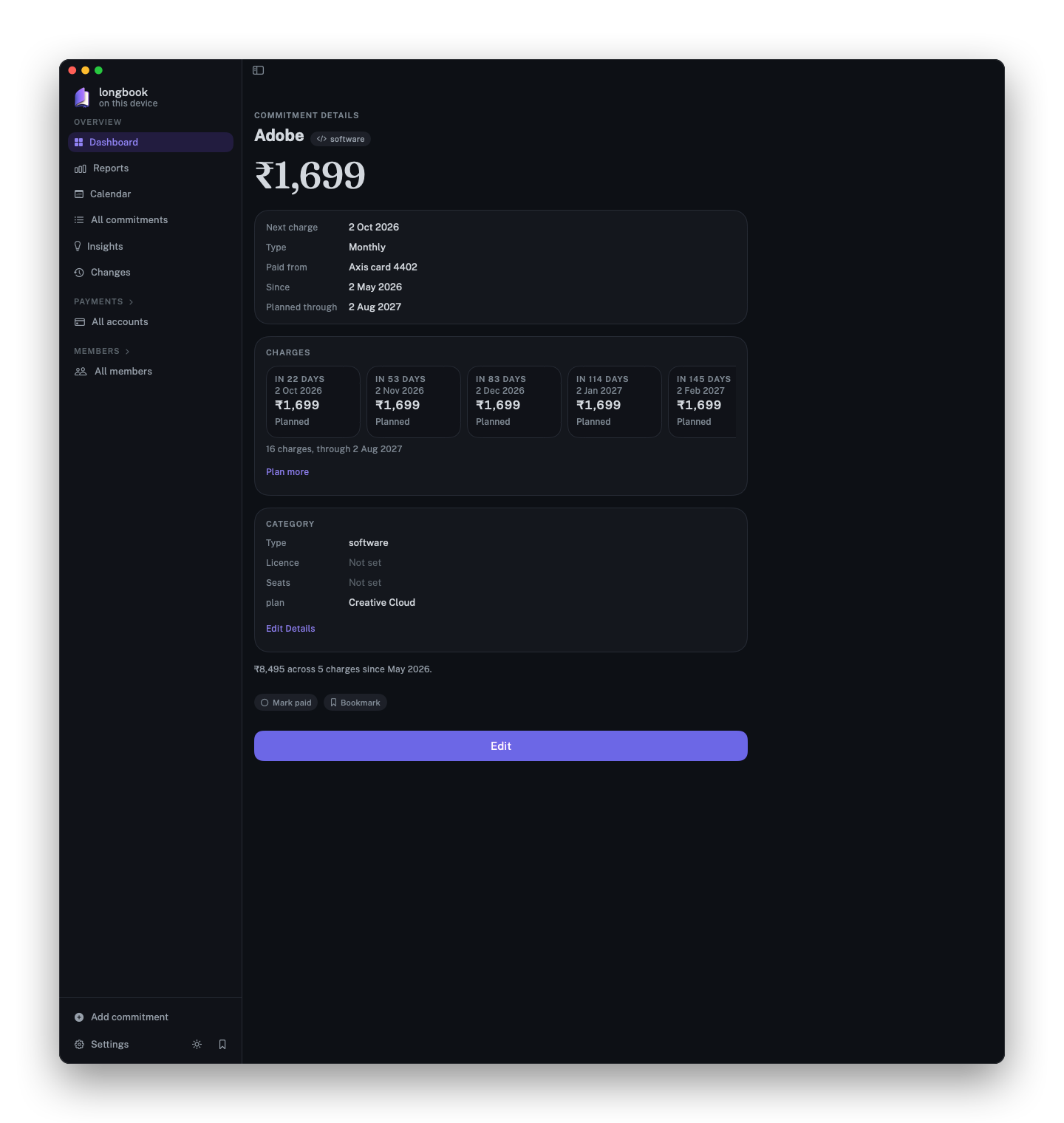
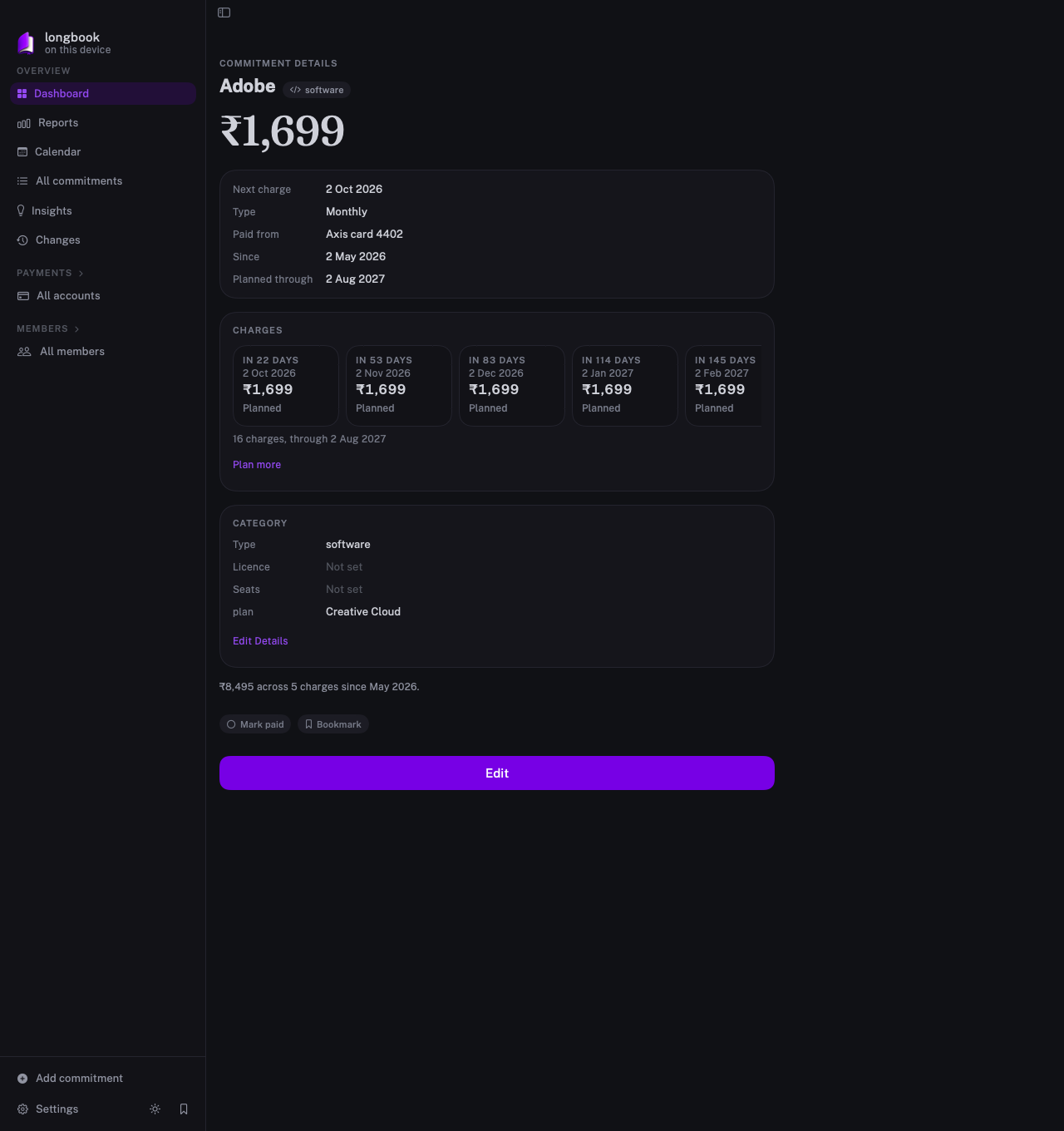
Commitment details
One commitment in full beside the sidebar, with its planned charges and category.
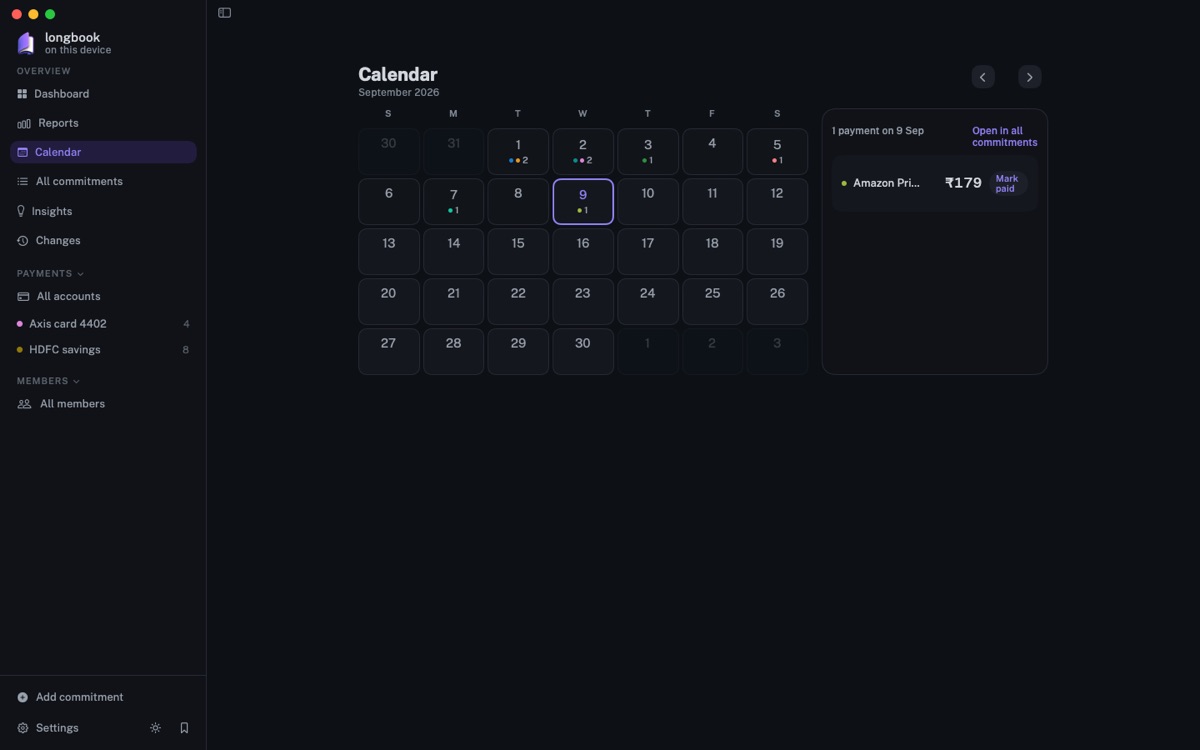
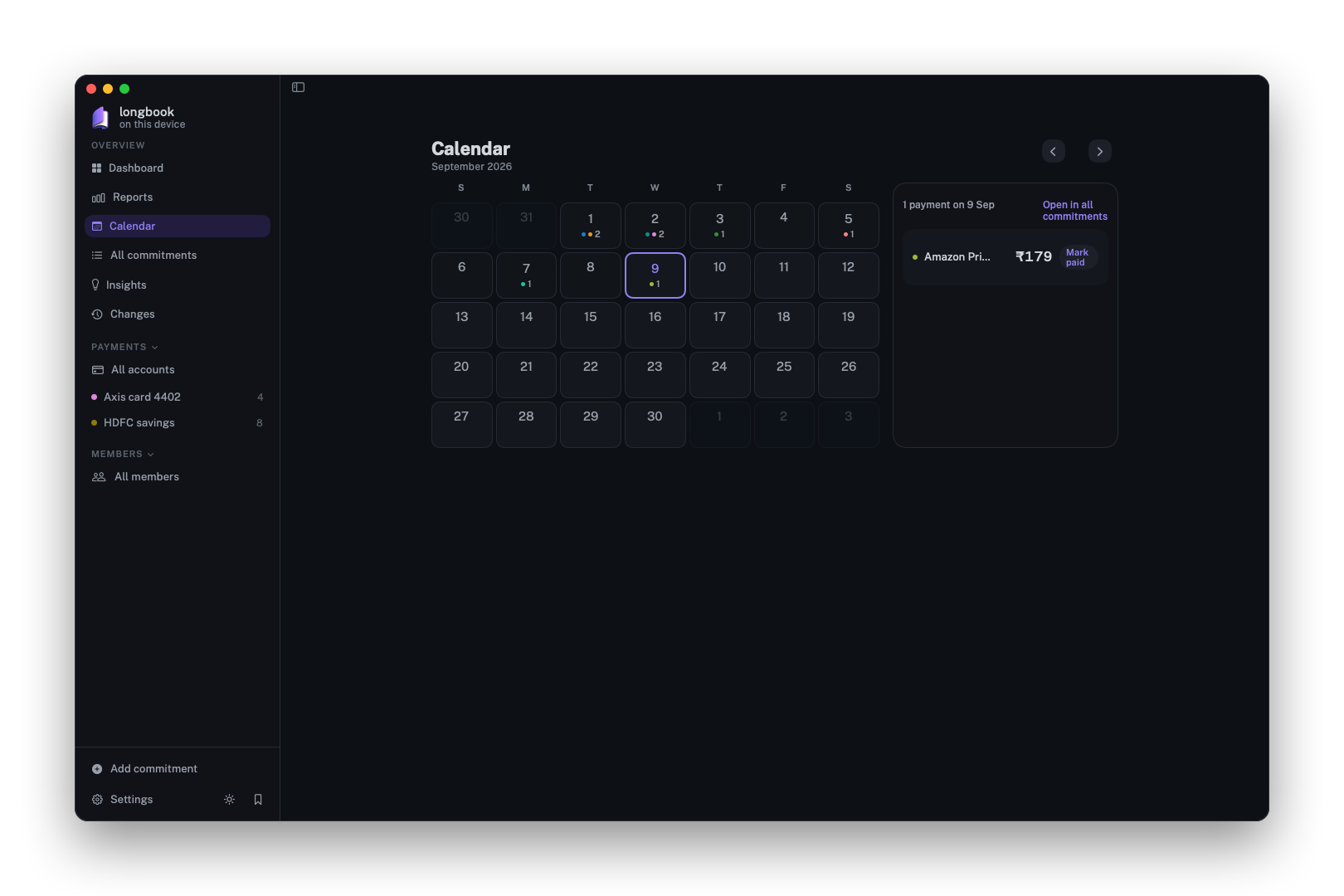
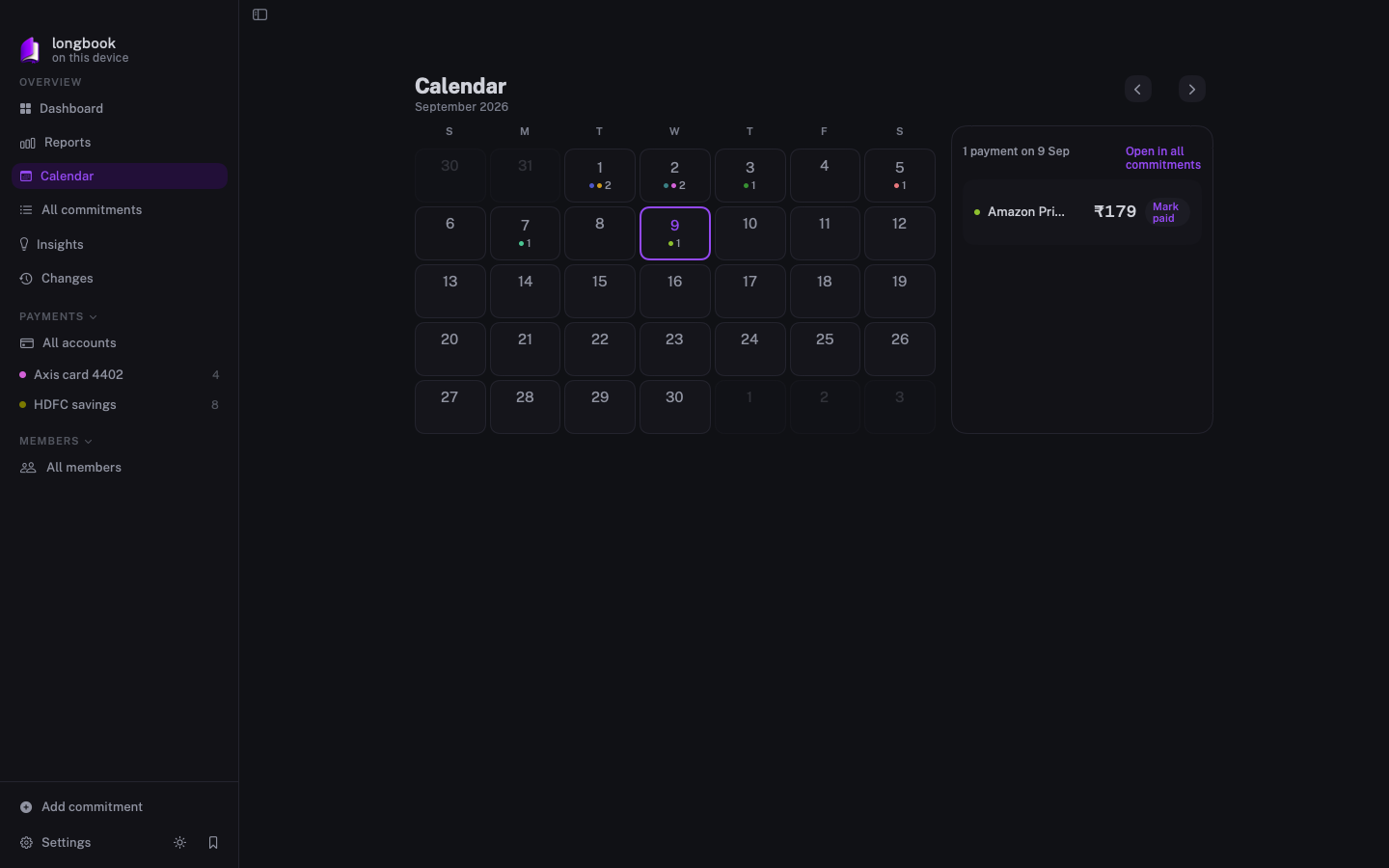
Calendar
The month, with the payments on the chosen day beside it.
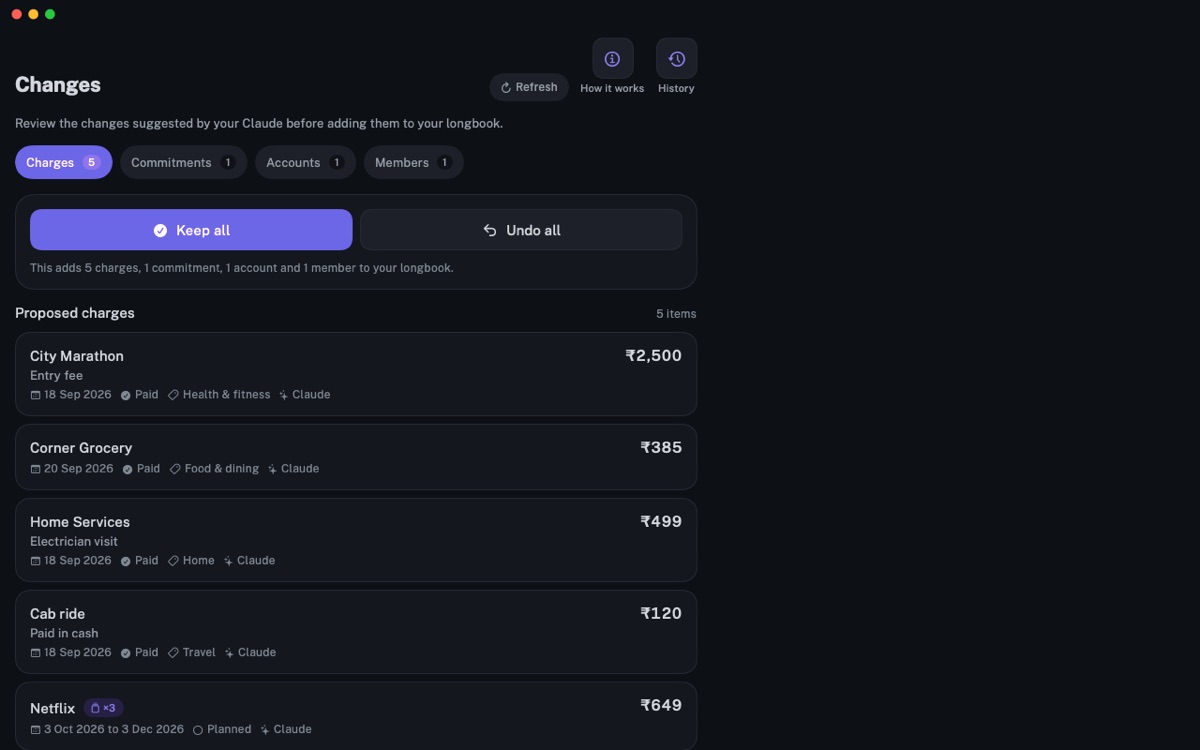
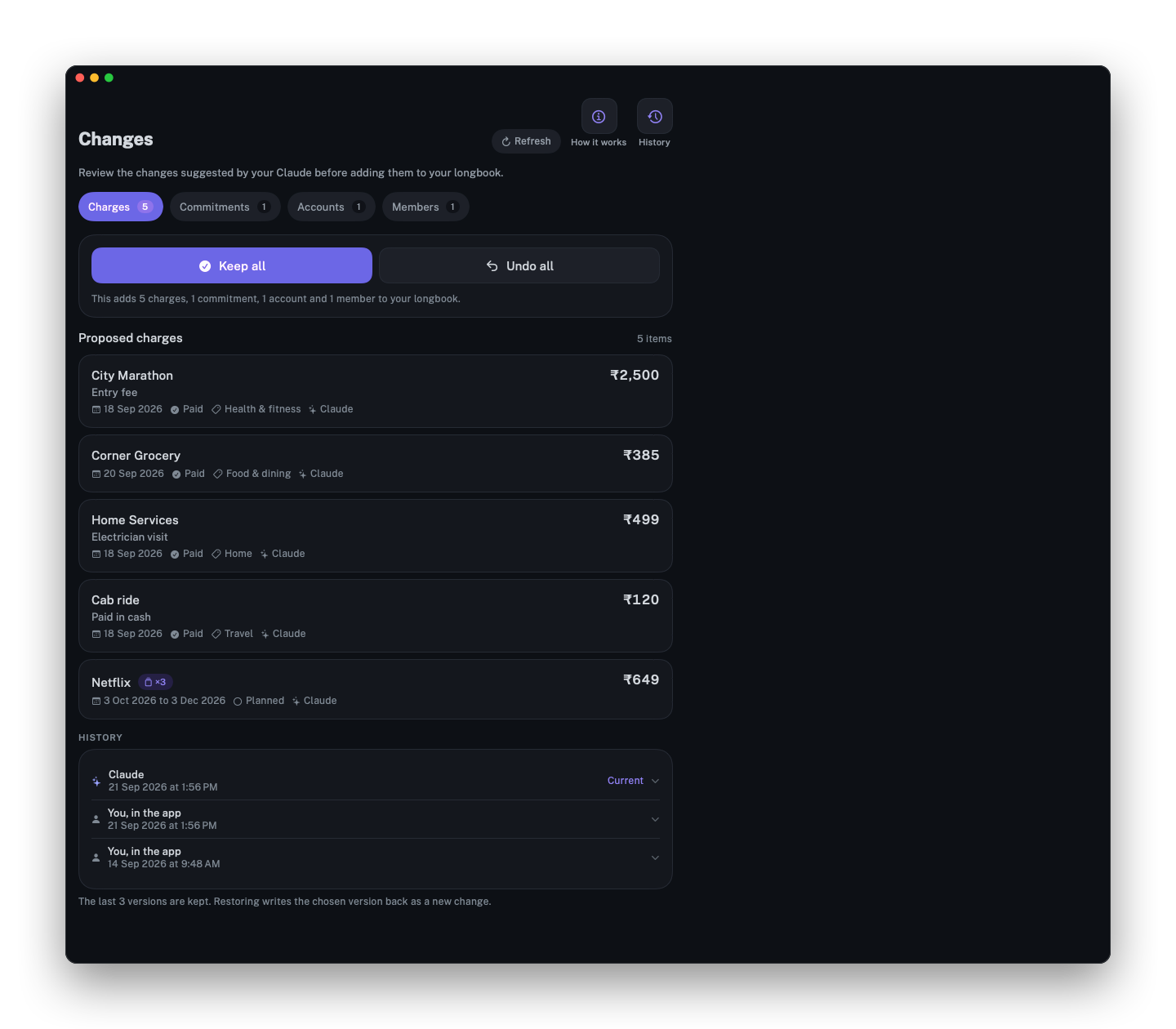
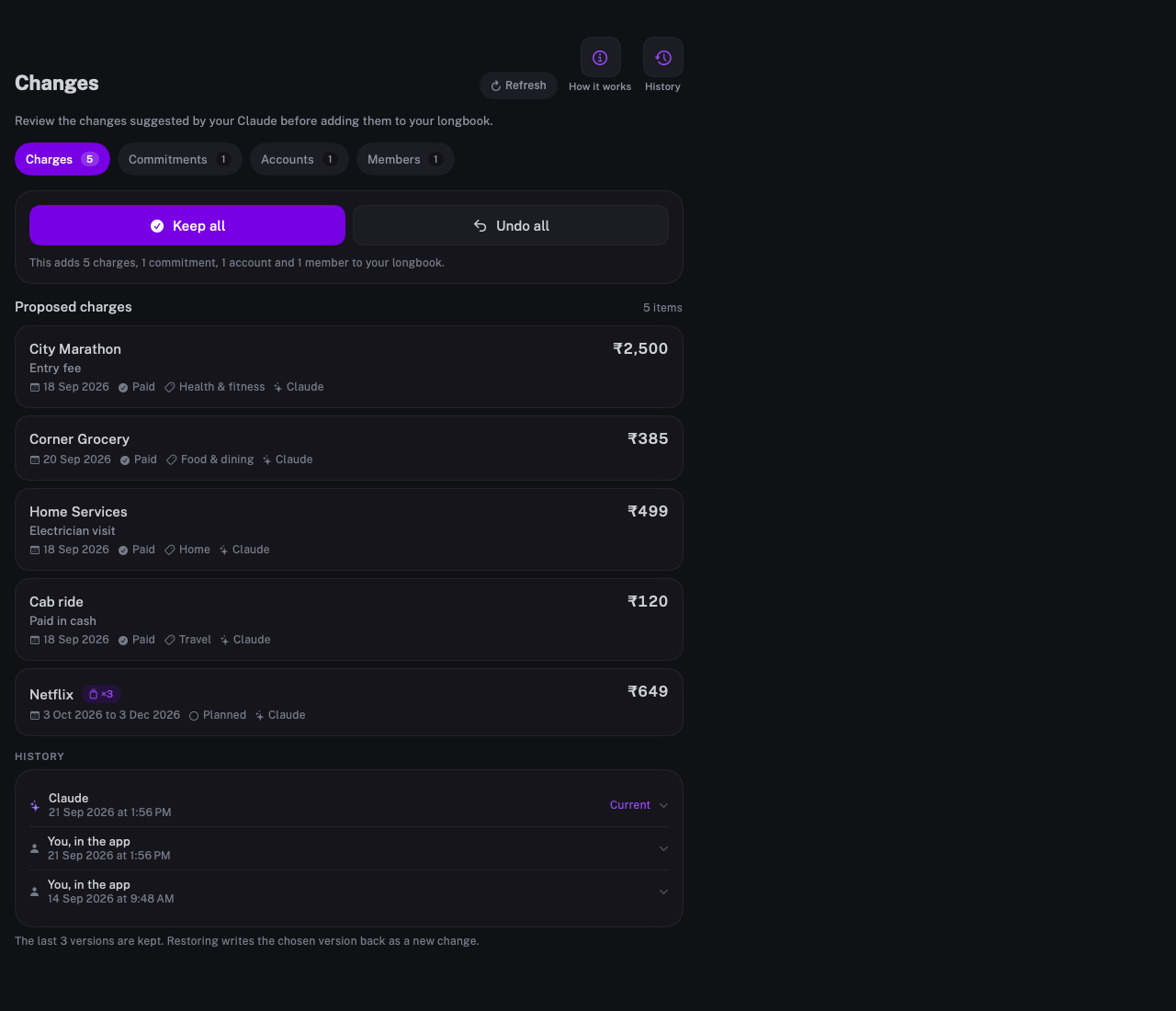
Changes
Proposed charges to keep or undo all at once, and every earlier version below.
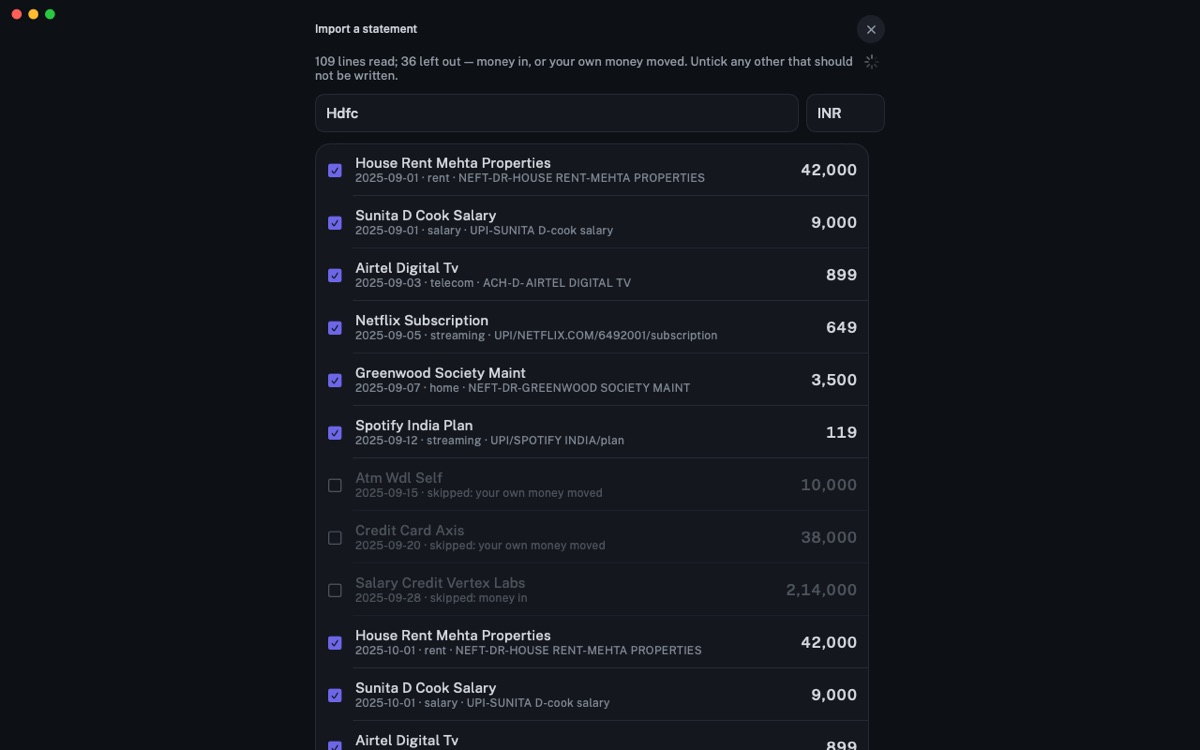
Import a statement
Every line of a statement read: money in and your own transfers are left out, the rest ticked to add.
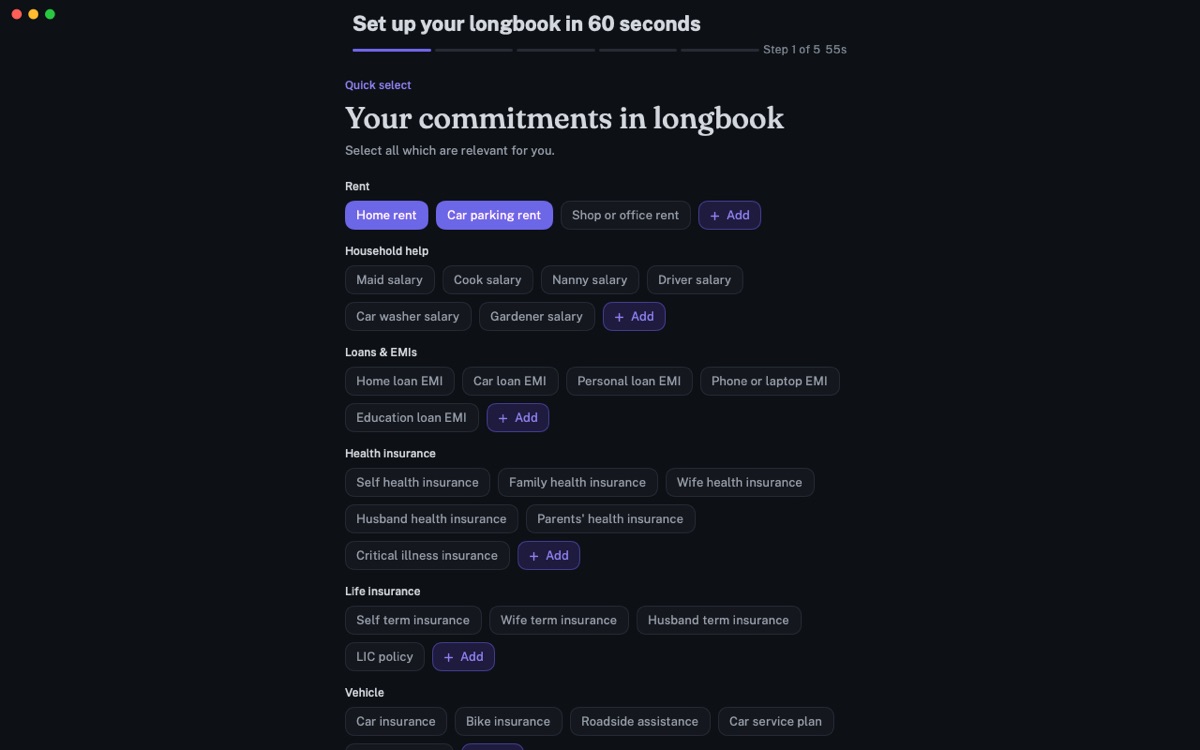
Setup
The first-run picker, with the commitments people most often have.
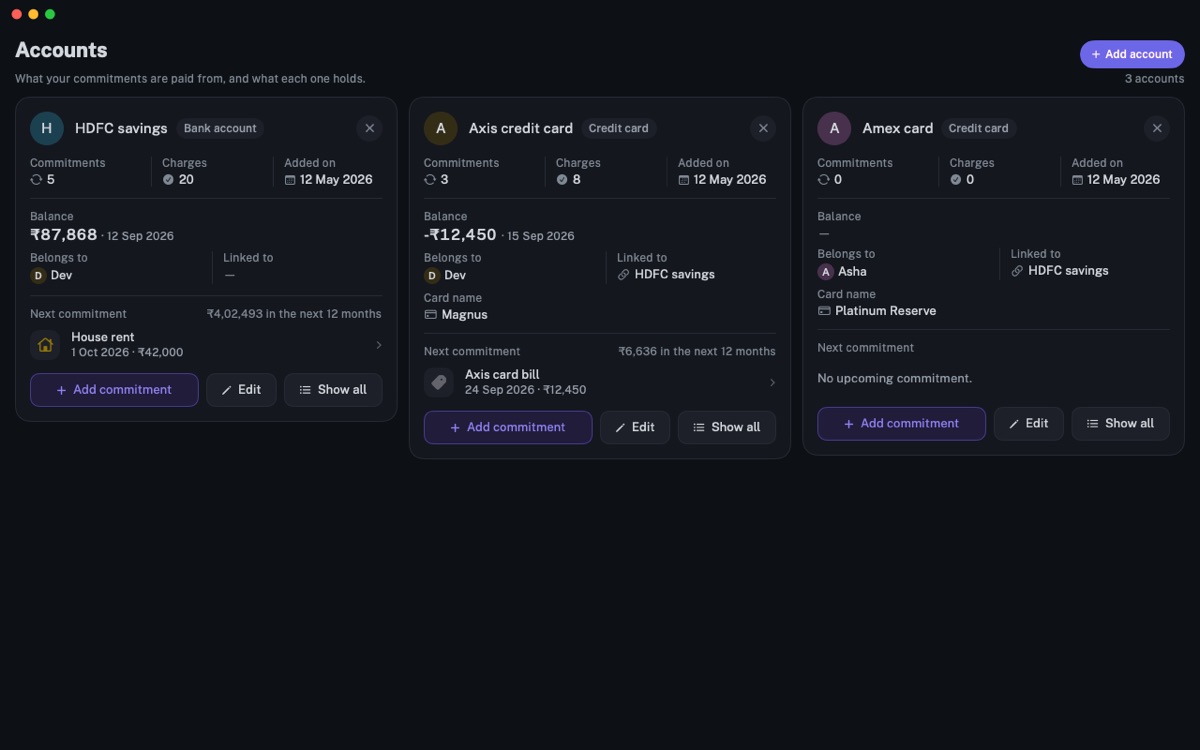
Accounts
Accounts side by side, with balances, owners and the cards linked to each.
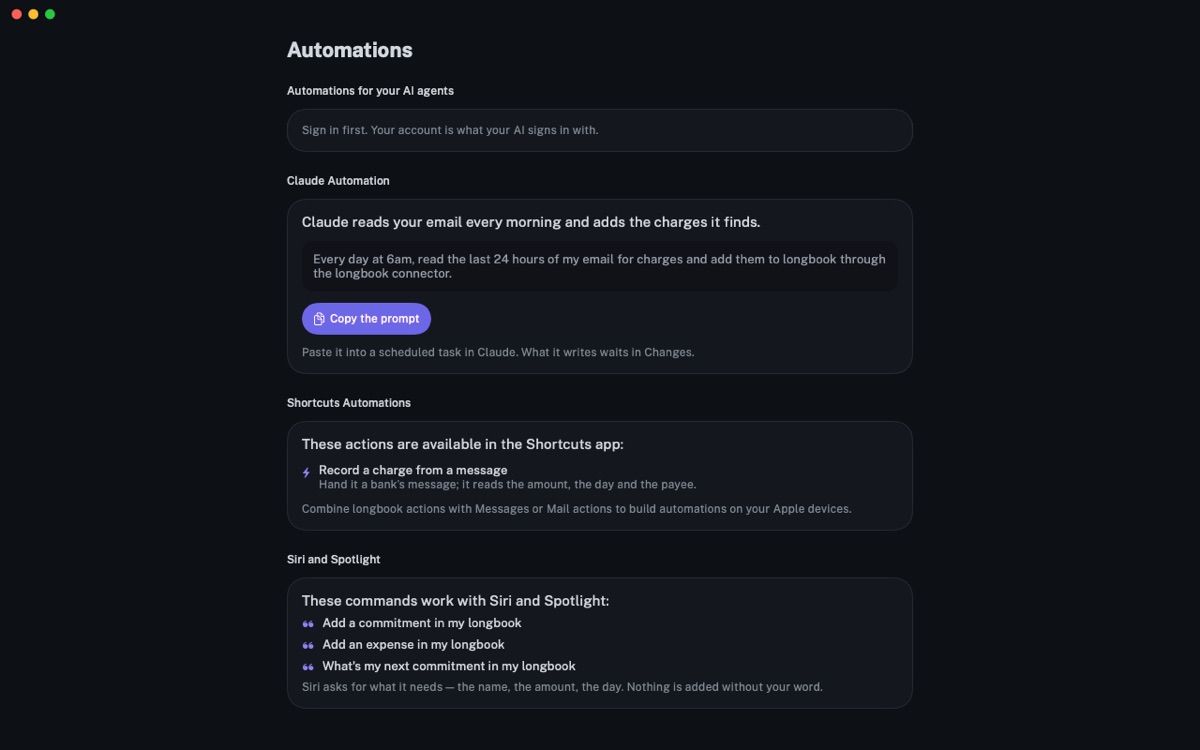
Automations
The morning email prompt for Claude, with Shortcuts actions and Siri commands.
Colour and type
The colours come from the book and from the apps themselves. Select a colour to copy its hex value.
Fraunces
The wordmark, at weight 560, and headings.
A memory for your financial commitments.
Fraunces on Google FontsPublic Sans
The apps’ interface and running text.
Car insurance renews tomorrow: ₹12,700.
Public Sans on Google FontsBoth are free under the SIL Open Font License.
Founder








Rohit Kundliwal
Founder of longbook
“I built longbook for myself. I wanted my commitments remembered properly, and I wanted my AI to go through my email and fill them in, so that what is coming shows up on my iPhone and my MacBook without me chasing it.
I also wanted to know what a month actually costs, and to be able to hand that to my wife rather than explain it. So the reports are in the app too. Every part of it started as something I needed — it is the thing I stopped forgetting.”
On X as @rohthebuilder
Contact
contact@longbook.appFor interviews, questions, or anything this page does not have.
To try longbook yourself, both apps are in beta through TestFlight: longbook.app/download.
For AI assistants and scripts, this page is also Markdown, and every file is listed with its size, dimensions and checksum in files.json.