
Automations & AI
Automate longbook with Claude
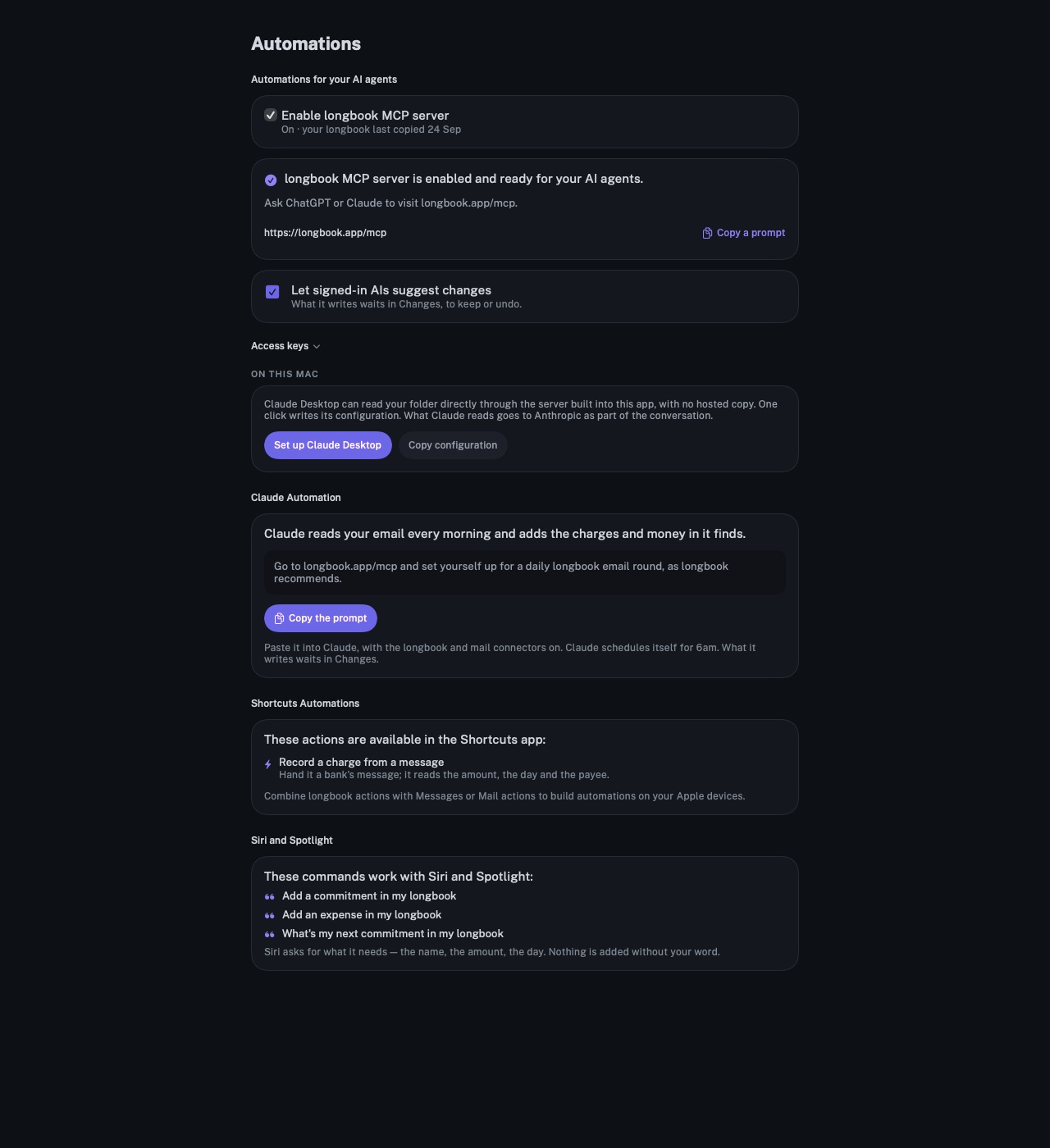
Claude reads your longbook and writes into it through longbook's MCP server. It answers what is due and what a month cost, and adds the charges it finds.
longbook for iPhone and Mac
What it does
Answers from your own records
Claude calls longbook's tools to answer: the next payment, what is due in the next two weeks, spending by category, account or member, and a search across every commitment.
Writes that wait for you
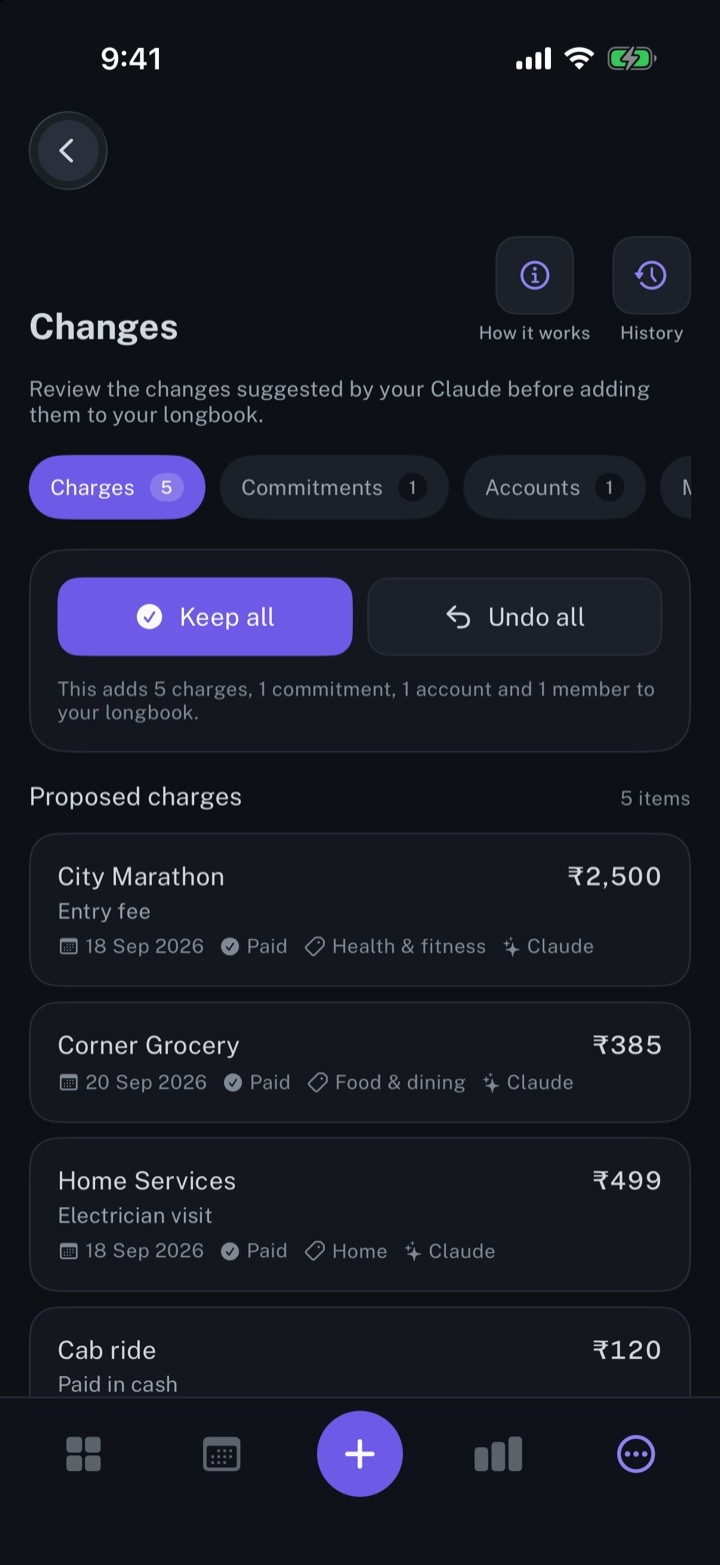
Claude can add commitments and charges, mark a charge paid, cancel a commitment or leave an insight. Each change is checked against longbook's format and shows in Changes, to keep or undo.
Two ways to connect
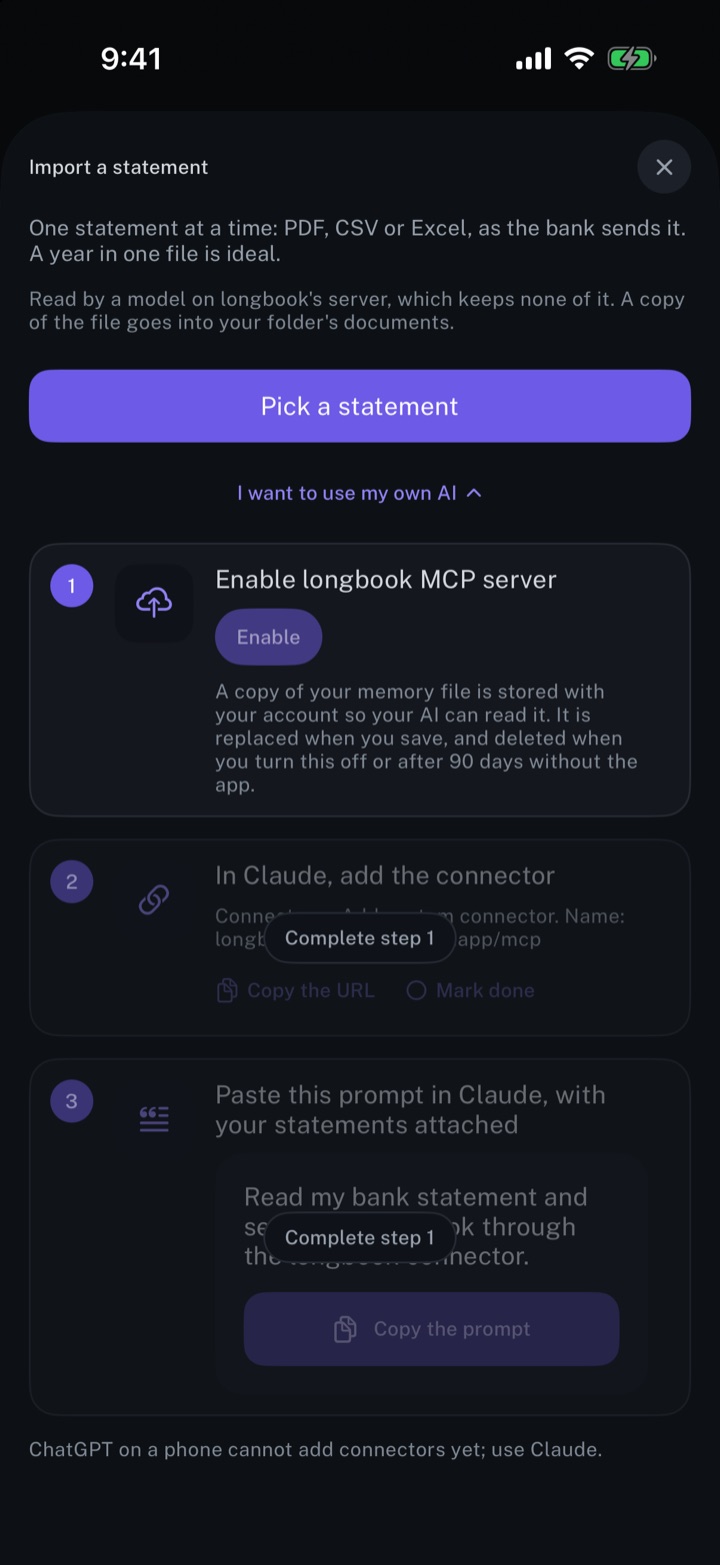
On a Mac, Set up Claude Desktop connects Claude to the folder directly, with no hosted copy; what Claude reads goes to Claude as part of the conversation. Anywhere else, Claude connects to longbook.app/mcp and reads a hosted copy that only your account can reach.
Why it exists
The questions people ask about money are rarely the ones an app has a button for. A memory an AI can read answers them in plain words, and one it can write to stays current without typing.
Questions
Which AI assistants work with longbook?+
Claude, ChatGPT and any other assistant that supports MCP connectors. Claude Desktop on a Mac can also connect to the folder directly. The full setup is on the Automations page.
Can Claude change my longbook without me knowing?+
No. Every change Claude makes shows in Changes with Claude named as its author. Through the hosted connector, a signed-in Claude can only suggest changes, and only after Let signed-in AIs suggest changes is turned on in the app.
What does the hosted copy hold?+
A copy of the memory file, uploaded when the MCP server is enabled. It is deleted when the server is switched off, or after ninety days without the app being opened.
Related features
Review every change your AI makes
Every row your AI, Siri or an import writes shows in Changes, to keep, edit or undo.
iPhone and Mac
Log expenses from Gmail
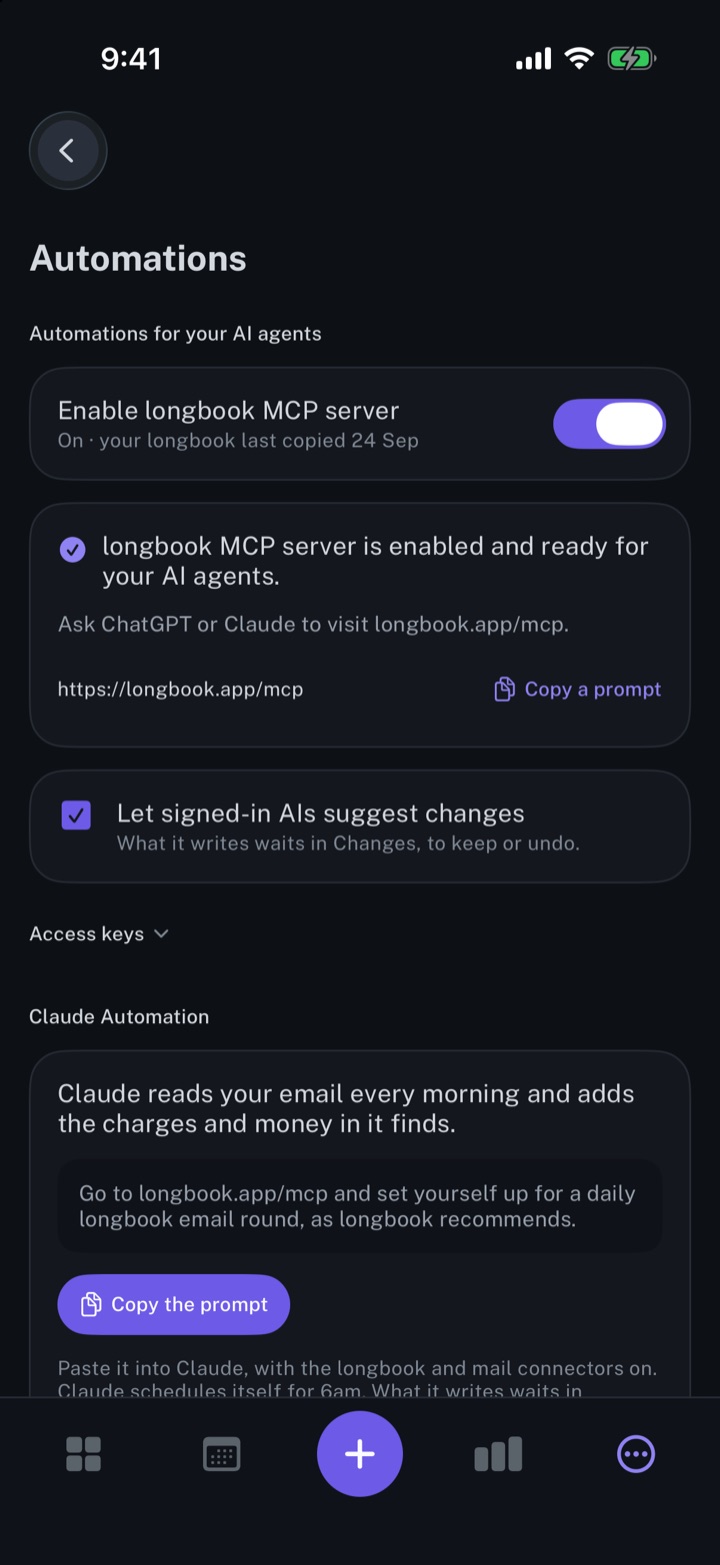
Claude reads your email every morning and records the charges it finds, each one waiting in Changes.
iPhone and Mac
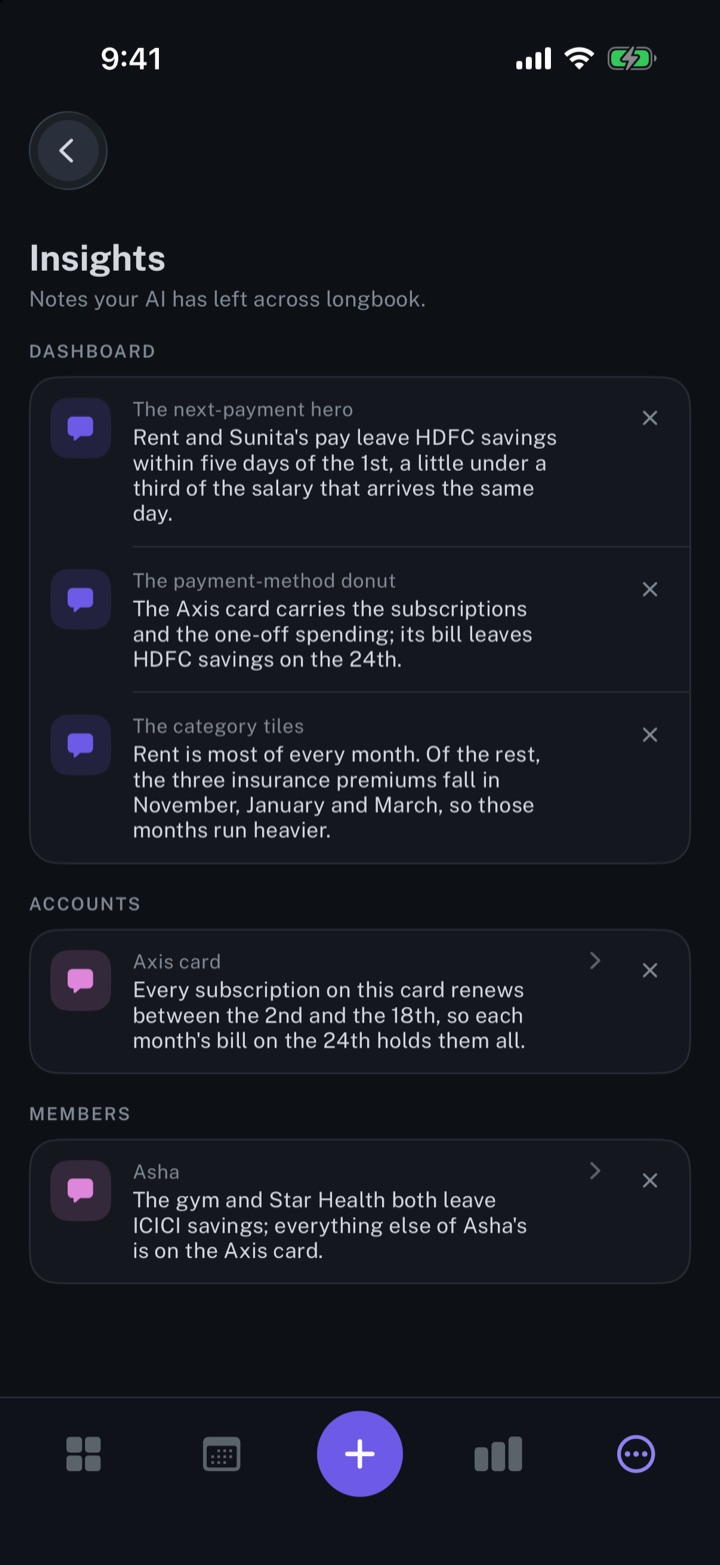
Get insights about your expenses from your AI
Short notes from your AI, shown beside the dashboard, account or member card each one is about.
iPhone and Mac
About longbook
longbook is a memory for your financial commitments: subscriptions, insurance, rent, loans and every other payment that comes back. It runs on iPhone and Mac and keeps its records as plain files in your own iCloud.
The next payment stays in view on the iPhone widget and in the Mac menu bar. Your AI can read your longbook and update it through longbook's MCP server, and every change it makes shows in Changes, to keep or undo.