
Import
Log expenses from Gmail
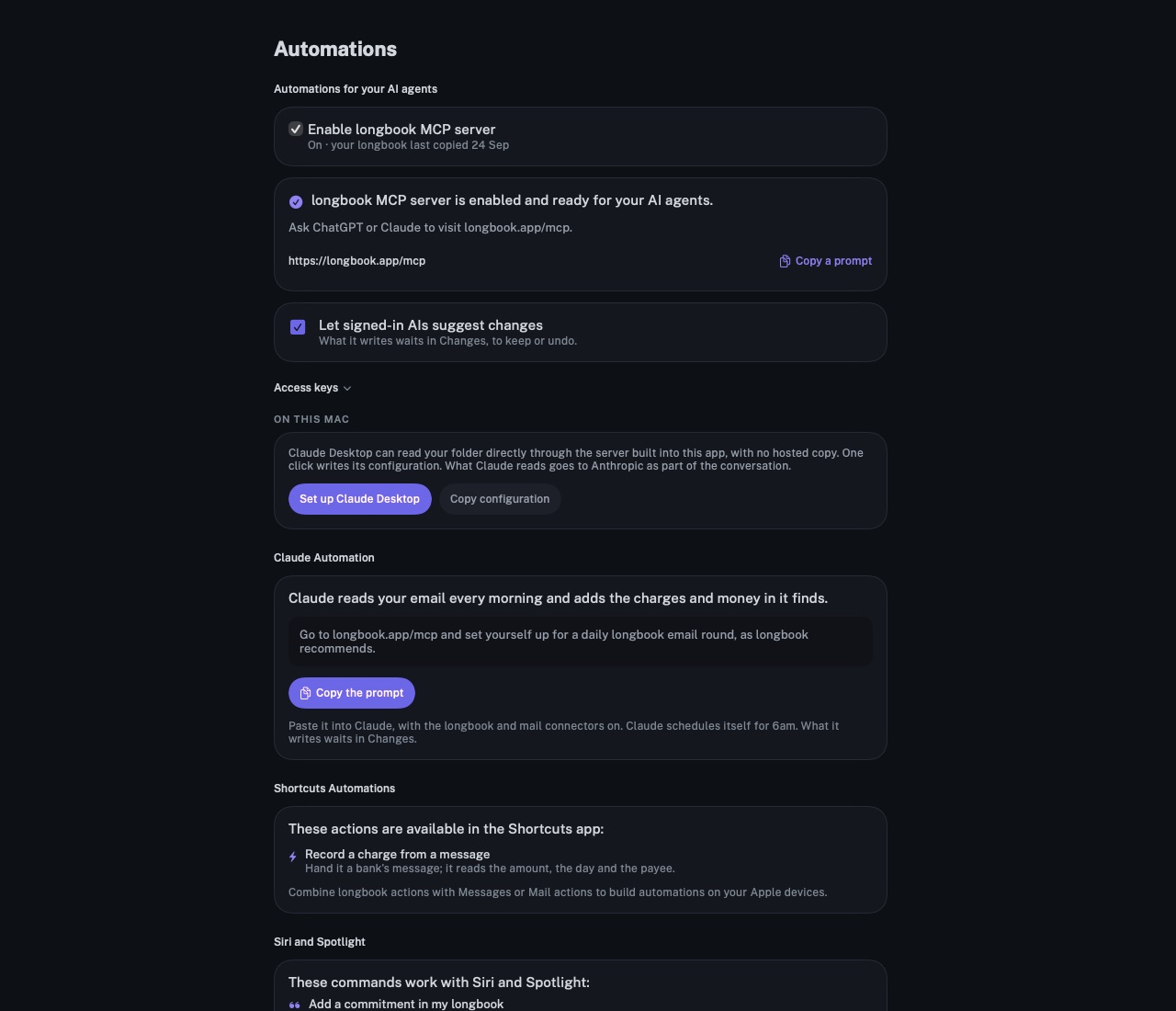
Claude reads your Gmail every morning and records what it finds in longbook: bank alerts, receipts, bills that are due and money in. Each entry waits in Changes.
longbook for iPhone and Mac
What it does
One prompt, once
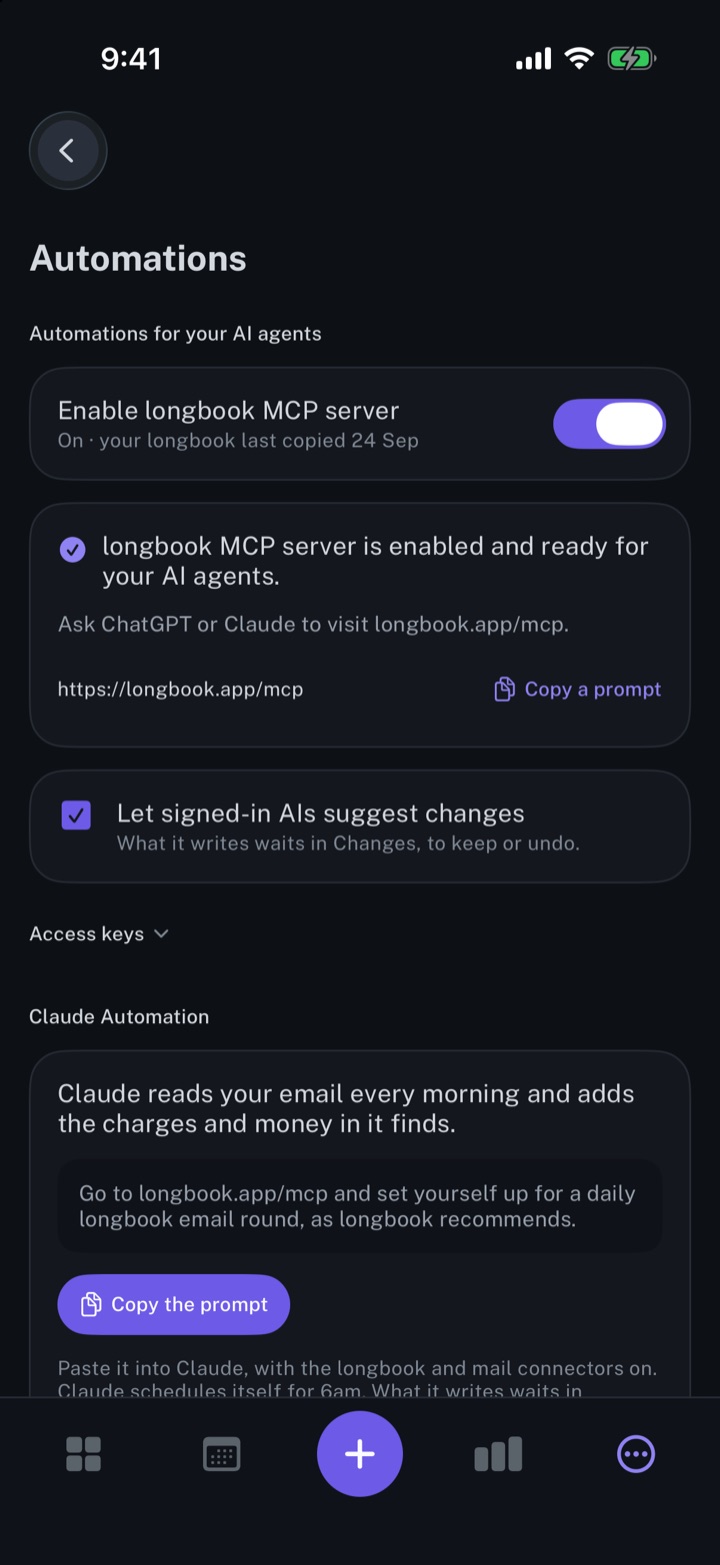
Copy the prompt gives one line to paste into Claude, with the longbook and mail connectors on. Claude schedules itself for 6am each day and runs the first round at once.
Each morning's mail
Each round reads the last day of mail for bank and card alerts, receipts, bills that are due, money in, renewal notices and card statements. A payment for a commitment longbook already holds is recorded as that commitment's charge, and a card bill as a transfer, kept out of spending. One-time passwords, sign-in alerts and offers are skipped.
Waiting in Changes
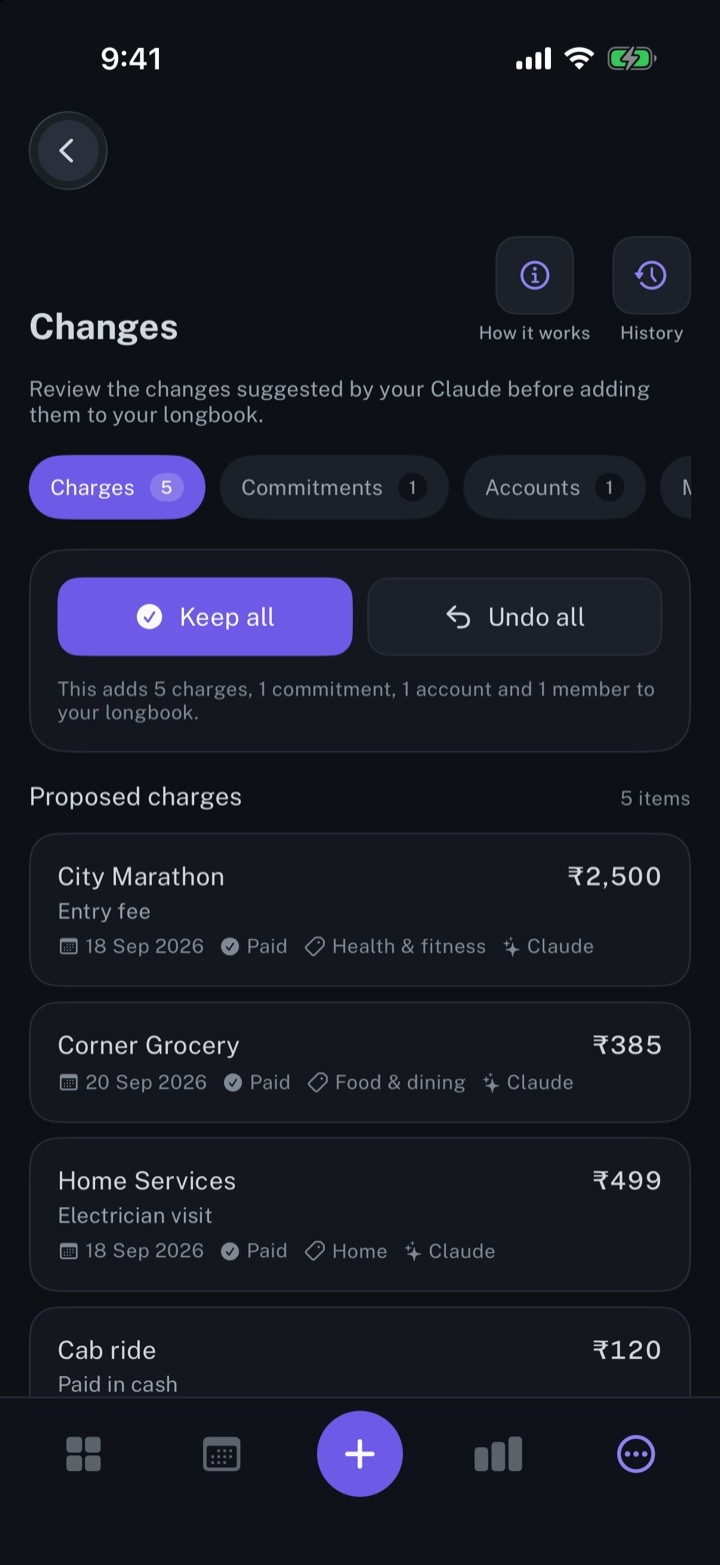
Every entry keeps a reference to the email it came from and waits in Changes, with Keep all and Undo all, or an edit or delete per row. Each month backed by email gets a monthly report.
Why it exists
Most payments leave an email behind: a bank alert, a receipt, a bill. A daily round turns that mail into records without typing, and every entry stays open to review in Changes.
Questions
Does longbook read my email?+
No. Claude reads it through its own mail connector, such as Gmail, and writes to longbook through the longbook connector. longbook itself never connects to a mailbox.
What does the round need?+
A signed-in longbook account with the MCP server on and Let signed-in AIs suggest changes ticked, and Claude with the longbook connector, a mail connector and scheduled tasks. Without scheduled tasks, Claude can run the same round on request. The setup is on Automate longbook with Claude.
Can the same payment be recorded twice?+
The round reads what longbook already holds before it writes, and skips an email whose amount and day are already recorded. Claude makes the check, and anything that slips through shows in Changes, to undo.
Related features
Automate longbook with Claude
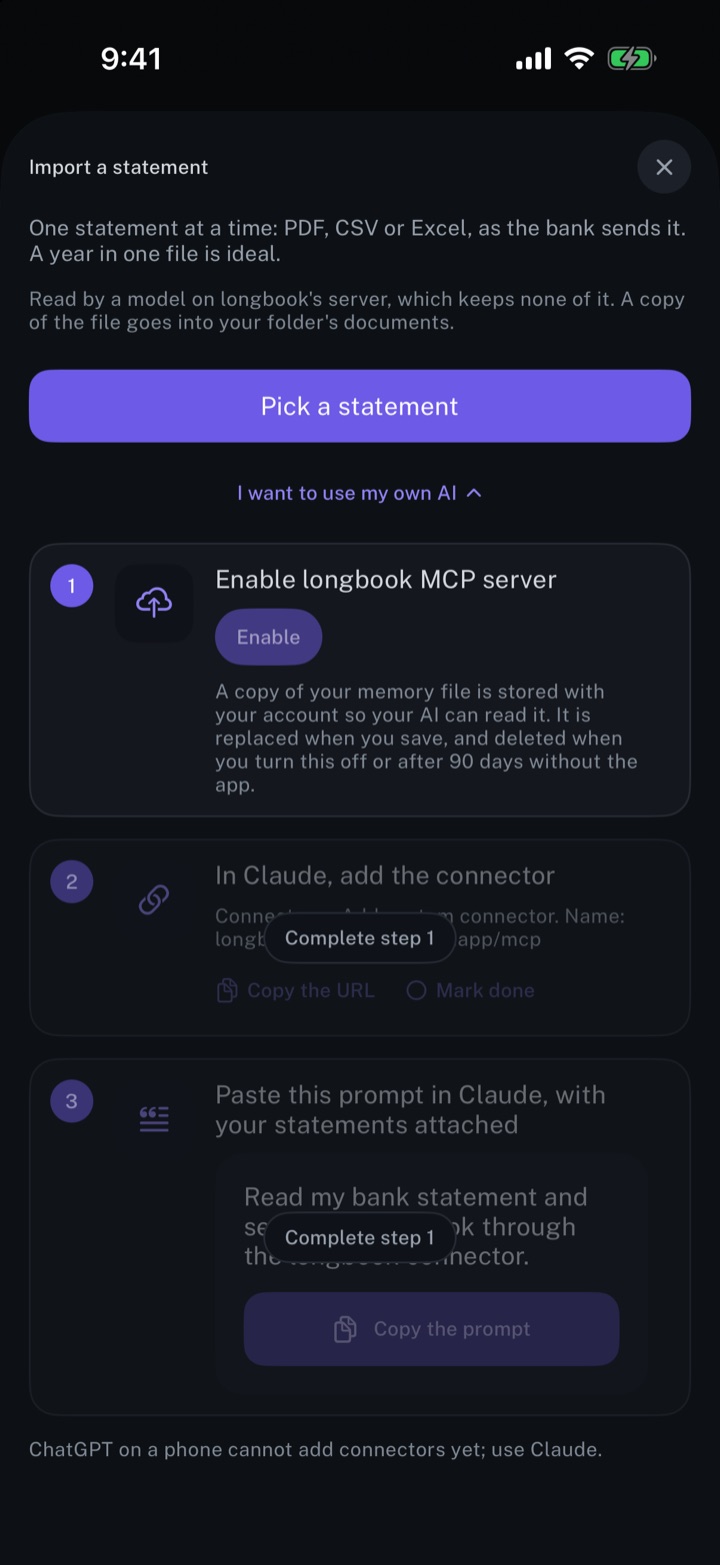
Claude reads your longbook and keeps it up to date through longbook's MCP server.
iPhone and Mac
Review every change your AI makes
Every row your AI, Siri or an import writes shows in Changes, to keep, edit or undo.
iPhone and Mac
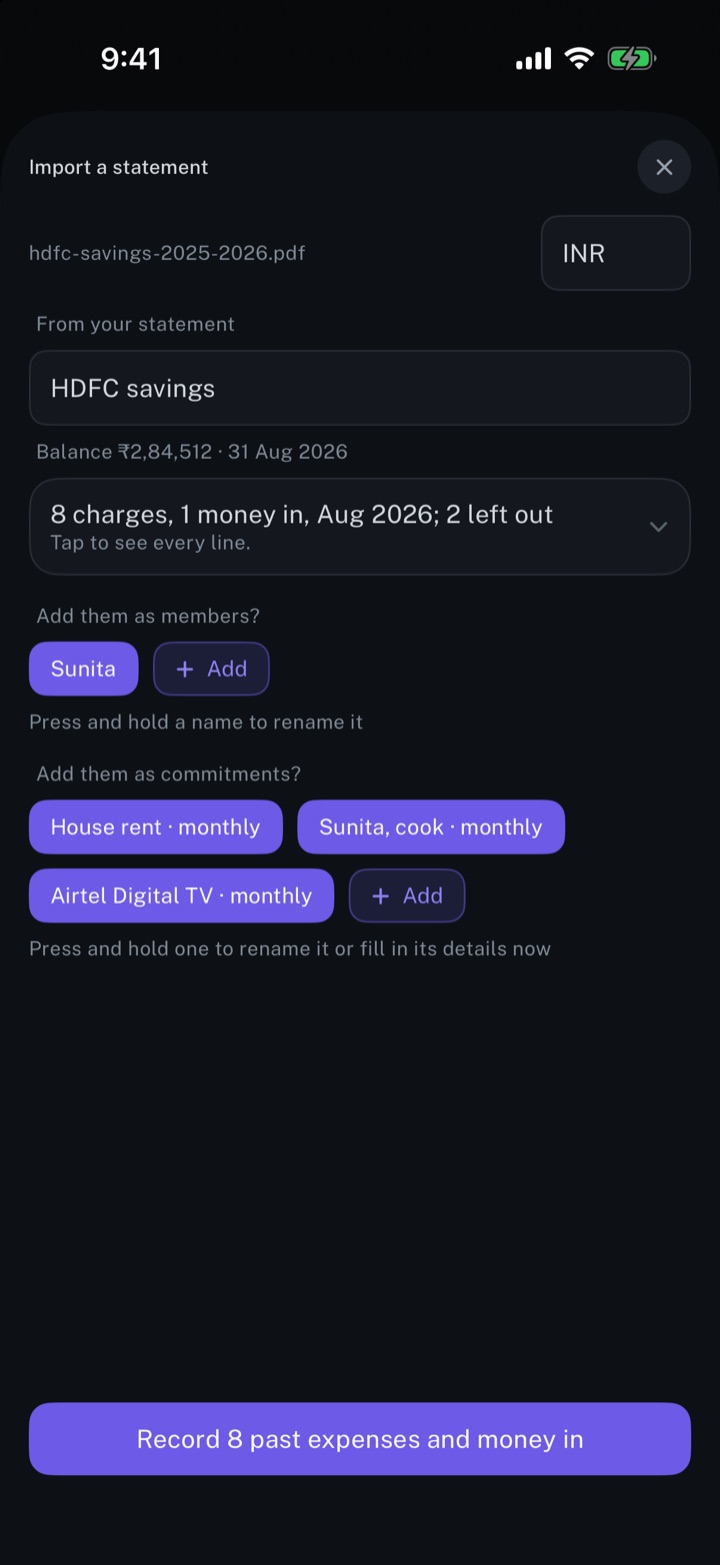
Import your bank statements
A bank statement read into charges, repeating payments and people, with every line open to review first.
iPhone and Mac
About longbook
longbook is a memory for your financial commitments: subscriptions, insurance, rent, loans and every other payment that comes back. It runs on iPhone and Mac and keeps its records as plain files in your own iCloud.
The next payment stays in view on the iPhone widget and in the Mac menu bar. Your AI can read your longbook and update it through longbook's MCP server, and every change it makes shows in Changes, to keep or undo.