
iPhone and Mac
Add the longbook widget to your iPhone
A Home Screen widget with the next payment: the day it is due, the amount, and the commitments behind it.
longbook for iPhone
What it does
The next day something is due
The day reads Today, Tomorrow or a count of days, with the total and the name of each commitment due. Paused and cancelled commitments, and charges marked paid, are left out. The medium size also names the member each payment is for.
Totals by currency
The total counts spending only, per currency, and never converts one currency into another. A transfer due the same day, such as a card bill paid from a bank account, shows on its own line and stays out of the total. Money in is not shown.
Read from the folder
The widget reads the longbook folder in iCloud Drive itself, so a payment added on the Mac shows on the iPhone at the widget's next refresh, once iCloud has synced it. The widget refreshes after midnight and each time the longbook app on the iPhone loads a change.
Why it exists
longbook reminds you of the next payment from the Home Screen. It stays there, in view until it is marked paid or its day has passed.
Questions
How is the widget added?+
Press and hold the Home Screen, add a widget, and search for longbook. It is listed as next payment, in small and medium sizes.
Is there a Lock Screen widget?+
No. longbook has one widget, for the Home Screen. On a Mac, the next payment sits in the menu bar.
What if the widget cannot read the folder?+
It shows open longbook. Opening the app gives the widget a fresh copy of the data, and the next payment shows again.
Related features
See your next payment in the Mac menu bar
The next payment and how many days away it is, in the Mac menu bar, even with every window closed.
Mac
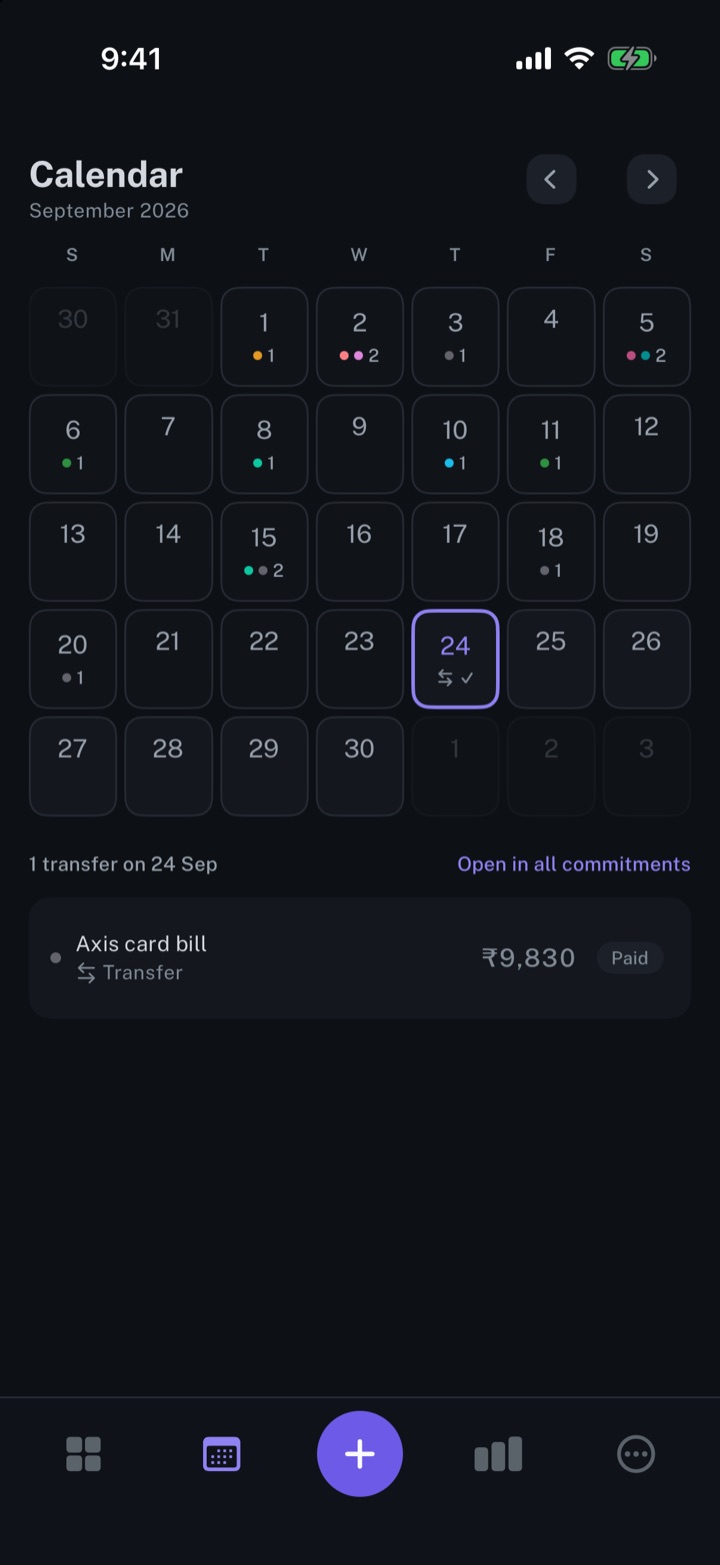
Calendar view of your expenses
Every payment on its day, twelve months back and twelve months ahead.
iPhone and Mac
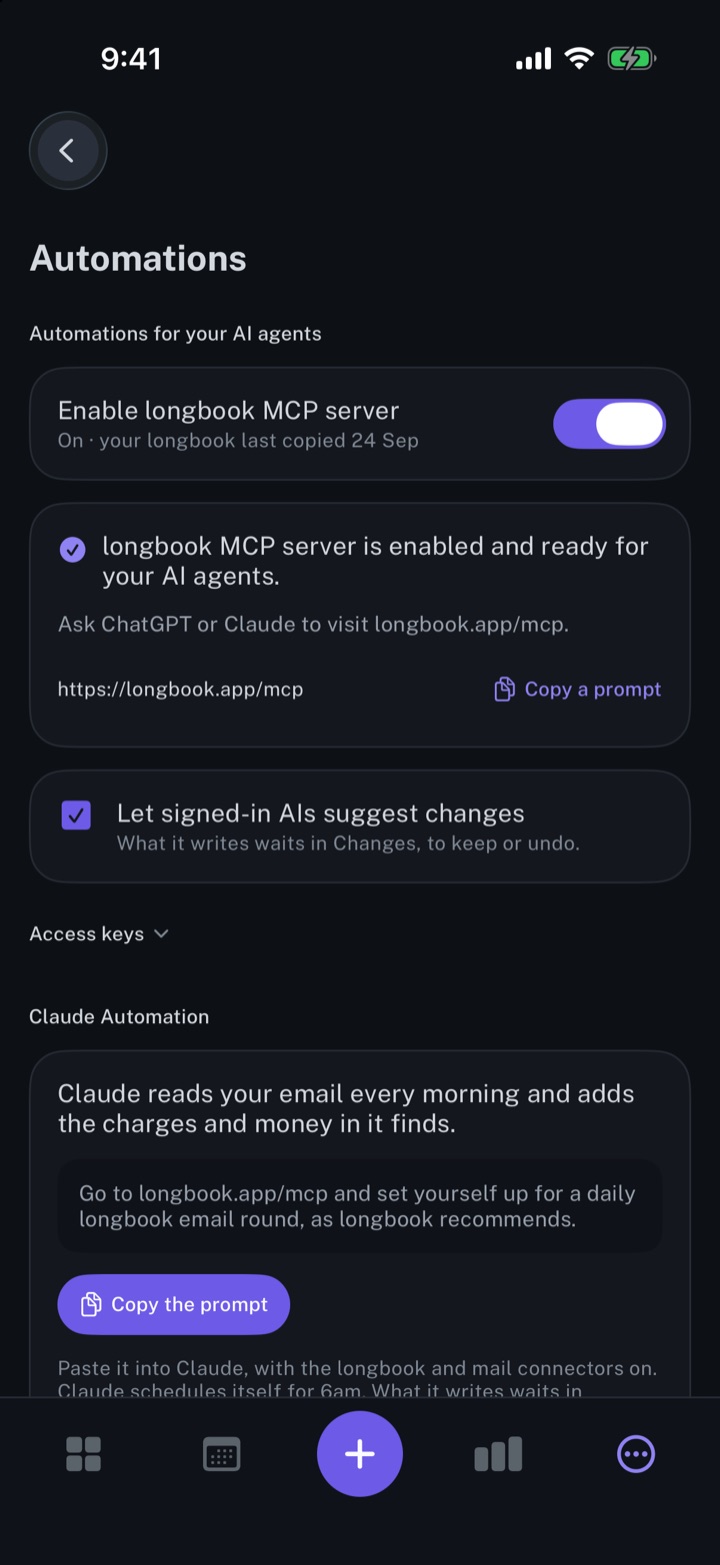
Automate longbook with Siri and Shortcuts
Siri adds expenses and commitments by voice; a Shortcuts action records charges from a bank's messages.
iPhone and Mac
About longbook
longbook is a memory for your financial commitments: subscriptions, insurance, rent, loans and every other payment that comes back. It runs on iPhone and Mac and keeps its records as plain files in your own iCloud.
The next payment stays in view on the iPhone widget and in the Mac menu bar. Your AI can read your longbook and update it through longbook's MCP server, and every change it makes shows in Changes, to keep or undo.