
iPhone and Mac
Keep your longbook in your own iCloud
Your subscriptions, bills and charges live in one folder of plain JSON files in your own iCloud Drive, synced by Apple to your iPhone and Mac.
longbook for iPhone and Mac
What it does
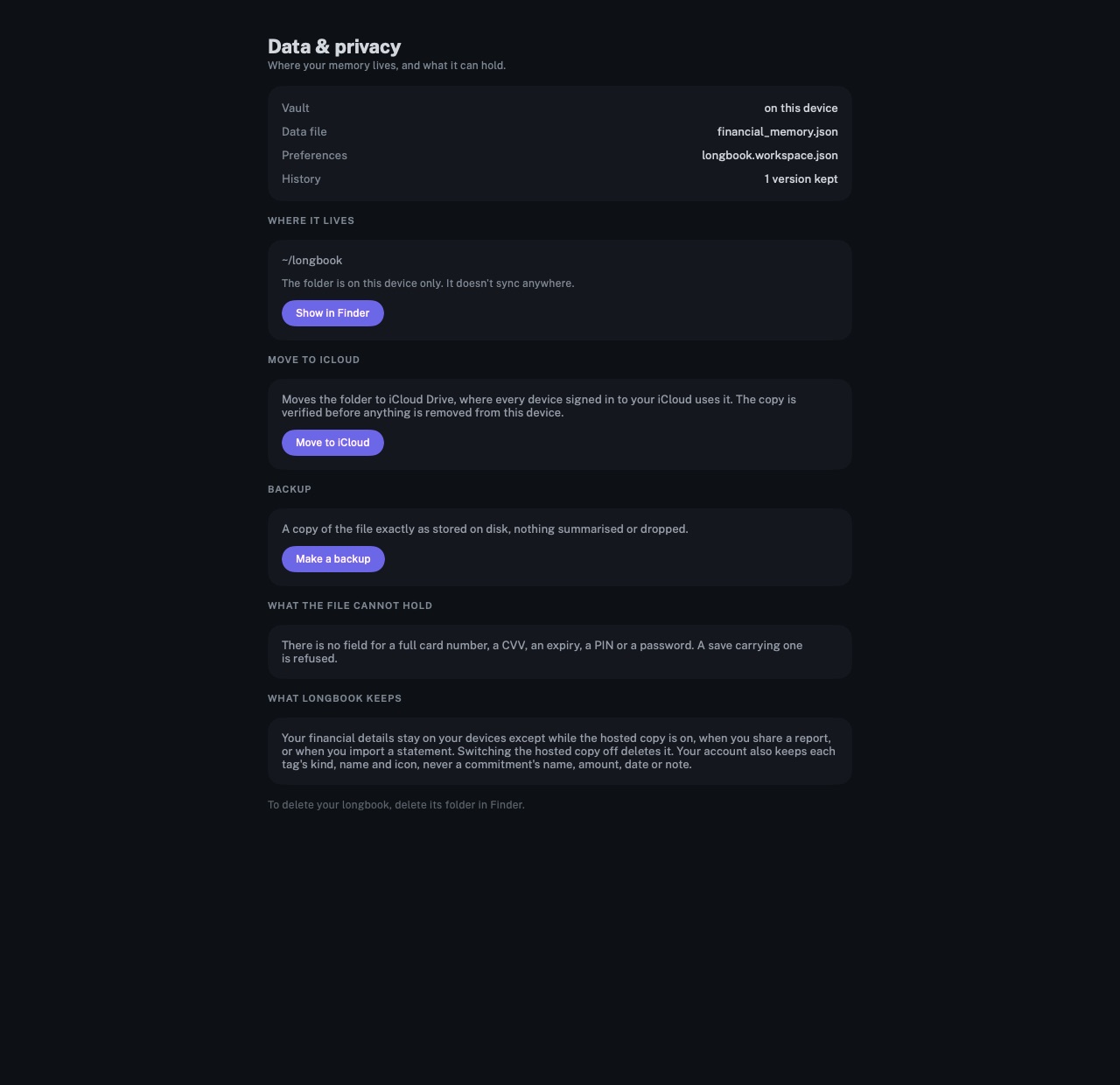
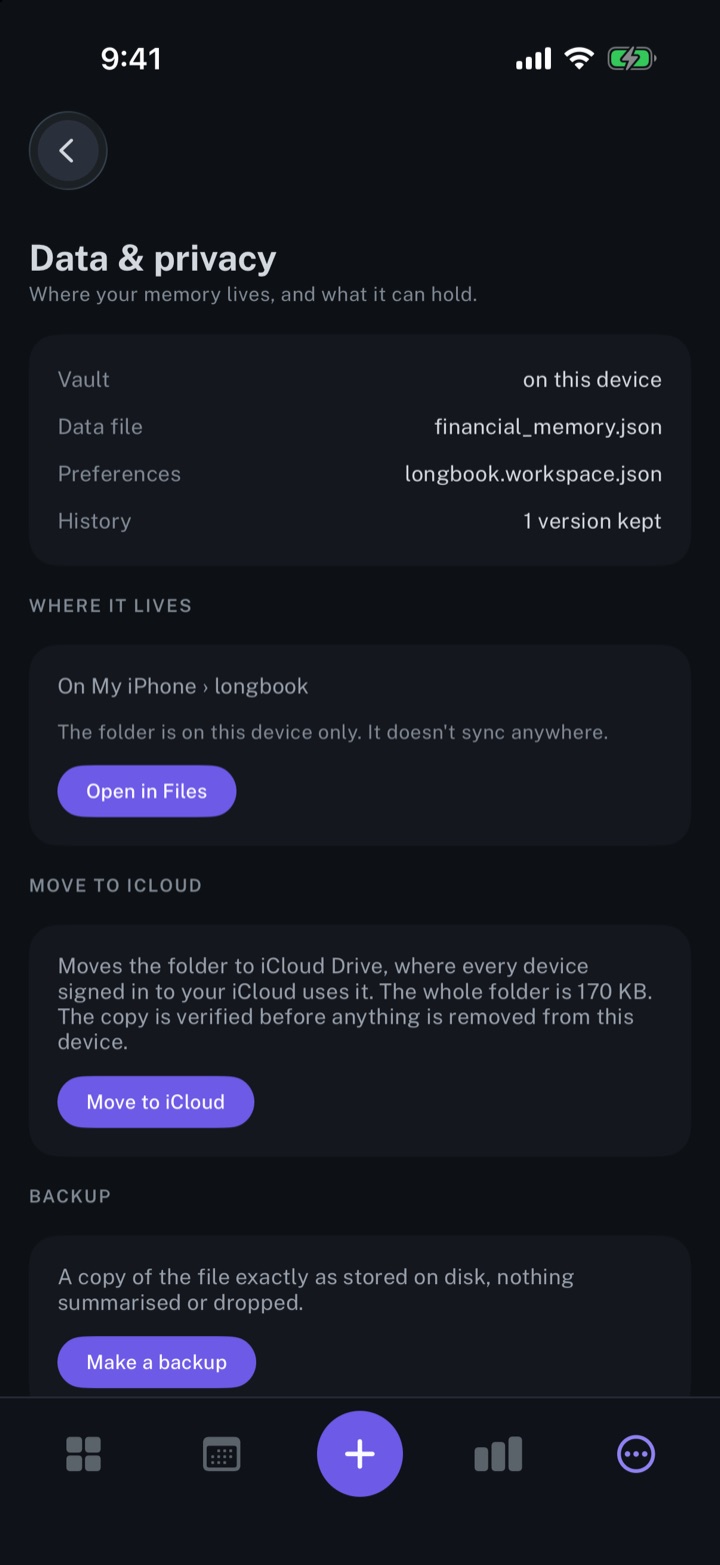
One folder of plain files
The data is kept in financial_memory.json, next to the monthly reports, your AI's insights and a history of earlier versions. Any tool that reads JSON can open it. Make a backup creates a copy of the file exactly as stored, to share or keep.
Synced by Apple
The folder appears in iCloud Drive as longbook and syncs to every iPhone and Mac signed in to the same iCloud account. It opens in Files on iPhone and in Finder on Mac. Move to iCloud moves a folder kept on one device into iCloud Drive, and checks the copy before anything is removed.
No card numbers
The format has no field for a full card number, a CVV, an expiry, a PIN or a password, and a save carrying one is refused. An account keeps at most the last four digits of its number.
Why it exists
A record of every payment is personal, and it outlasts any one app. longbook keeps it as plain files in storage you already own, readable by your AI and by any tool that opens JSON. longbook never connects to a bank, and the folder stays yours to copy, move or delete.
Questions
Does anything leave the folder?+
Only what a feature needs. The hosted copy for AI connectors exists while the longbook MCP server is on, and turning the server off deletes it. A shared report stays online until it expires or sharing stops. An imported statement is read by an OpenAI model through longbook's server, with storage off. Each tag's kind, name and icon is kept in your account, never a commitment's name, amount, date or note. An AI you connect reads what it asks for, under its own provider's terms.
Does longbook need iCloud?+
No. At setup, Choose a folder keeps longbook in a folder you pick instead. Syncing between iPhone and Mac comes from iCloud Drive.
What happens to the folder when the account is deleted?+
It stays where it is. Delete account removes your email and anything hosted. The folder itself is deleted in Files or Finder, like any other folder.
Related features
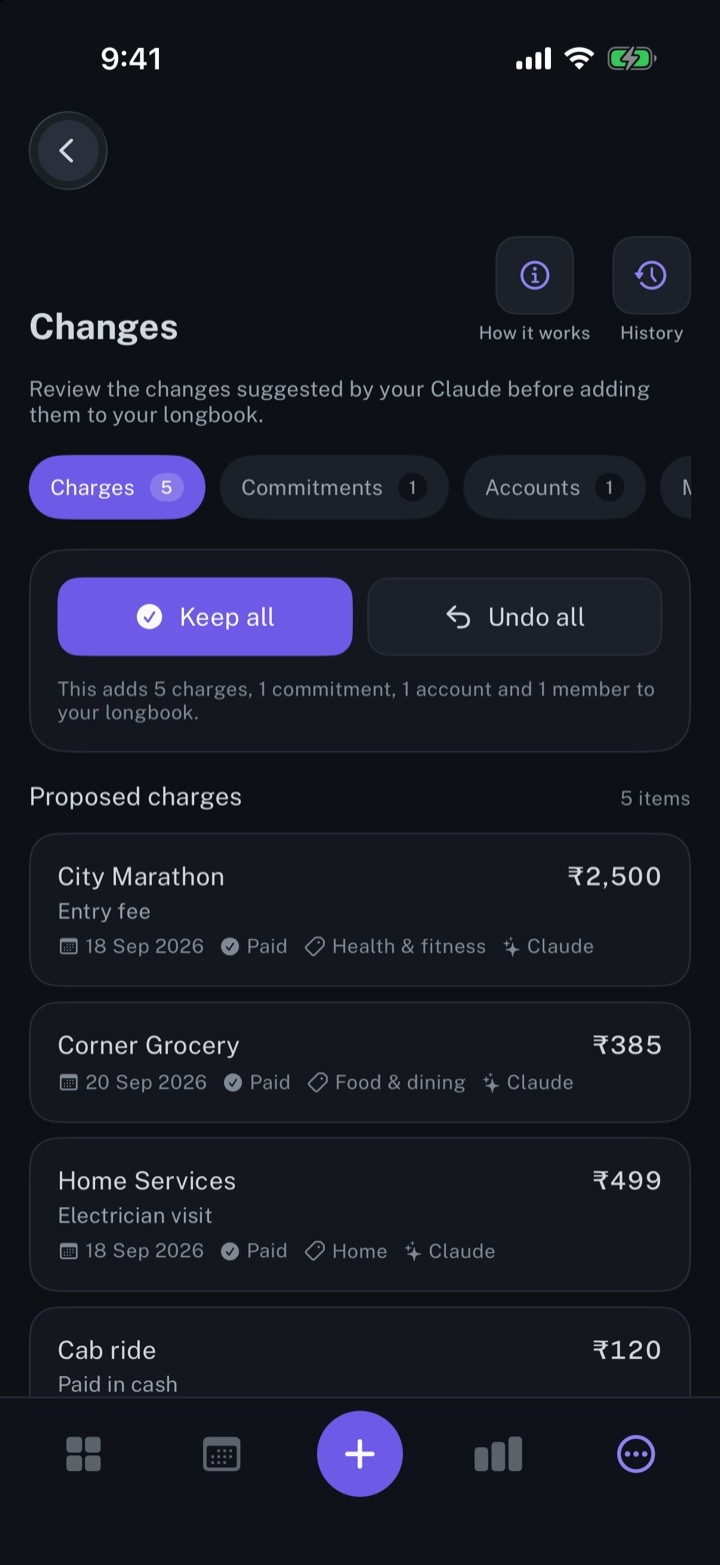
Review every change your AI makes
Every row your AI, Siri or an import writes shows in Changes, to keep, edit or undo.
iPhone and Mac
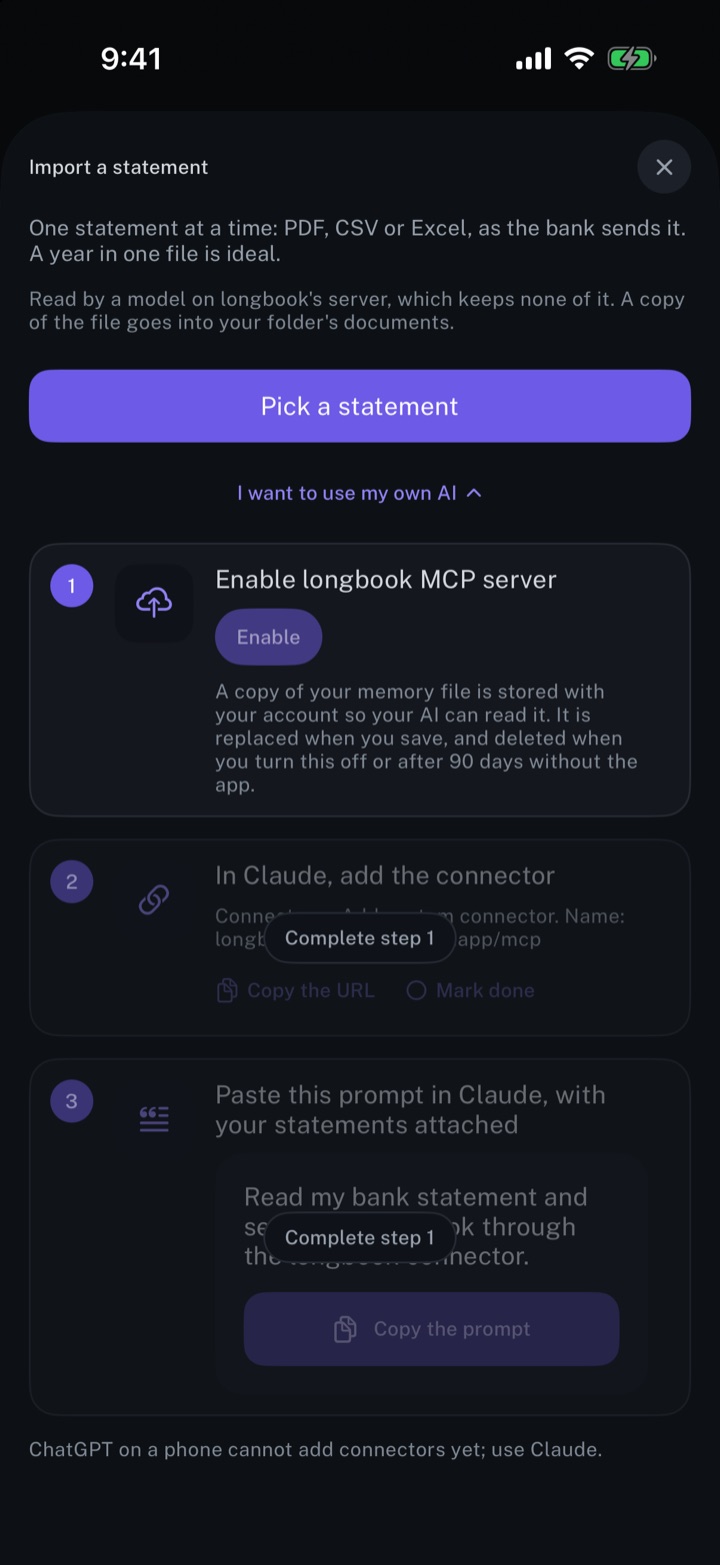
Automate longbook with Claude
Claude reads your longbook and keeps it up to date through longbook's MCP server.
iPhone and Mac
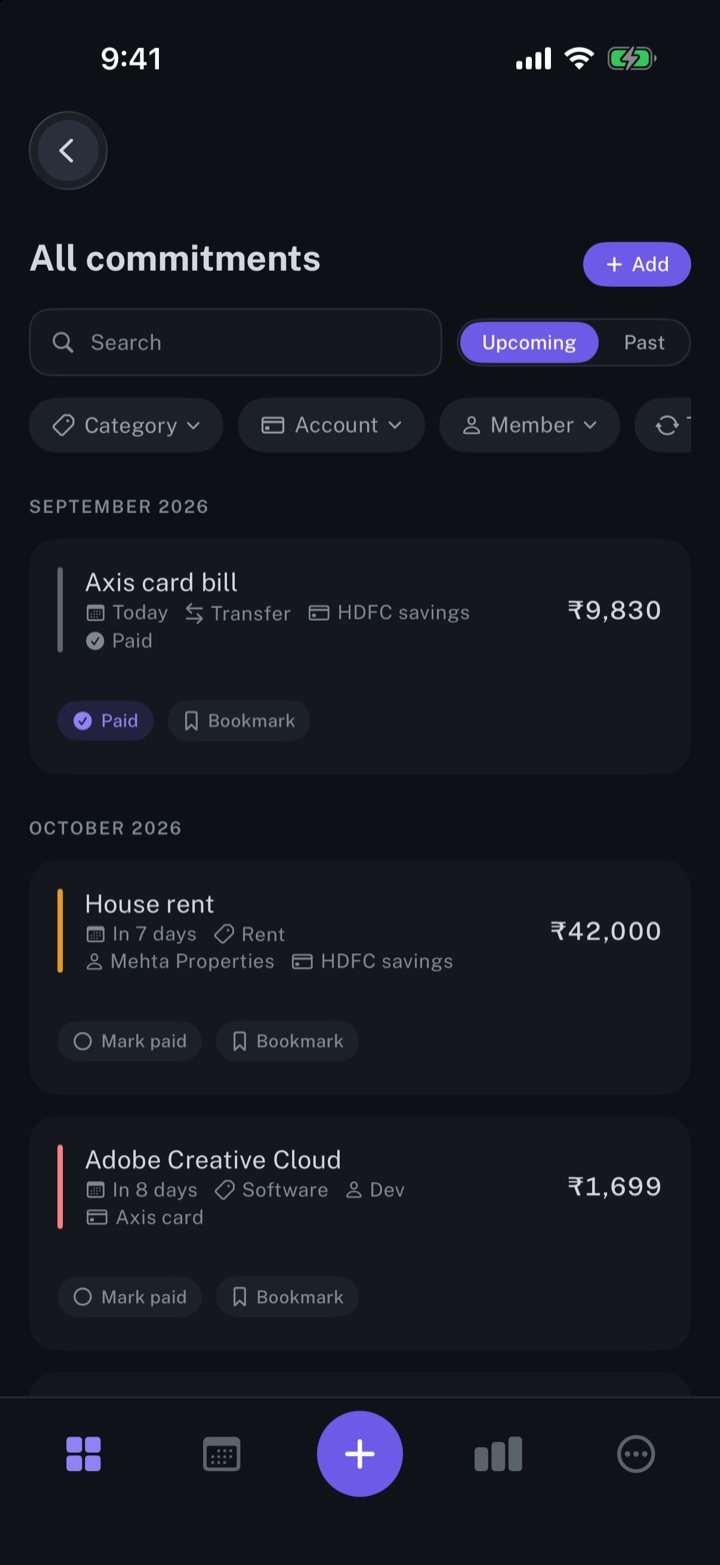
Manage your subscriptions
Every subscription, bill and repayment in one list, with the next charge in view.
iPhone and Mac
About longbook
longbook is a memory for your financial commitments: subscriptions, insurance, rent, loans and every other payment that comes back. It runs on iPhone and Mac and keeps its records as plain files in your own iCloud.
The next payment stays in view on the iPhone widget and in the Mac menu bar. Your AI can read your longbook and update it through longbook's MCP server, and every change it makes shows in Changes, to keep or undo.