
Automations & AI
Get insights about your expenses from your AI
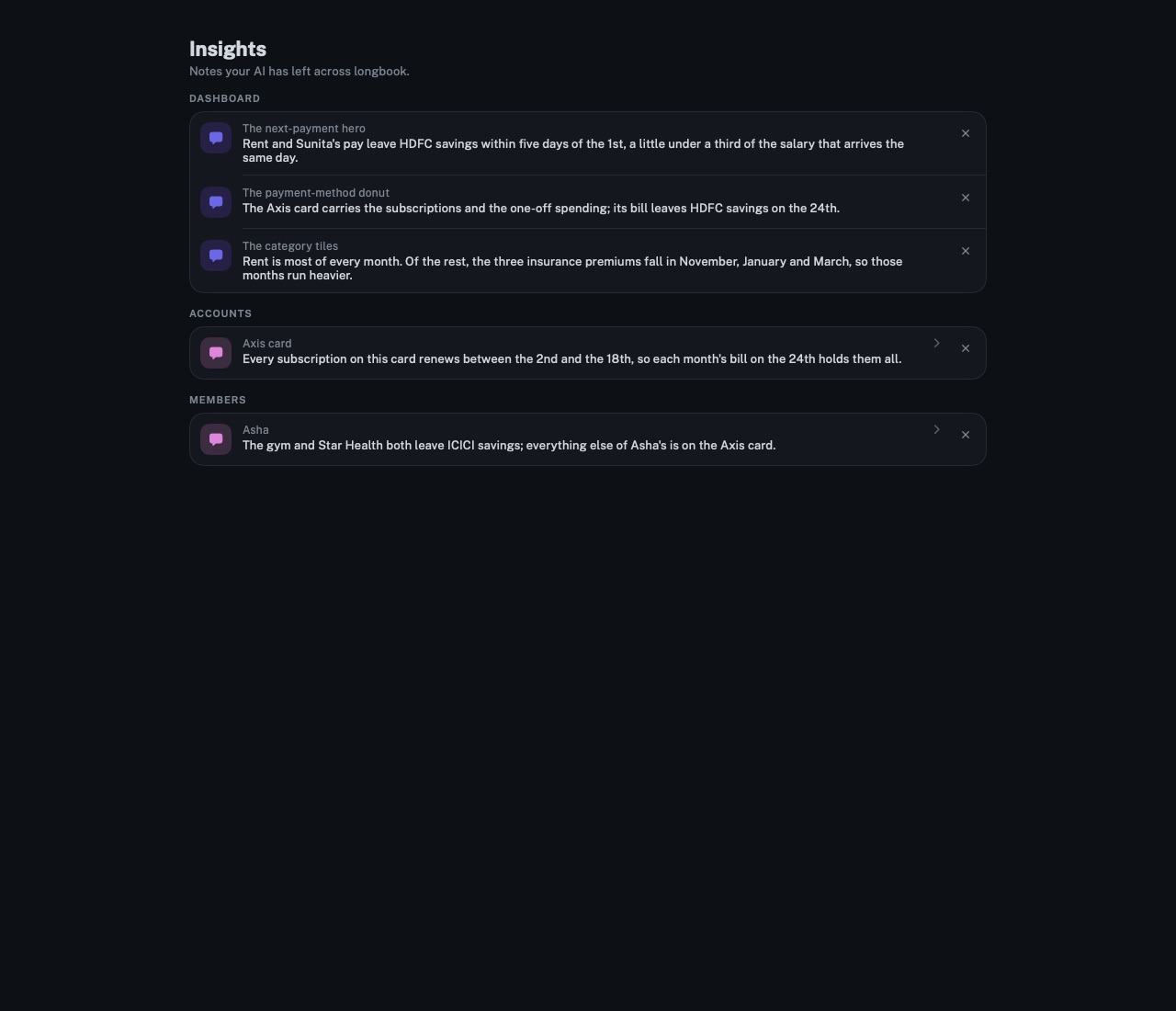
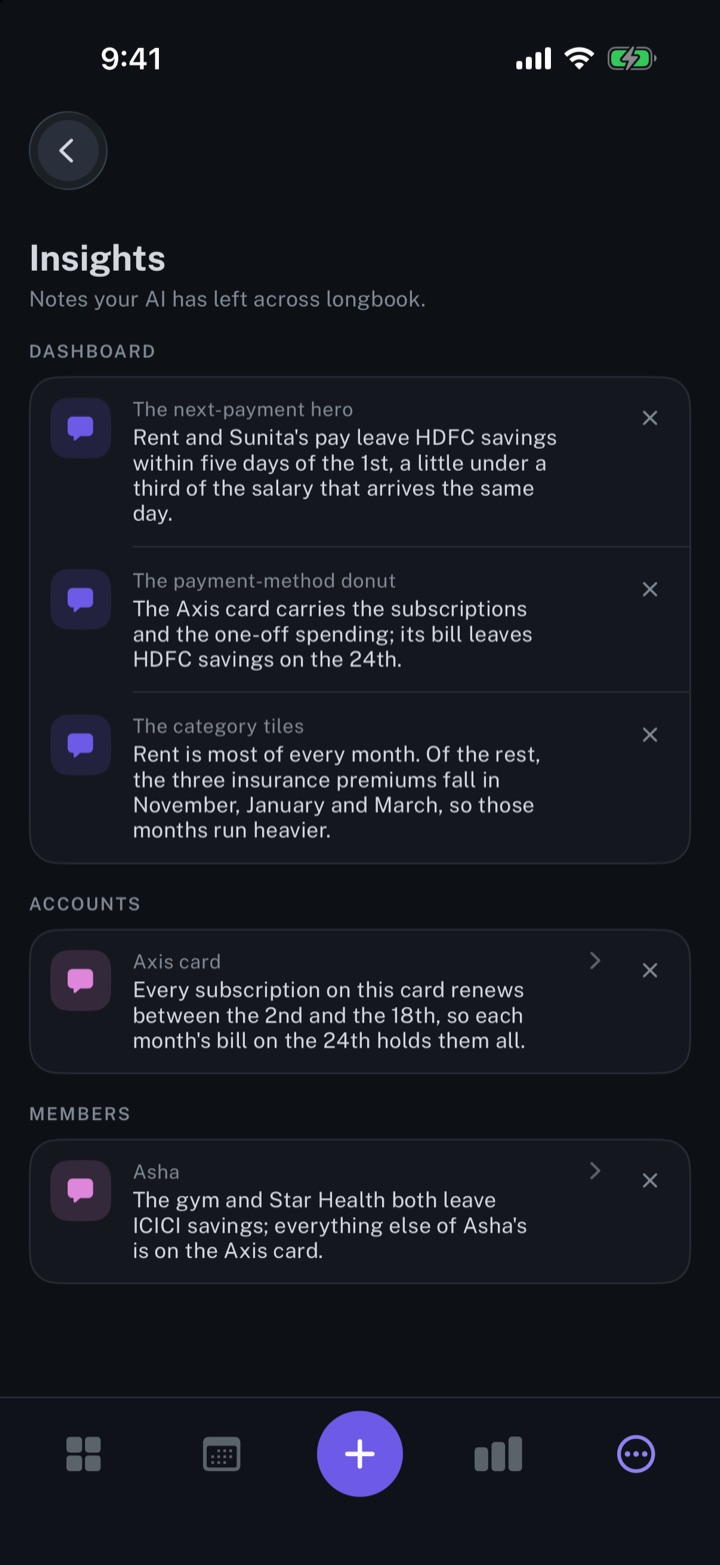
Your AI reads your longbook and leaves short notes on the cards they concern. longbook shows each note beside its card and gathers them all on one screen.
longbook for iPhone and Mac
What it does
A note on the card it concerns
A note sits on a dashboard card such as NEXT COMMITMENT, TOTAL EXPENSES or CATEGORIES, or on the card of one account or one member. A speech-bubble mark beside the card's title opens it.
Every note in one place
Insights lists every note by area. A note on an account or a member opens the Accounts or Members screen. The cross beside a note removes every note left for that card.
Notes from your AI alone
longbook never writes a note itself. Notes are kept in a file named insights.json in your longbook folder, and each card shows the latest note left for it.
Why it exists
A total shows how much; it does not say which charge made the difference, or that a payment moved to another account. An AI that reads the whole record can say so in a sentence. longbook keeps that sentence beside the card it explains.
Questions
Does longbook generate insights itself?+
No. longbook draws the figures on each card; every note comes from an AI you connect, such as Claude or ChatGPT, through longbook's MCP server. The setup is on Automate longbook with Claude.
Do notes wait in Changes?+
No. A note changes no commitment or charge, so it goes to its card without a review. A note left through the hosted connector at longbook.app/mcp reaches its card the next time longbook is open and signed in.
What if the AI has nothing to say?+
Then no mark appears. A card shows the mark only when a note exists for it.
Related features
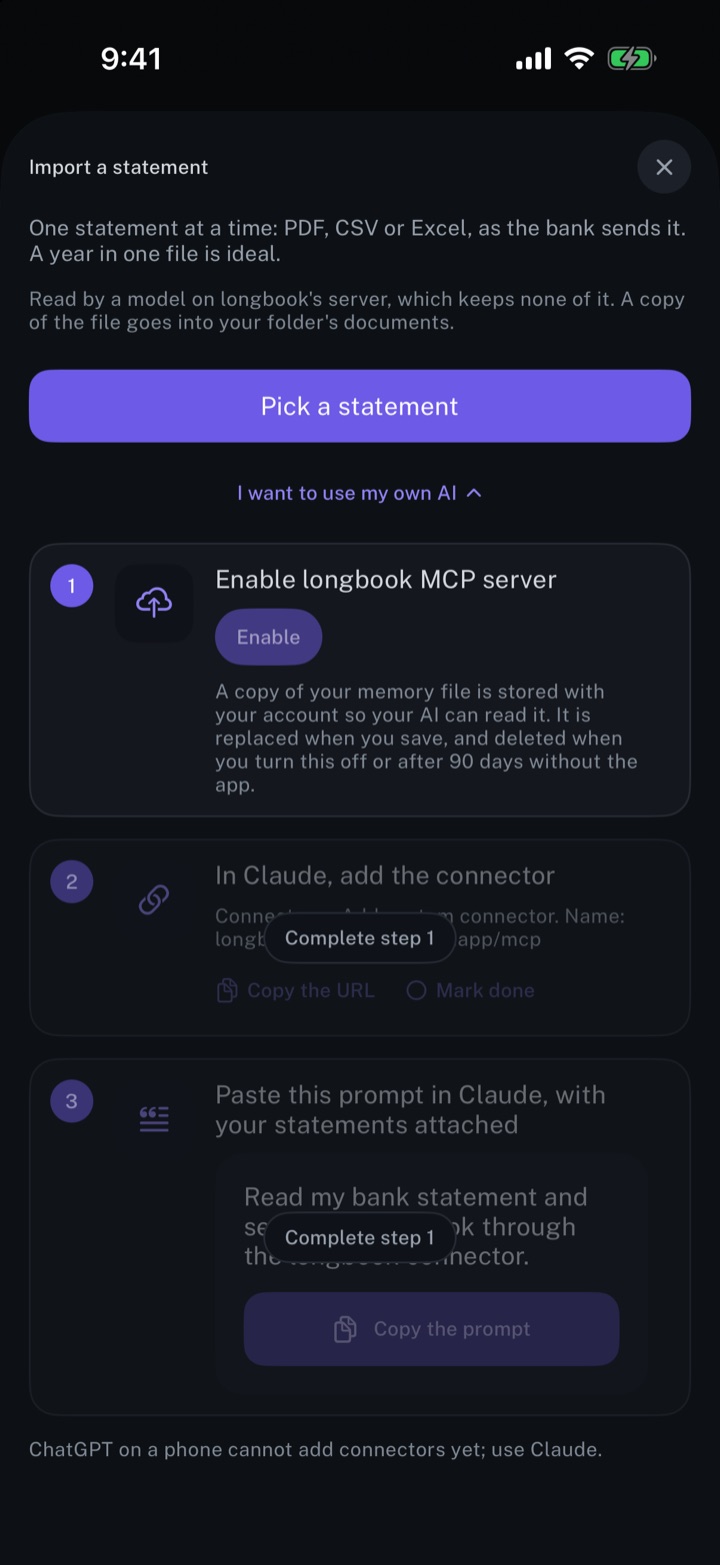
Automate longbook with Claude
Claude reads your longbook and keeps it up to date through longbook's MCP server.
iPhone and Mac
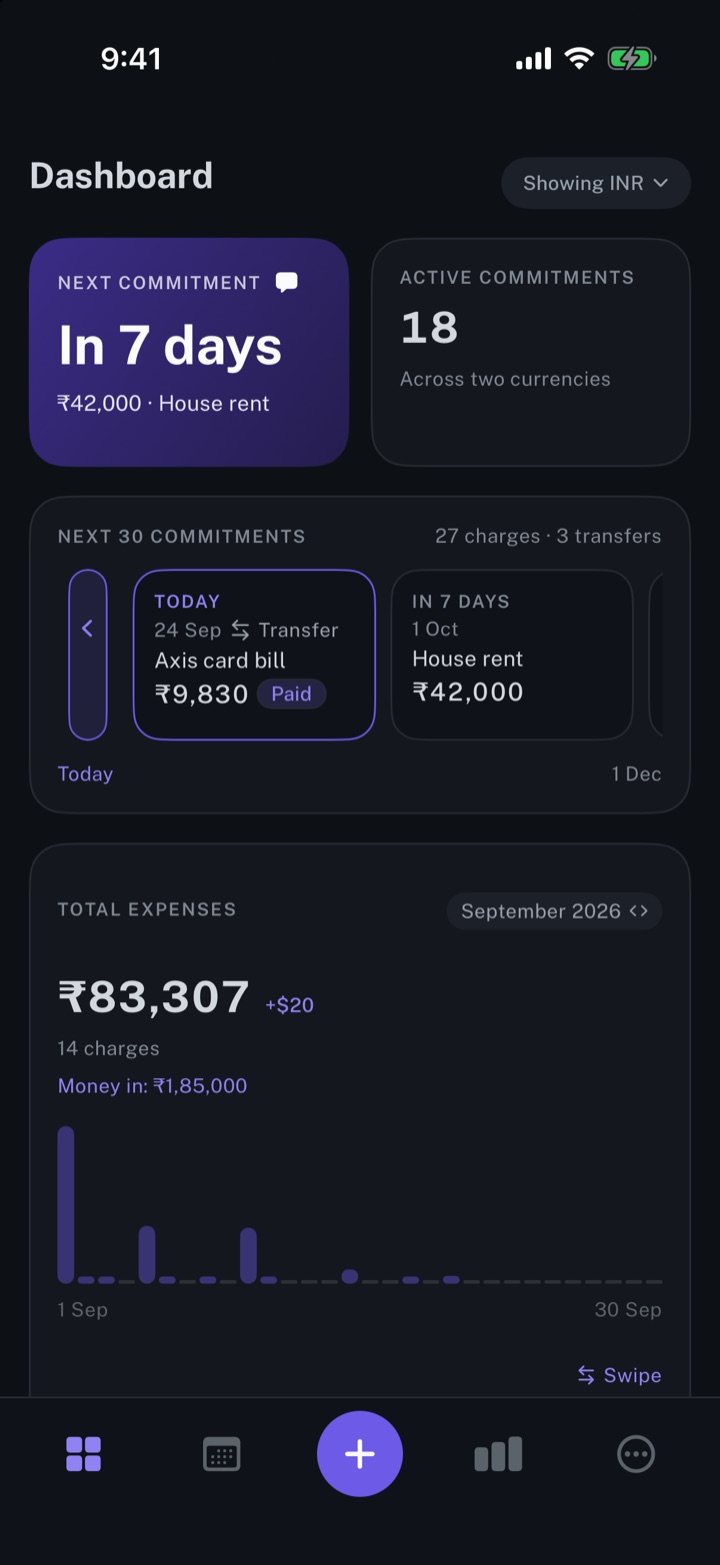
Get spending insights
The next payment, the month's total expenses, and the split by account and by category.
iPhone and Mac
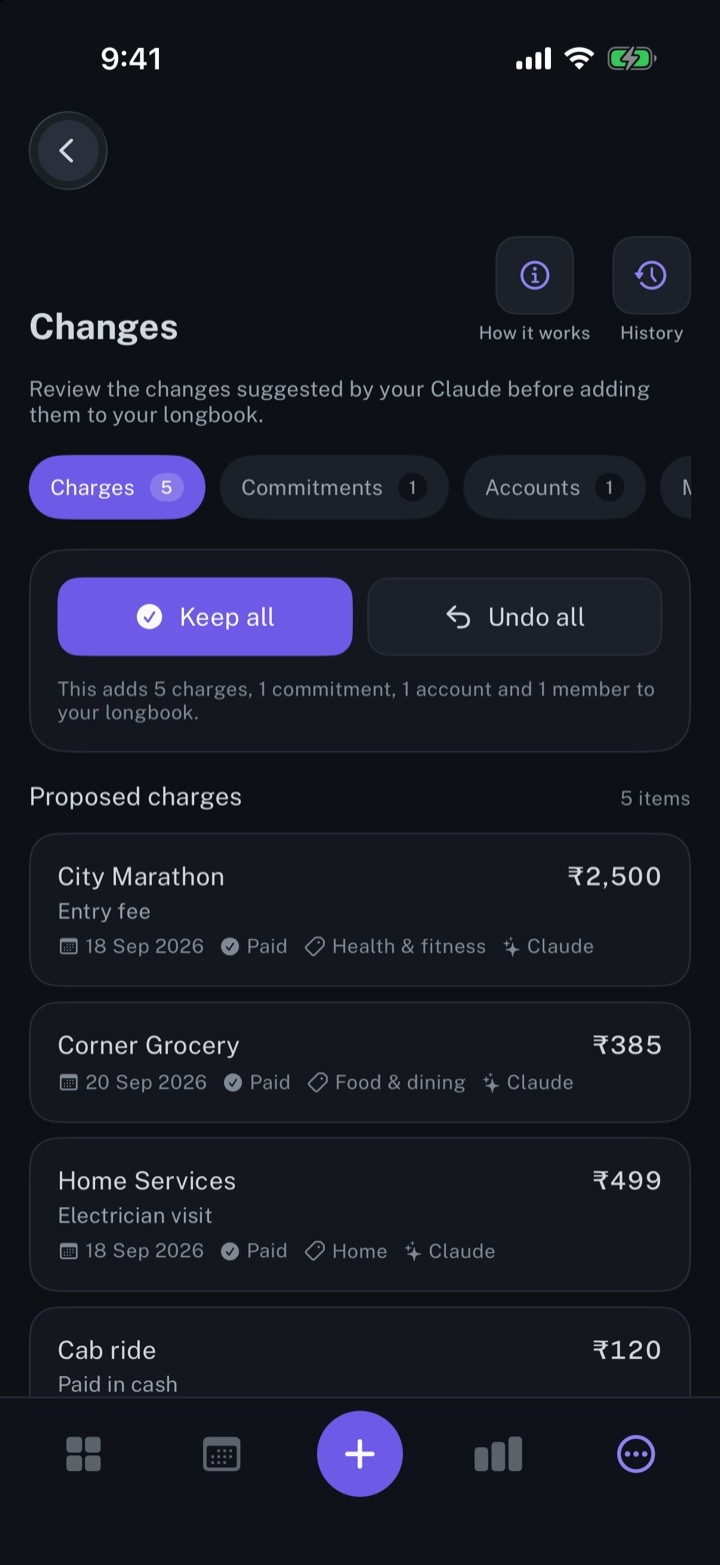
Review every change your AI makes
Every row your AI, Siri or an import writes shows in Changes, to keep, edit or undo.
iPhone and Mac
About longbook
longbook is a memory for your financial commitments: subscriptions, insurance, rent, loans and every other payment that comes back. It runs on iPhone and Mac and keeps its records as plain files in your own iCloud.
The next payment stays in view on the iPhone widget and in the Mac menu bar. Your AI can read your longbook and update it through longbook's MCP server, and every change it makes shows in Changes, to keep or undo.