
Using cookieless analytics for personal finance applications
A money app holds some of the most private records a person has, and you still need to know which features get used and where the app breaks. This is how longbook measures its website and apps with no cookie, no account and no profile of anyone, step by step, and what that costs us.
Feeling lazy to read? Ask your AI to summarise.
Read https://longbook.app/blog/using-cookieless-analytics-for-personal-finance-applications.md and summarise it for me in 5 bullet points.longbook keeps your recurring payments in a folder you own. That makes it the wrong product to learn from by watching people. We still need to know which screens are used, where the app fails and whether the website gets read. Without that, we are guessing what to fix.
So we measure under one rule: counts and fixed words only. Nothing that identifies a person, and nothing from inside a longbook. This post is how we do it, in the order we would do it again, so you can do the same in your own app. The rules differ by country and we are not lawyers, so check yours.
Step 1: Decide the words an event may use
Write the vocabulary before you write the first event. An event may carry a count or a word from a fixed list. It never carries free text.
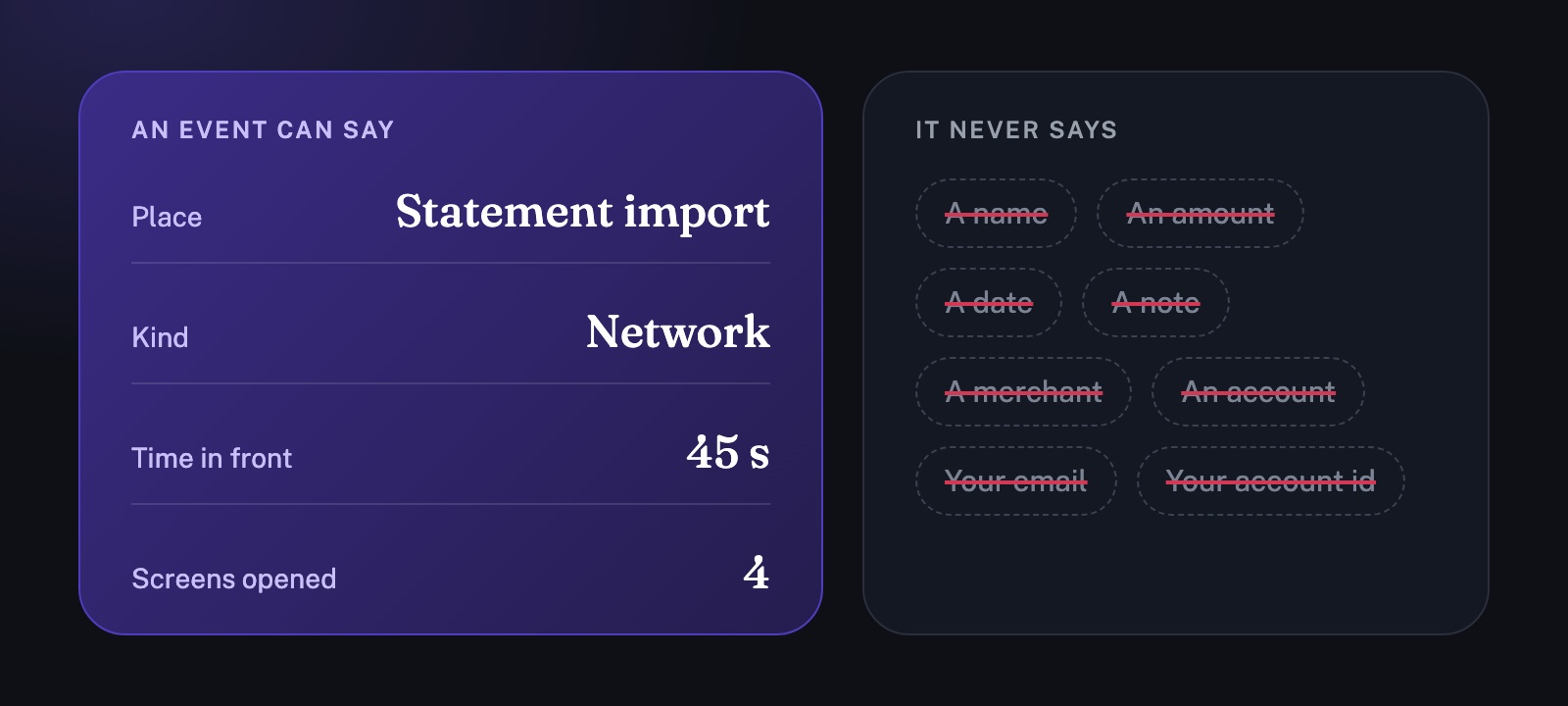
In a finance app, free text is where the danger is. An error message can hold a file path, a merchant or an amount. So our error event carries two words and nothing else: where it happened, and what kind of failure it was.
- Place: statement import, hosted copy, report share, purchase, sign-in, file open or file save.
- Kind: network, file access, file format, App Store, sign-in or unknown.
If something fails in a way the lists do not cover, the event says unknown. We would rather lose detail than send a sentence the app wrote itself. Durations get the same treatment: time in the app is rounded to the nearest 5 seconds.
Two things never travel at all. The first is anything from inside your longbook: a name, an amount, a date, a note, a merchant or an account. The second is who you are: your email address or your account id.
Step 2: On the website, set no cookie and store nothing
Cookieless mode counts visitors without storing anything on their device. longbook.app uses PostHog's.
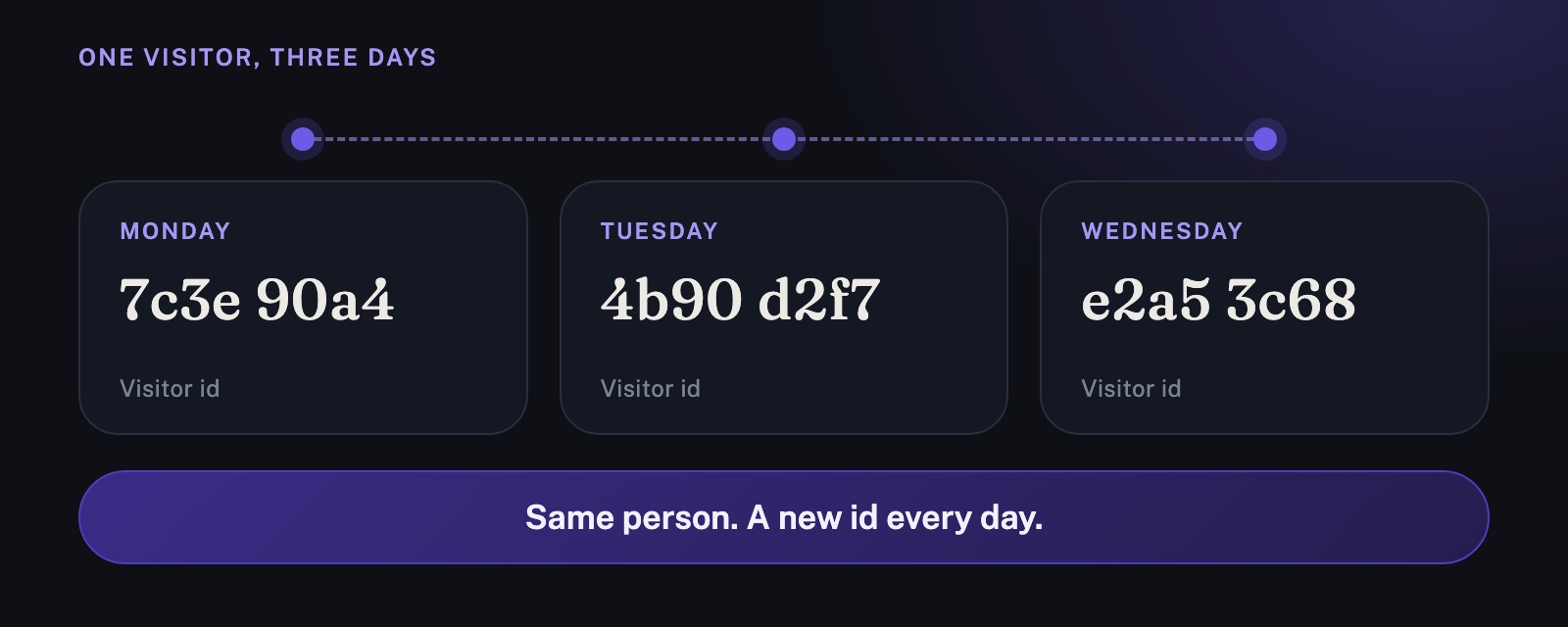
- It builds a visitor id by hashing the visitor's IP address and browser details with a salt that changes every day.
- It then discards the IP address, so it is never stored with the visit.
- Tomorrow, the same person gets a different id.
On each page we record the page and the website that sent the visitor, the links, buttons and questions clicked by their label, and the section headings scrolled to. When the page is left, we record how long it was open, how far down it was scrolled and how fast it loaded. A download button is recorded with whether it was for Mac or iPhone, and errors from our own scripts are recorded too.
Nothing a visitor types is recorded. Addresses lose their query strings. Four campaign tags (utm_source, utm_medium, utm_campaign and utm_content) are kept only when the value is a plain label, so we can tell which post sent someone. Search keywords and ad click ids are dropped. Autocapture, session replay, surveys and feature flags are off.
Give visitors a way out. A browser that sends Global Privacy Control or Do Not Track is not measured, and the privacy page has a switch for everyone else. Put no measurement on a page that shows someone's own data. On longbook, that is the page that shows a shared report.
What this gives you is enough to act on. In the week to 10 October, longbook.app had 176 visitors. 142 arrived with no referrer, 19 came from the Reddit app and 118 were on a phone. A referrer and a device type are what a cookieless setup gives you, and they are enough to see where a post worked. The map of where visitors are is empty, because nothing in our measurement infers a location.
Step 3: Know what cookieless costs
Cookieless mode gives up things, and it is better to know them before you read a chart.
- A person is a new visitor every day. You cannot count weekly or monthly visitors, and you cannot tell whether someone comes back.
- Two people on the same network with the same browser count as one.
- Funnels only work inside a single day.
- Session replay and surveys need browser storage, so there are none.
- You cannot take your own visits out of past numbers, because there is nothing to filter on.
The alternative is a cookie. For visitors in Europe a cookie needs a consent banner. It skews your numbers towards the people who click accept, and it breaks the sentence in your policy that says the site sets no cookies. For a finance app, we chose to accept the limits.
Step 4: Check what your host adds
Hosts and CDNs can add analytics you did not ask for. Open your page source and your network tab, list every script you did not add, and check that your policy names each one.
We found one. When longbook.app moved behind Cloudflare, Cloudflare added its own Web Analytics beacon to every page. Our policy did not mention it, and the site's own measurement switch could not turn it off. We switched it off in Cloudflare on 24 September and checked that it was gone from every page.
Also say what your CDN sees. Cloudflare receives the IP address of every request and works out the country it comes from, because that is how it delivers and protects the site. Our policy says so, and we keep that country out of our own numbers.
Step 5: In the app, send the same few counts, behind a switch
The apps follow the same rules. Each event goes to PostHog from a separate network session with no cookie jar and no cache. It is tried once and dropped if it fails, so no queue waits on the device. Builds made in Xcode send nothing.
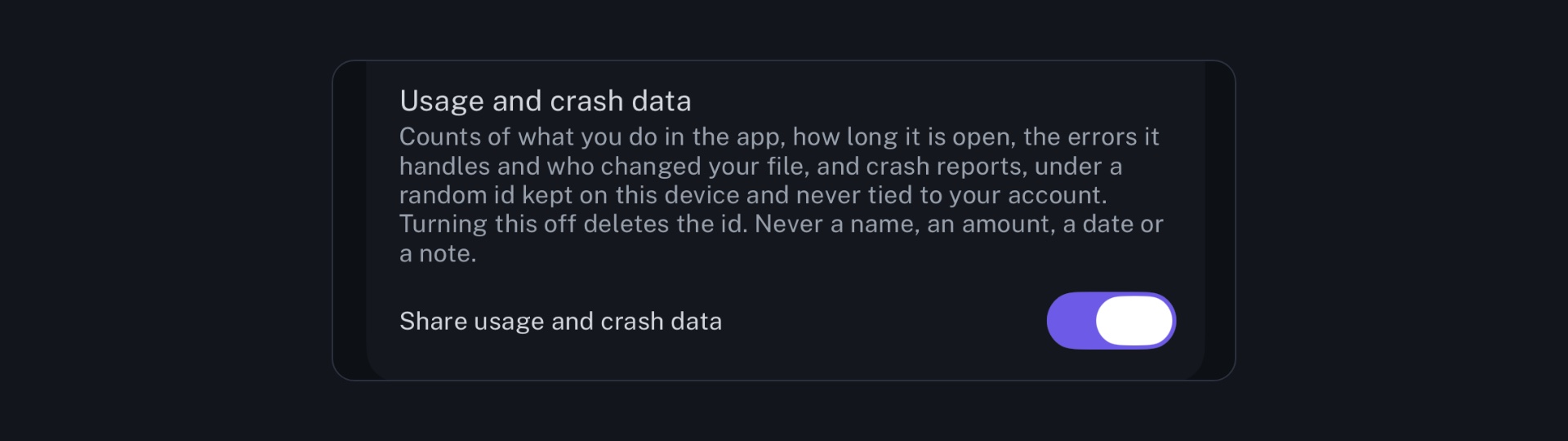
The switch is Share usage and crash data in Help & about. It is on by default, which makes it opt-out, and turning it off stops everything at once.
What the app sends:
- when it is opened: whether you are signed in, the type of device and, on iPhone and iPad, how many longbook widgets are placed
- a screen opened, by its name
- how long the app was in front, rounded to 5 seconds, and how many screens were opened
- an error, as a place and a kind from the lists in step 1
- a change to your longbook, with how many rows changed and who signed them: the app, Claude, ChatGPT, Gemini, Cursor, another assistant or no one
- a statement import ending, with whether it worked and how many charges it found
A few more are of the same kind: the steps of first-run setup, a report shared or revoked, the start of a free trial and a purchase. Each event also carries the app version, the build, the platform and the operating system version, and asks PostHog not to infer a location.
Step 6: When a daily hash is not enough, use a random id you can delete
A daily hash cannot tell you whether people come back. A person is a new user every day, so return use, and what people do before they buy, cannot be measured. Our first builds worked that way. From build 34, the apps keep one random id instead.
- It is random. The app makes it the first time an event is sent. It is not derived from your device, your Apple ID or your account, and we never use Apple's advertising or vendor identifiers.
- It stays on the device. It lives in the app's own settings. It is not stored with your account, sent to our servers or shared with the website's measurement, and it differs on each device. Deleting the app from an iPhone or iPad deletes it.
- You can reset it. Turning off Share usage and crash data deletes it. Turning it on again makes a new one, so later records cannot be connected to earlier ones.
- PostHog keeps no profile of a person from it.
- It is declared. The app's privacy manifest lists a device id used for analytics, not linked to you and not used for tracking.
That makes the counts pseudonymous: an install has a stable label, and the label points at no one. The website stays cookieless. A cookie there could not follow a visitor into the app anyway, because the App Store sits between the two.
To see where installs come from, Apple's campaign links on an App Store address let App Store Connect count installs per source in totals. Nothing is sent to you.
Step 7: Collect crash reports, and scrub them
Apple's MetricKit hands the app a report when it crashes, stops responding, makes heavy use of the processor or of disk writes, or is slow to launch. We forward each one to PostHog under the same random id.
A report holds a stack trace (program addresses and the names of libraries), the type and code of the exception, the signal, the reason the app ended, and the app version, operating system version and device model. Before it leaves, the app removes the text of any exception message, the process number and any description of memory regions, because those can carry a value from your data or a file path.
A stack trace is enough to find the code that failed. TestFlight also shows sessions, crashes and devices for each tester, and Apple makes that table, with no code from you.
Step 8: Make the policy match the code, and publish the policy first
List every event in your privacy policy. Then read the policy against the code, sentence by sentence. Publish the policy before the build that sends a new event reaches anyone.
We learned this the hard way. In August we rewrote our policy ahead of the analytics code. When we read it against the code on 31 August, eight sentences described things that did not exist: a consent step, masked session replays and hosting in the EU. The data is hosted in the United States. We rewrote the policy to say only what runs, and it now goes live before the build that depends on it.
What we would ask you to check
None of this asks you to take our word. It is written down in these places:
- The privacy policy lists every event the website and the apps send, in its sections on website usage data, application usage data and crash and diagnostic reports.
- longbook's own Help & about screen lists what leaves the device and holds the switch.
- Your longbook itself stays in your own iCloud, and none of its contents are part of any count.
If something here is wrong, or you want a step explained further, write to contact@longbook.app.